

How to learn Dive from Manaphy in Pokémon Pokopia
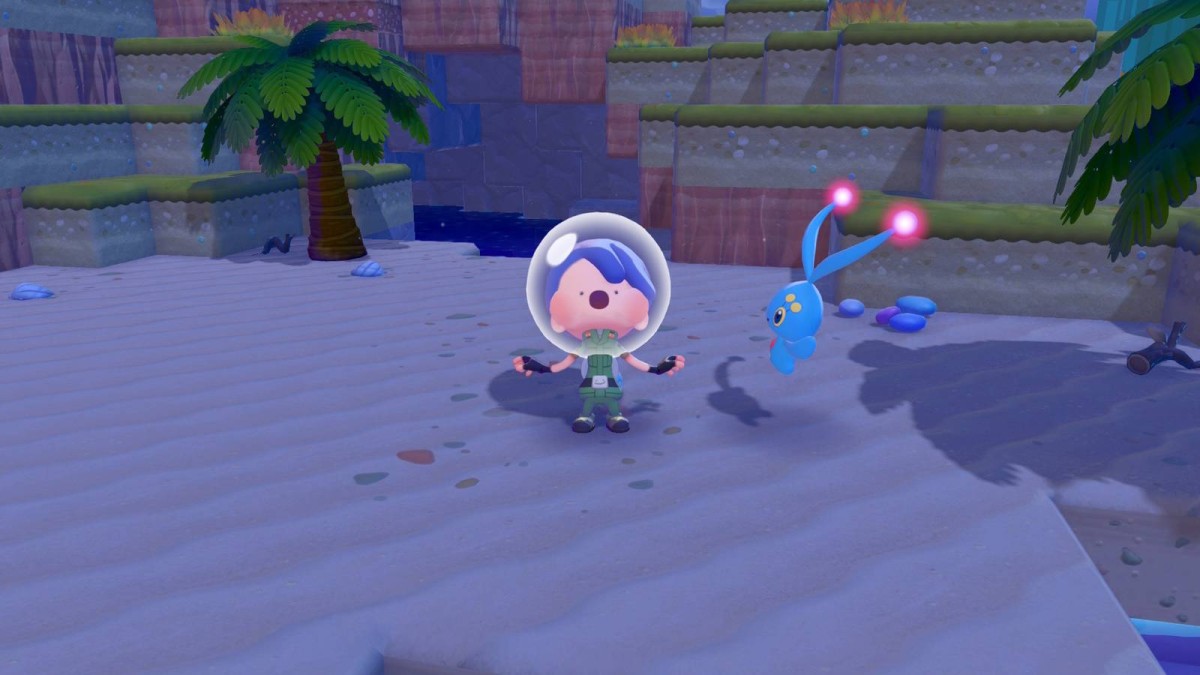
You can Dive in Pokémon Pokopia, even if you don't own the Bubbly Basin DLC. The feature was added in a free update available to everyone, which means everyone can start exploring and building underwater — once you meet the requirements. Dive becomes available after you complete a couple of specific quests in Pokopia, and you have to learn a different move first.
Below, we explain how to Dive in Pokémon Pokopia.
How to unlock Dive in Pokémon Pokopia
 Image: Koei Tecmo, Game Freak/Nintendo, The Pokémon Company via Polygon
Manaphy, also added in the free update, will teach you how to Dive. However, you need to complete a few steps first. You must:
- Learn Surf from Lapras
- Complete the "Raise the Environment Level" request in Bleak Beach
If you need more help with completing these requirements, we detail how to do so in sections below.
Where to find Manaphy in Pokémon Pokopia
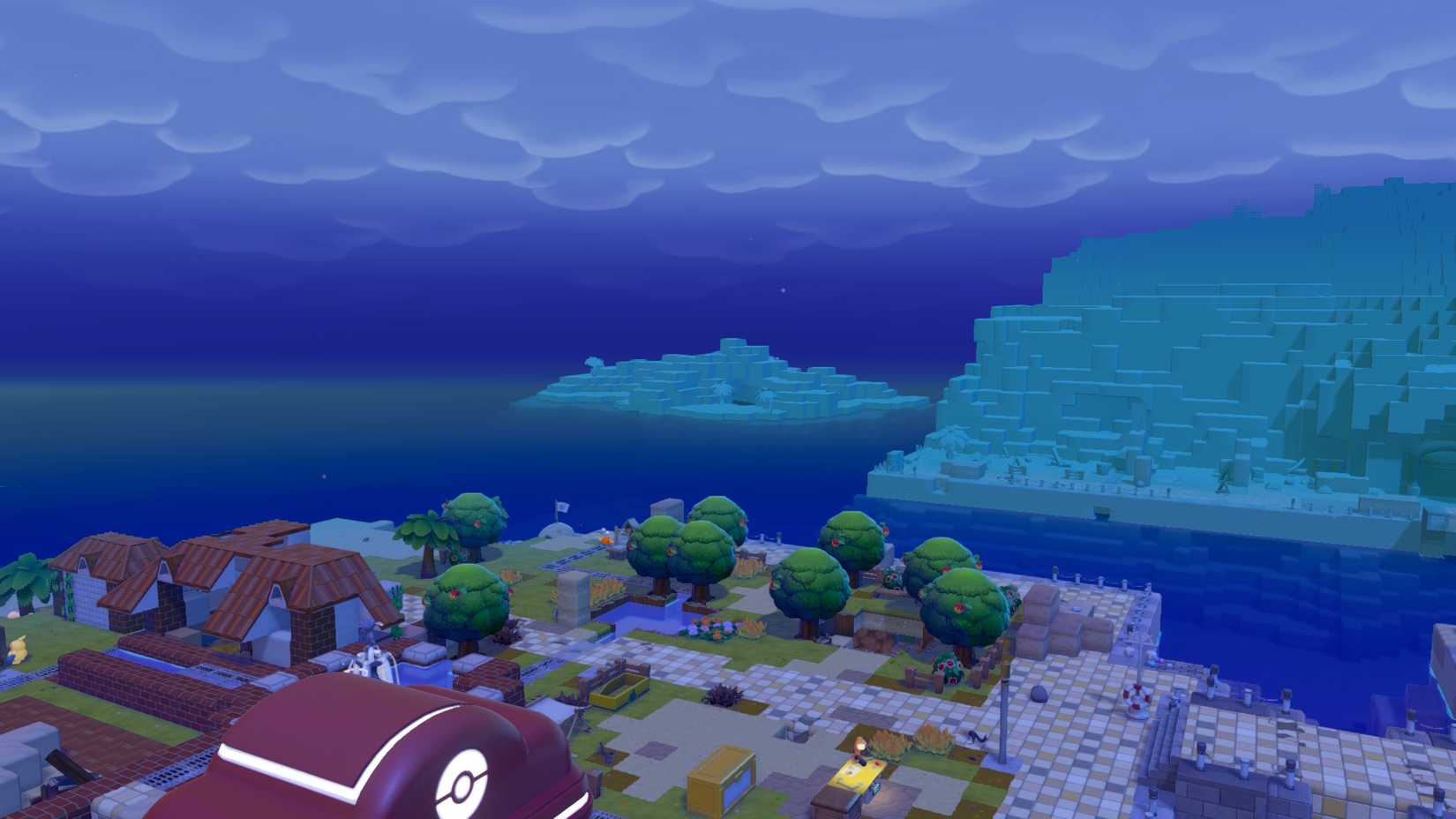 Image: Koei Tecmo, Game Freak/Nintendo, The Pokémon Company via Polygon
After you hit Environment Level 5 in Bleak Beach and download Pokopia's 2.0 update, return to Bleak Beach's Pokémon Center. Professor Tangrowth will have a speech bubble above their head. When you talk to them, they point out a new island that seemingly appeared from nowhere in the northwest corner of the region's map, near the Sparkling Skylands gate.
Hop in the water and Surf to the island using your Lapras form. You'll find Manaphy, immobile from hunger. Speak with them, and they'll ask you to bring them five bundles of seaweed. If you don't have any already, there are several clumps of the stuff scattered around the island. After you bring the seaweed back, Manaphy will teach you to Dive.
Ditto will automatically use Dive when submerged in water that reaches over their head, and it costs no PP.
How to make Lapras' habitat in Bleak Beach
Getting Lapras to appear also involves a bit of extra work. While you're getting Bleak Beach cleaned and lit, Piplup will pop up with some requests. Complete those, and eventually, they'll have an orange text bubble over their head with the words "Let's swim together." Chat with Piplup, and you'll get a hint about how to make a Lapras habitat. It requires:
- One large palm tree
- Four hedges of any variety
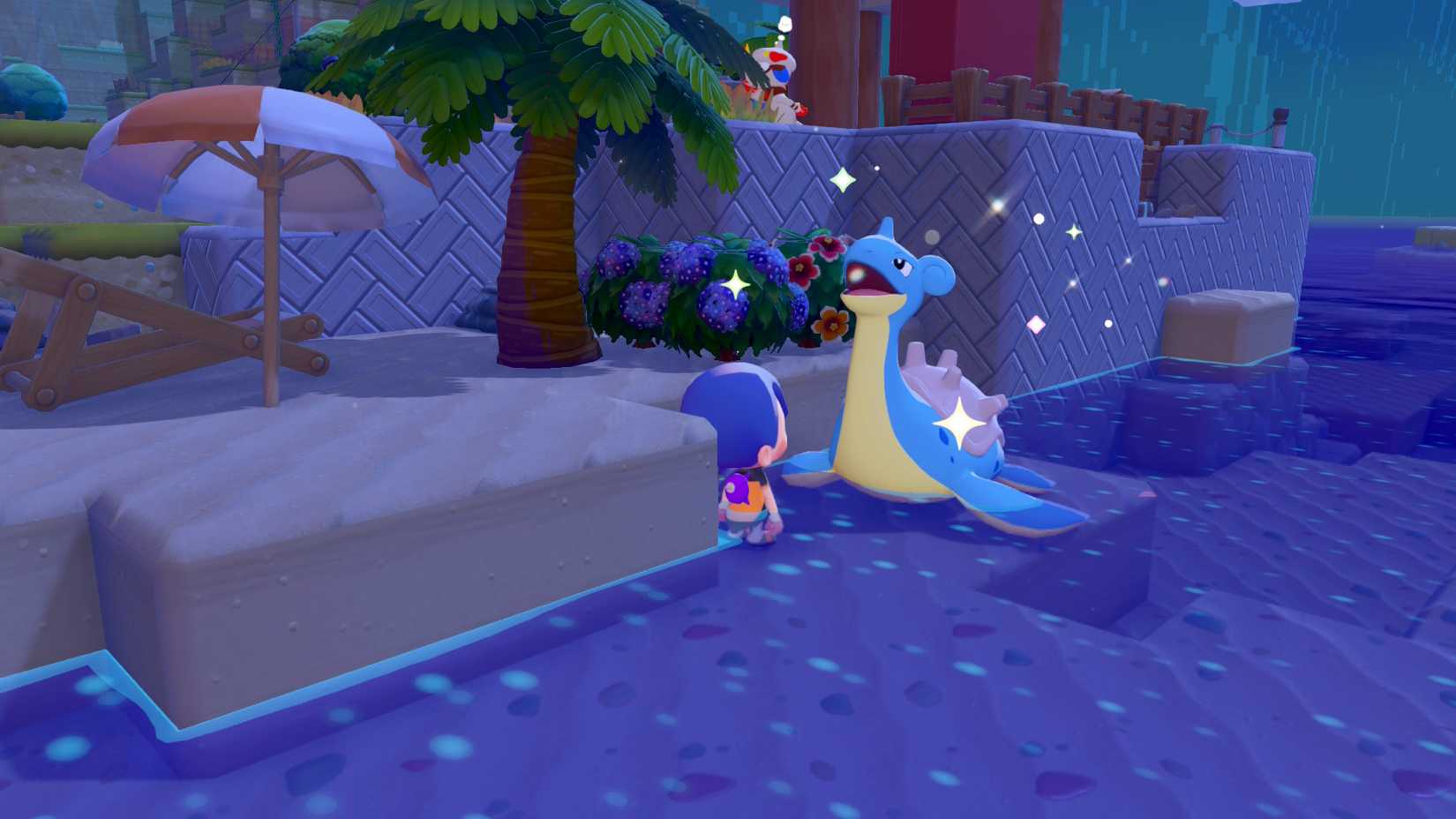 Image: Koei Tecmo, Game Freak/Nintendo, The Pokémon Company via Polygon
Put these next to two ocean squares, and make sure they're touching the water. If they're elevated, the game won't consider it a proper Lapras habitat. The tree is a bit tricky as well. You can't plant large palm trees or move them, so you'll have to rely on what's already present. There's a handy spot near the hut where you find Smeargle, though, and you can make the habitat there without having to alter the landscape.
Wait for Lapras to appear once all that's done. After they show up, they ask you and Piplup to clean muddy spots around Bleak Beach. Scrub 80 mud spots, return to Lapras, and they'll teach you how to Surf. Any mud spots you've cleaned before Lapras arrived count toward this total.
How to raise the Environment Level in Bleak Beach
Professor Tangrowth asks you to spruce things up to at least Environment Level 5 after you complete the "Brighten Things Up" quest and the professor returns to their spot outside the Pokémon Center. The easiest way to raise the level is making sure each Pokémon has a home that suits their needs. Bleak Beach's residents are divided between those that like light and those who need shade, and providing those basics (like making a cave for Zubat) goes a long way toward boosting the local level. If you have most of your Pokémon living at "nice" status, with a few above that and no more than two Pokémon without habitats, you're in good shape. Don't forget that decorating your Ditto house in the region counts toward raising the Environment Level, too.
What's Your Reaction?
 Like
0
Like
0
 Dislike
0
Dislike
0
 Love
0
Love
0
 Funny
0
Funny
0
 Wow
0
Wow
0
 Sad
0
Sad
0
 Angry
0
Angry
0










Comments (0)