

I'm a pro photographer, and the best photo I took this month was shot on my Google Pixel 8 Pro, using a feature iPhone owners would give their right arm for
 (Image credit: Tim Coleman)
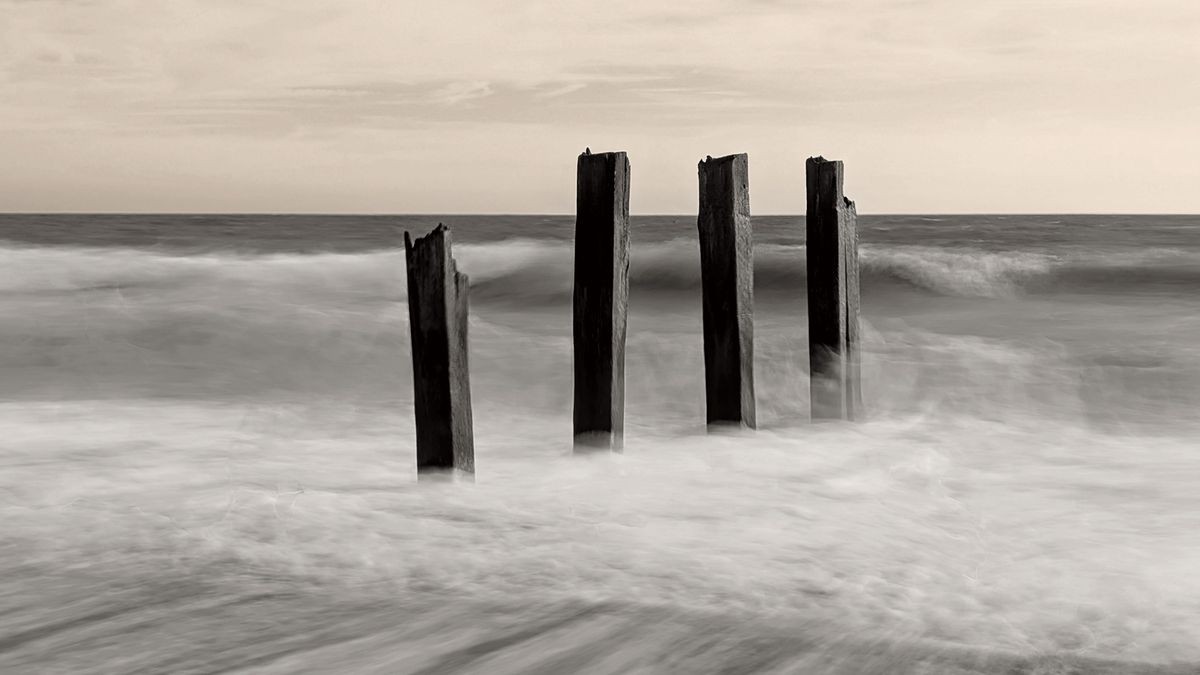
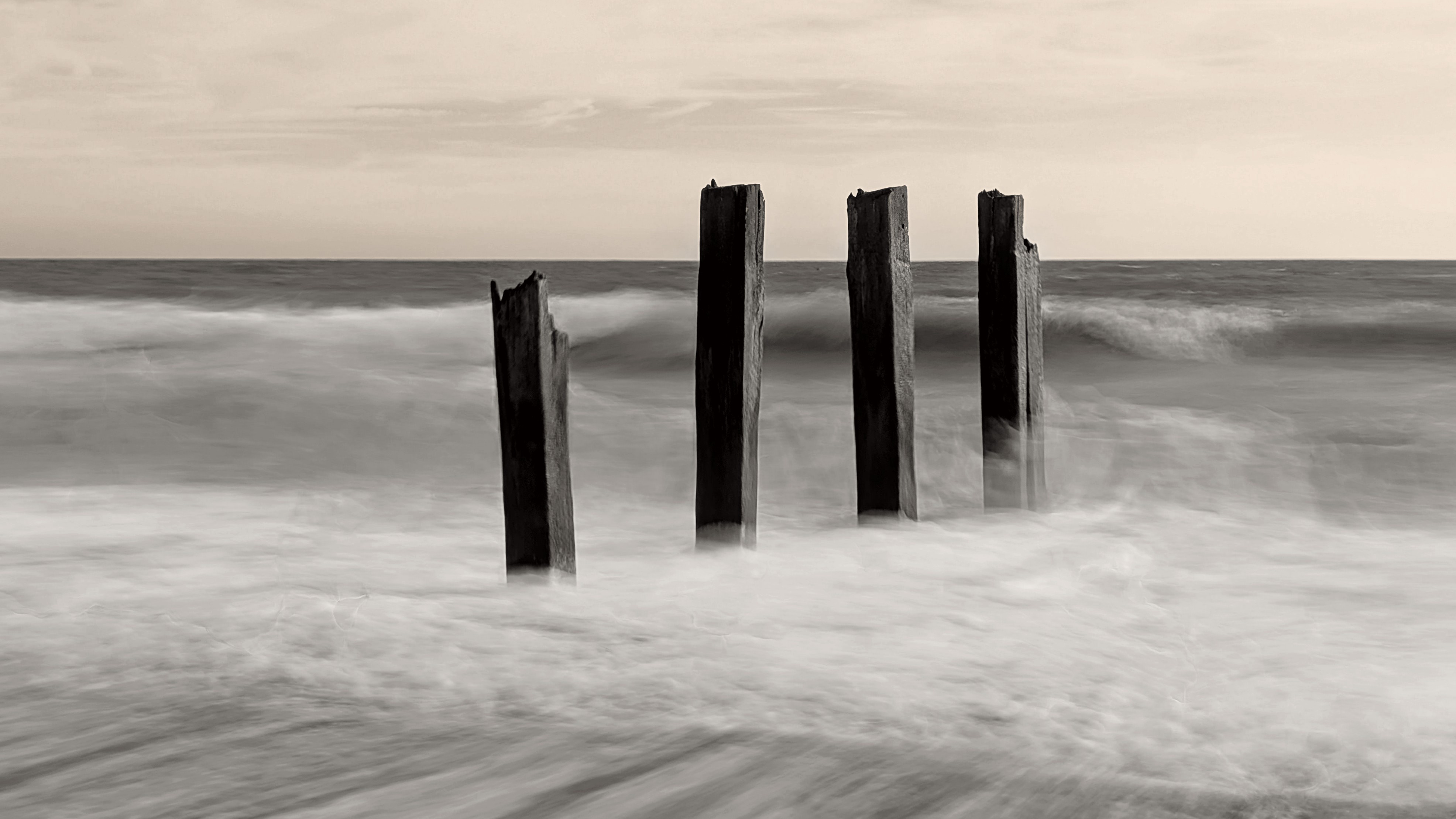
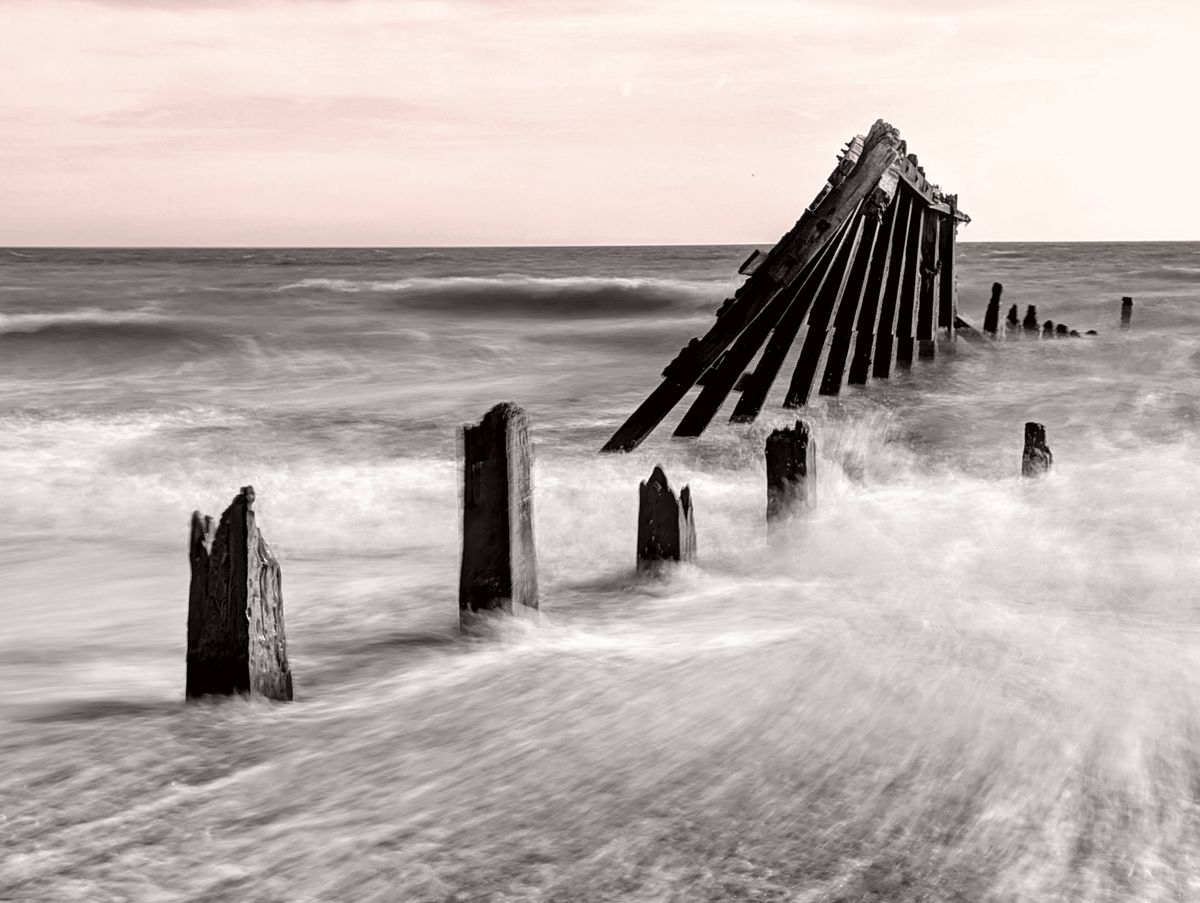
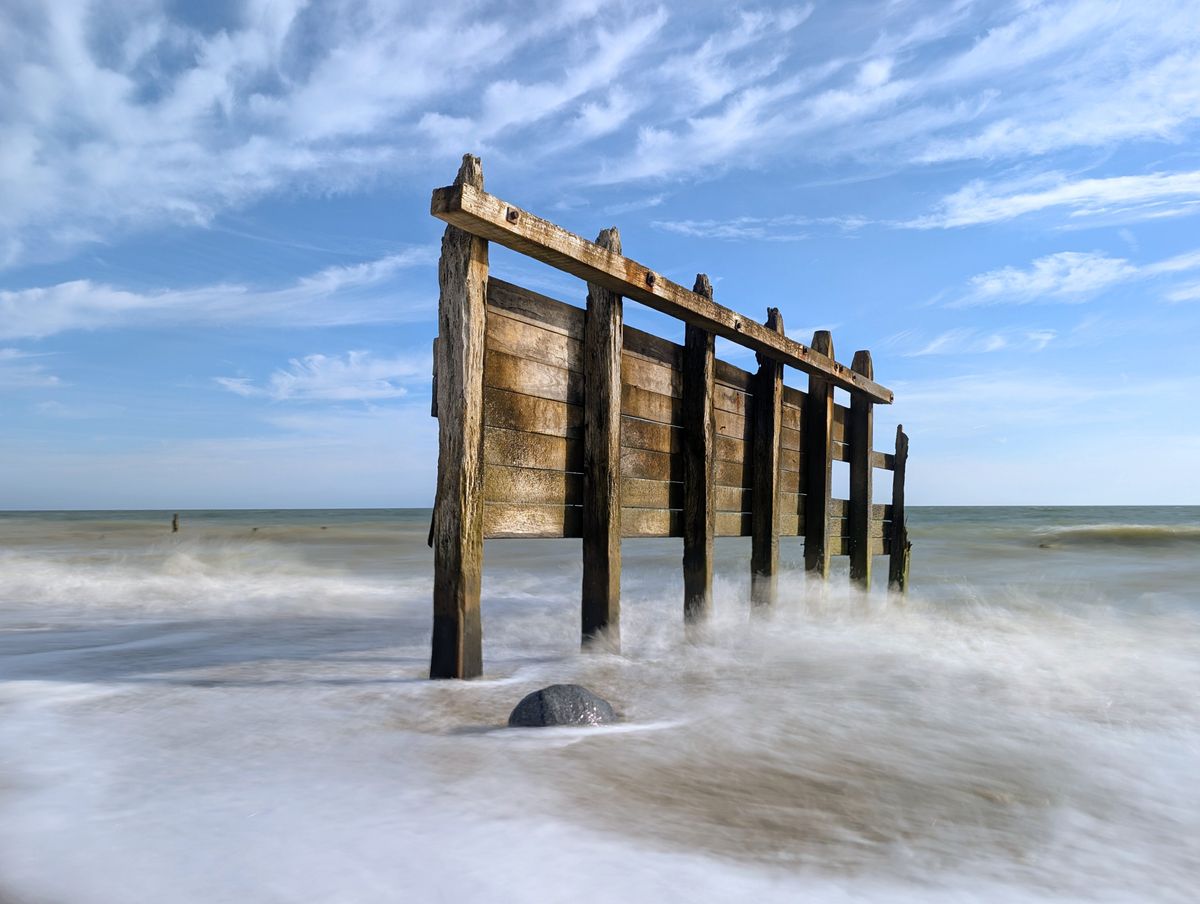
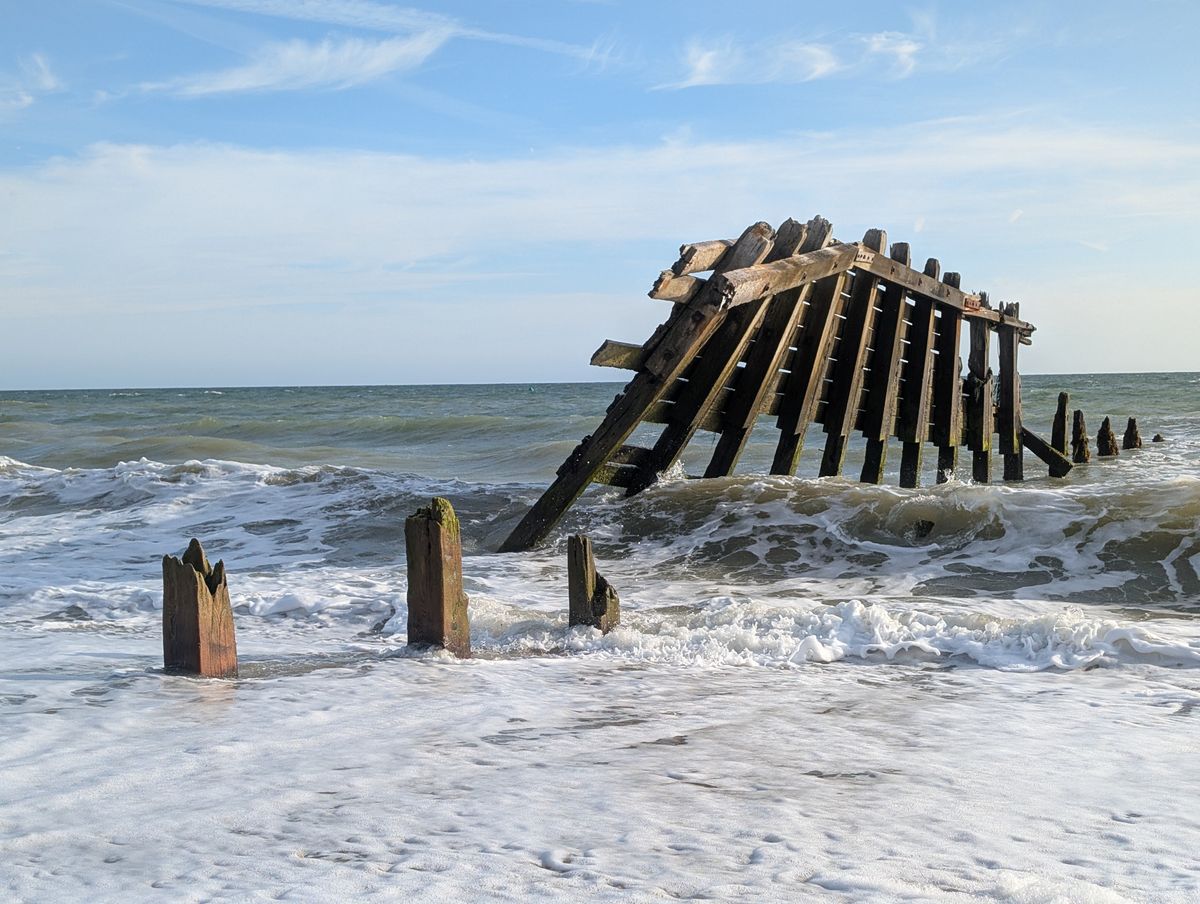
As TechRadar's Cameras Editor and a professional photographer, I regularly have my hands on top-rated camera gear. However, my absolute favorite photo that I took this month was casually snapped with my Google Pixel 8 Pro smartphone.
I used my Pixel's dedicated Long Exposure photography mode, which, unlike the latest iPhones, has its own space in the camera app and makes what is otherwise a fairly complicated technique with my pro mirrorless camera really quite simple.
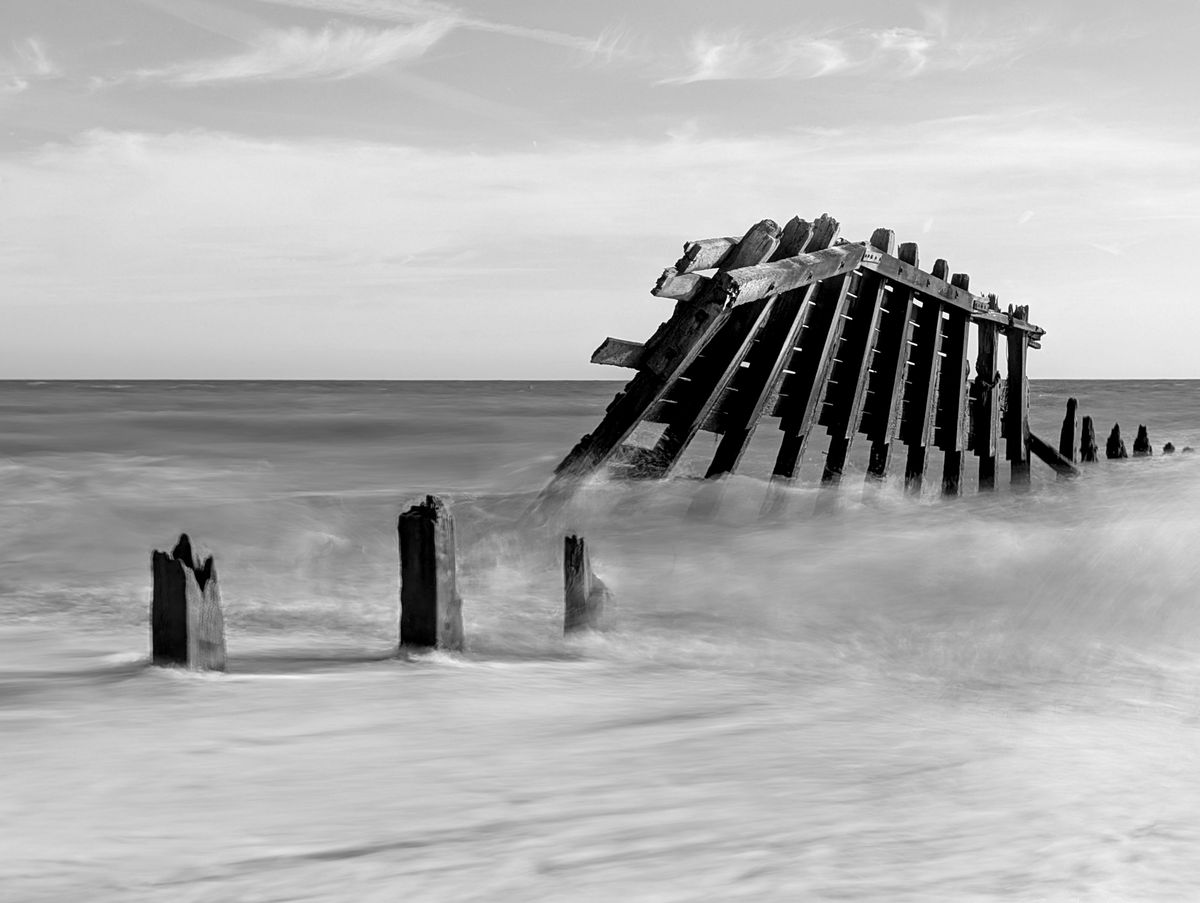
Is my photo technically perfect? No. I took it and several similar shots handheld while taking a walk on a beach with a friend. If you look closely at the fine detail, it's a little blurry in parts. To really get the best out of this mode, a tripod support or firm surface would have yielded technically better results, but it really wasn't the moment for serious gear.
And considering these images were made with my phone, handheld, the results really are something. I'm not surprised, mind you — the Long Exposure mode was made available to Pixel phones a few years ago, and I have regularly been using it ever since.
If you use a Pixel phone, it's a mode well worth playing around with — you might just bag a frame-worthy shot. And if you shoot with an iPhone, I'll quickly explain how to get this effect in the camera app.
Image 1 of 4
Long exposure, explained
There's very little to run through with the Google Pixel's Long Exposure mode. It has its own place in the camera app, and you simply try to keep the camera as steady as possible during capture, much like you would with the Night Sight mode.
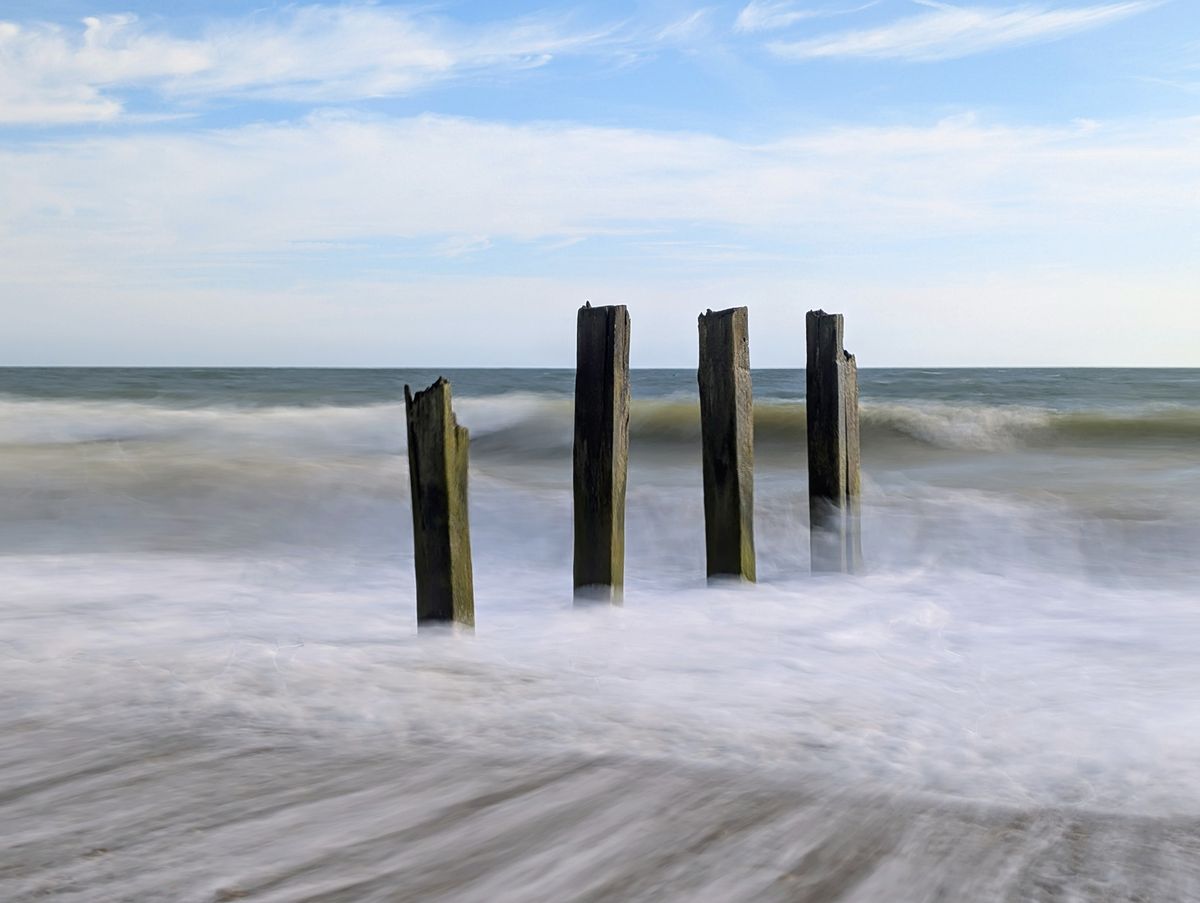
Long Exposure blurs movement, while keeping stationary subjects in sharp focus. It works particularly well for blurring fast movement, say, of moving water or traffic light trails at night, but a Pixel is less suitable for truly long exposure photography — of moving clouds, for instance — because there's a limit on the time of exposure.
Sign up for breaking news, reviews, opinion, top tech deals, and more.
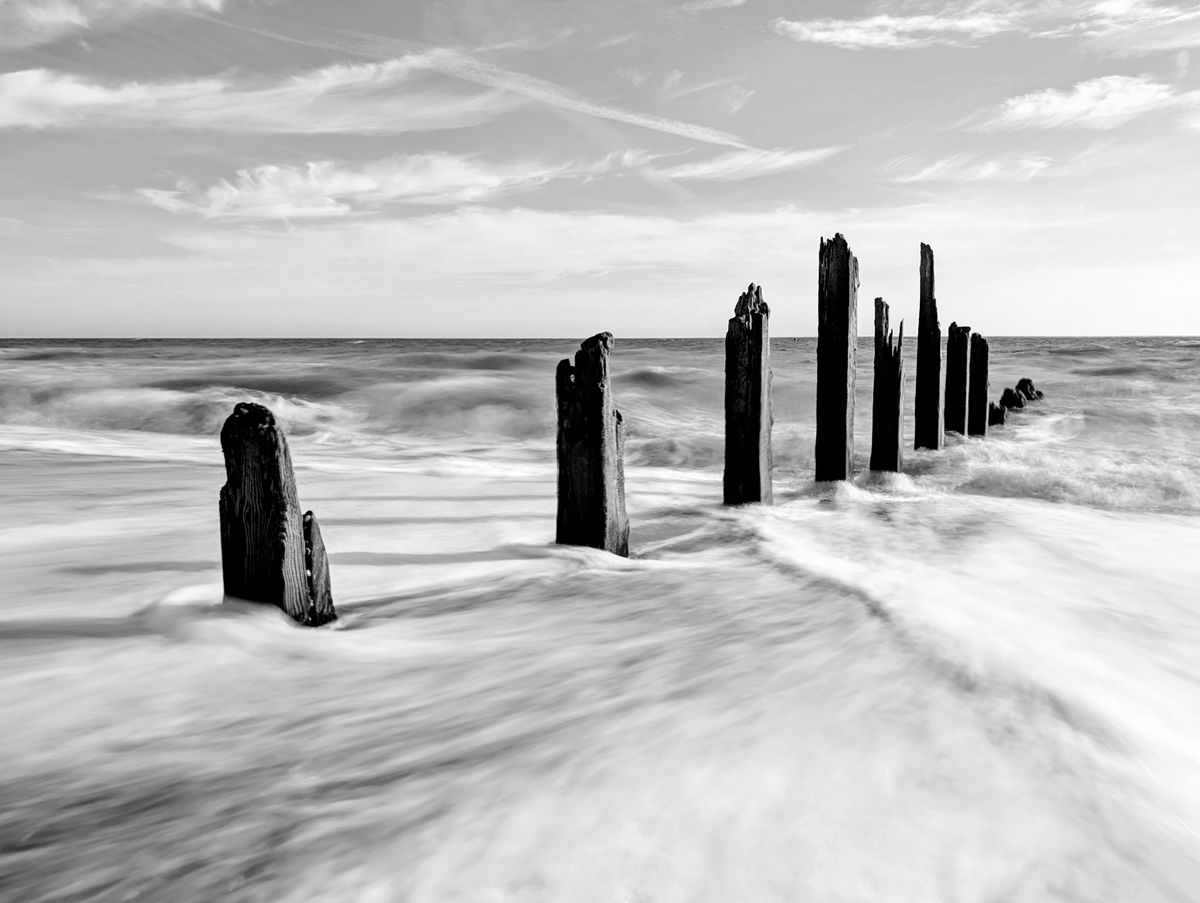
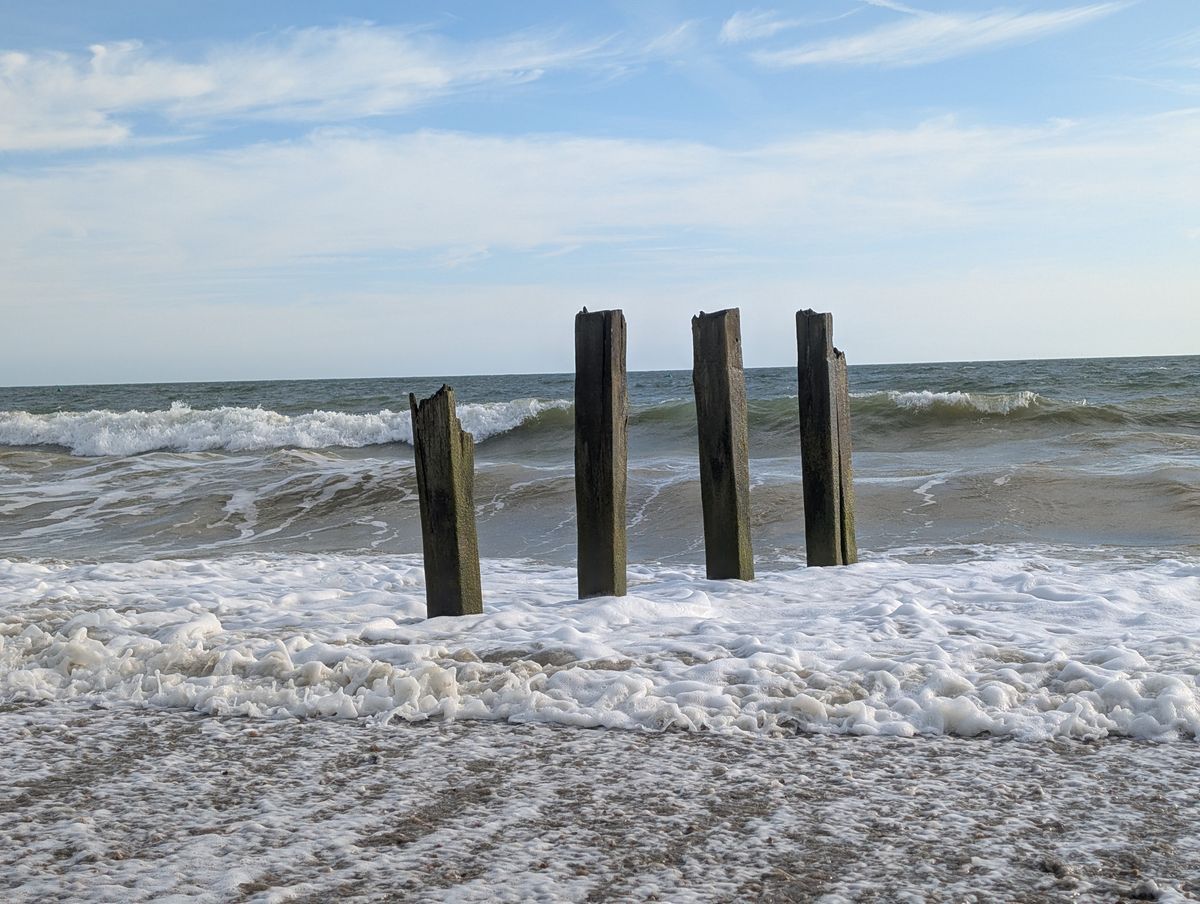
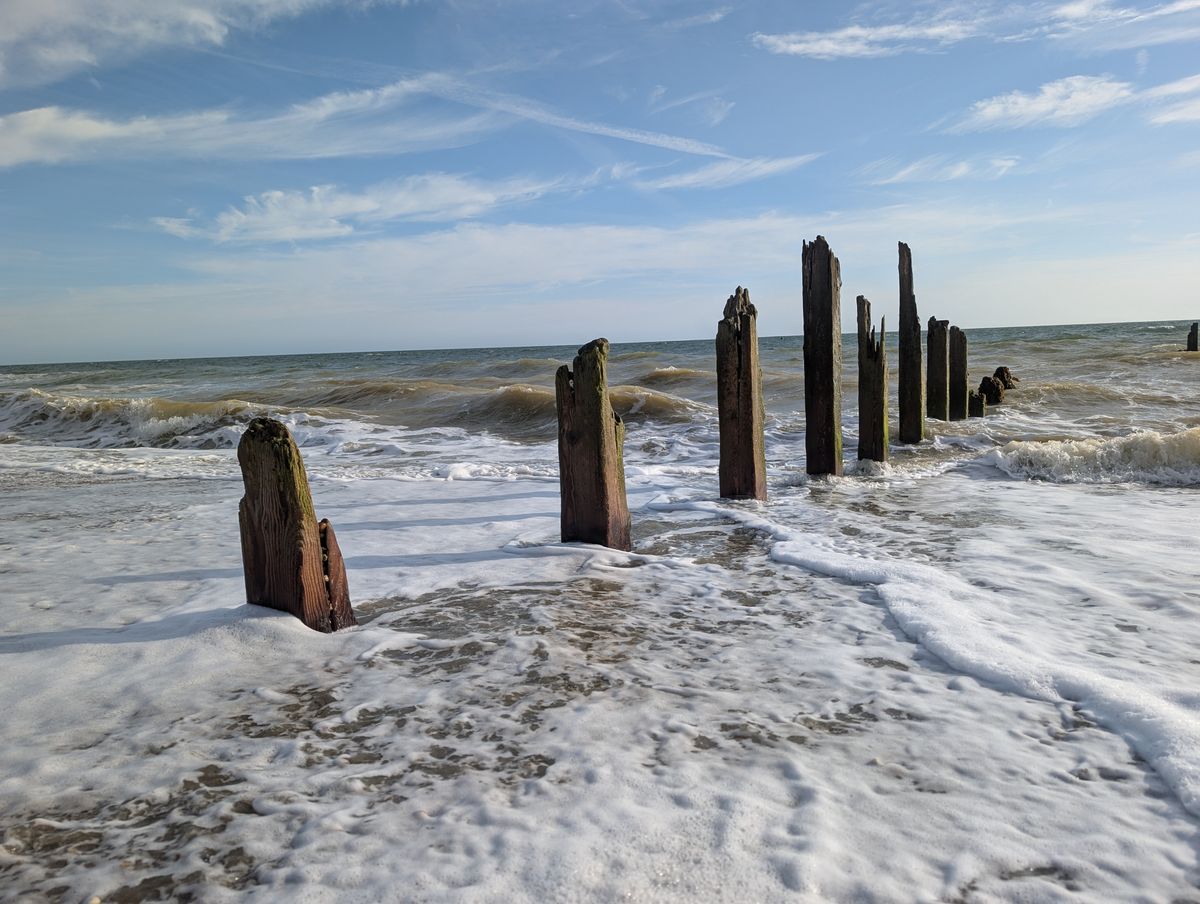
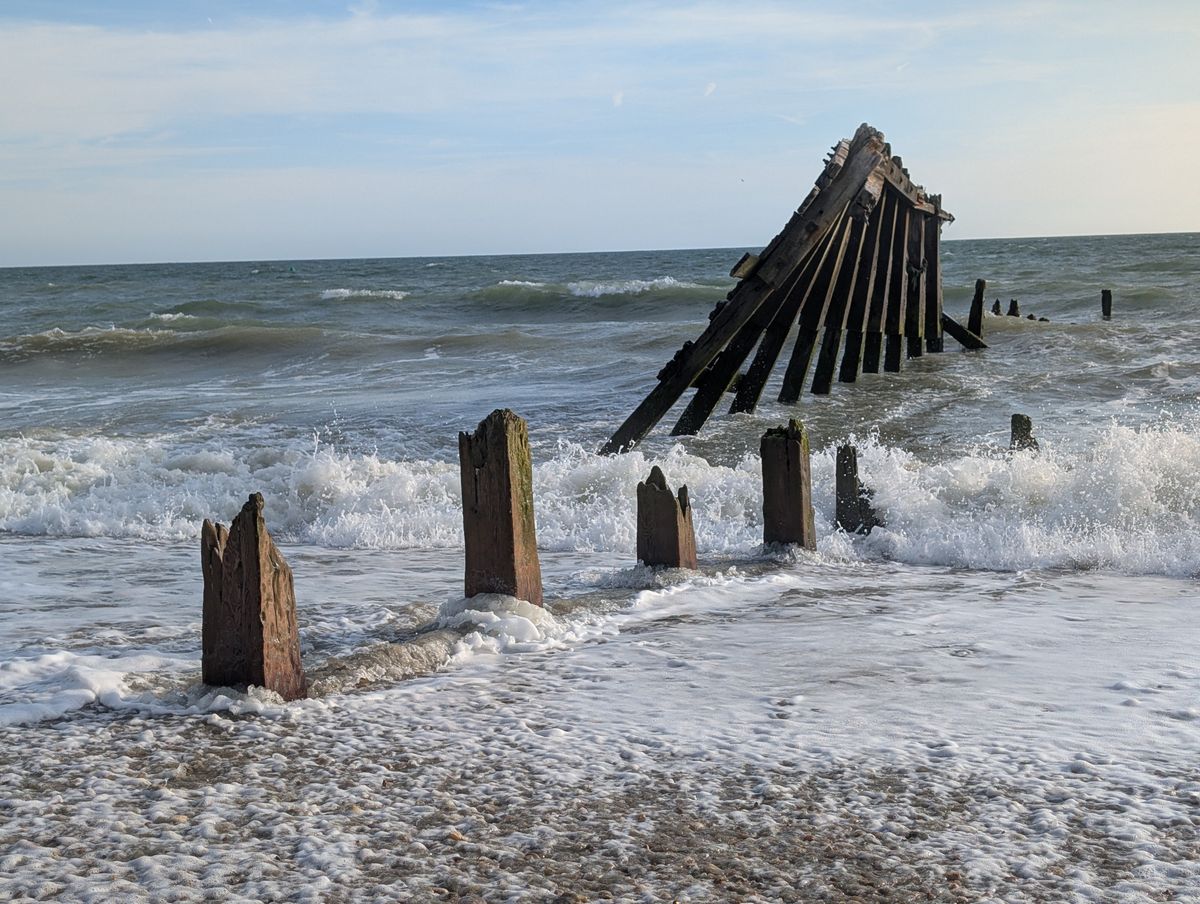
Once you've taken a photo using the Long Exposure, the image appears in your gallery alongside the standard photo without the effect applied (see below). For some of the photos in this article, I've taken them into the editor and played around with the exposure and color settings — I think the black and white edit looks particularly striking — and made other edits such as straightening the horizon.
Image 1 of 8
If you shoot with an iPhone, it is possible to get the same effect, but not through a dedicated mode like Pixel has — instead, it's buried in the Live Photo interface (or you can try the Spectre app). At night, iPhone also has Night Mode Max for long exposure astro shots.
For daytime long exposures, you'll need to enable the Live Photo mode (which effectively takes a three-second video and selects the best frame for your gallery). Next, hit the Live button in the top left of your photo in the gallery, select Long Exposure, and your iPhone will produce a long exposure shot from the frames in that Live Photo sequence. This handy YouTube Shorts explainer takes you through the process.
The same advice for technique applies — keep the camera steady. However, we've played around with the iPhone's Long Exposure editor in the TechRadar office, and it's not quite as effective as the Pixel's.
Hopefully, one day we'll see Apple release a dedicated mode for this shooting style, because iPhone users are missing out — it really is the kind of effect that can bag you framable shots.
Have you tried long exposure photography with your Pixel, iPhone, or other camera gear? Do share your experiences in the comments below.

Follow TechRadar on Google News and add us as a preferred source to get our expert news, reviews, and opinion in your feeds.
Tim joined the TechRadar team as Cameras Editor in 2023 and has enjoyed more than 15 years as a tech journalist specializing in camera gear. He's previously worked at Amateur Photographer, for a photo accessory manufacturer and as a freelance photographer and video producer, with clients including Studio 44 and Canon. He also started a media team in Nairobi, Kenya, where he lived for a few years volunteering for a faith-based organisation. Tim is married, father of three children, and loves being active, primarily running since hanging up his football boots.
What's Your Reaction?
 Like
0
Like
0
 Dislike
0
Dislike
0
 Love
0
Love
0
 Funny
0
Funny
0
 Wow
0
Wow
0
 Sad
0
Sad
0
 Angry
0
Angry
0










Comments (0)