

Ocypus Sigma L36 Pro Review: How is this LCD AIO so cheap?
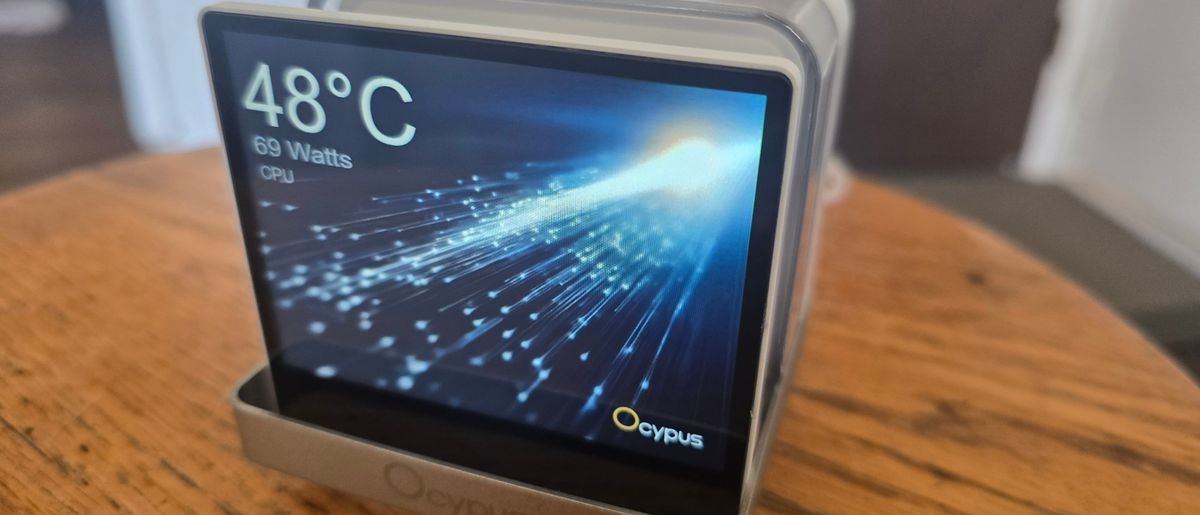
The Ocypus Sigma L36 Pro is a strong value contender, with a detachable 3.5-inch IPS display, excellent thermals, and a $139 price that’s cheaper than most AIOs with a screen this large.
Pros
- +
3.5-inch IPS Display
- +
Low price, considering the screen
- +
Strong performance in maximum-strength workloads
- +
Strong static pressure
- +
Five-year warranty
Cons
- -
Can run loudly, but a speed reduction PWM cable is included
Why you can trust Tom's Hardware Our expert reviewers spend hours testing and comparing products and services so you can choose the best for you. Find out more about how we test.
The latest cooler on our test bench is the Sigma L36 Pro, a high-end AIO with a 3.5-inch display from relative cooling newcomer Ocypus. This manufacturer is known for quirky design choices that help set it apart from its many competitors. I found the company’s Iota C70 computer case and A62 digital air cooler especially interesting products when I tested them last year.
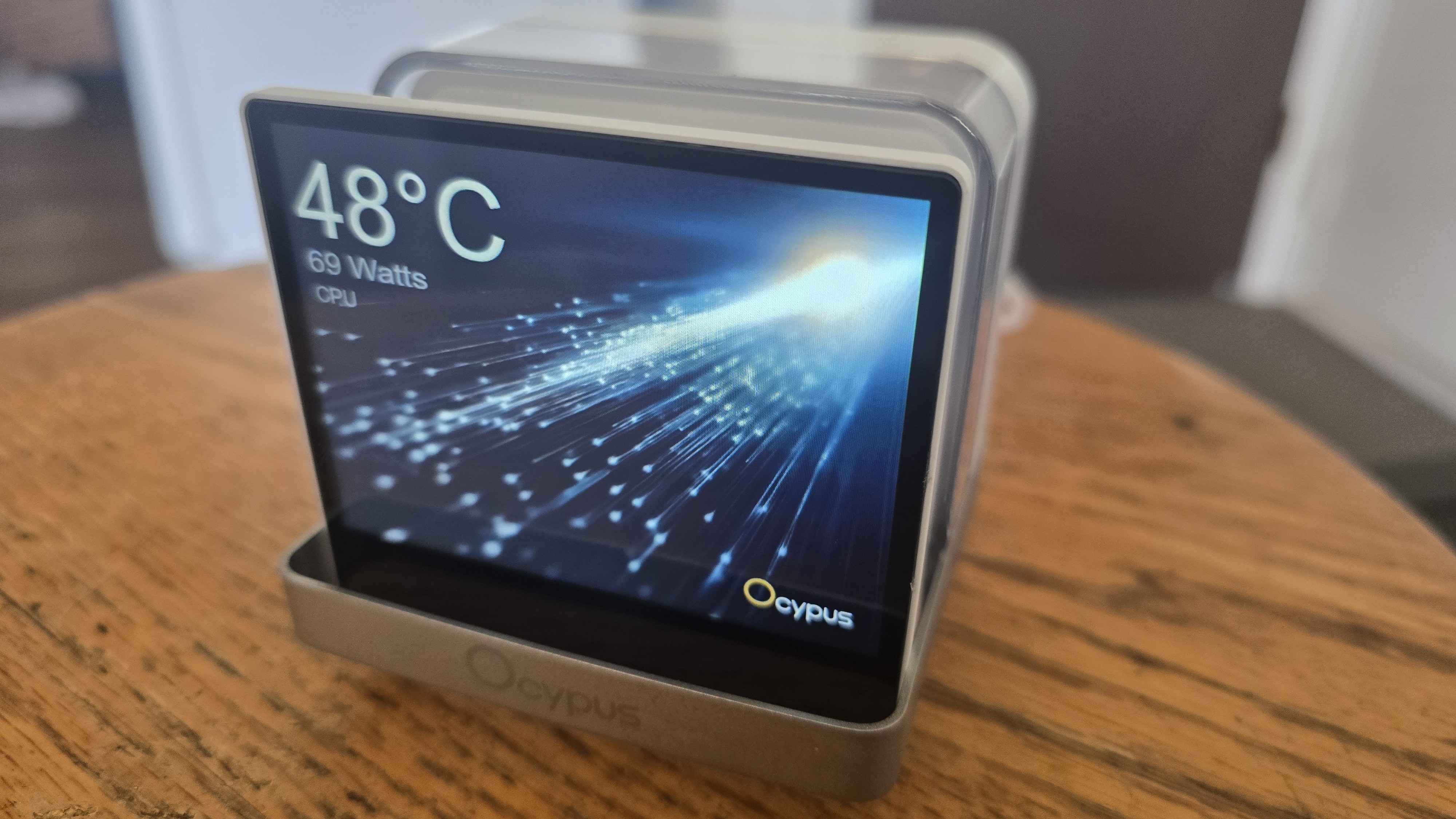
Like many other AIOs we’ve reviewed lately, the Sigma L36 Pro features a display – a large 3.5-inch detachable screen in this case, capable of displaying performance metrics and animated images and video.
Screen aside, the technical specifications of the product are impressive. The static pressure exerted by the fans is nearly twice as strong as many competitors – rated for up to 5.8 mmH20. But even more impressive than this is the price of the liquid cooler: Despite having a relatively large display and extremely powerful fans, you can find this cooler selling for $135 or less.
Latest Videos FromTom's Hardware
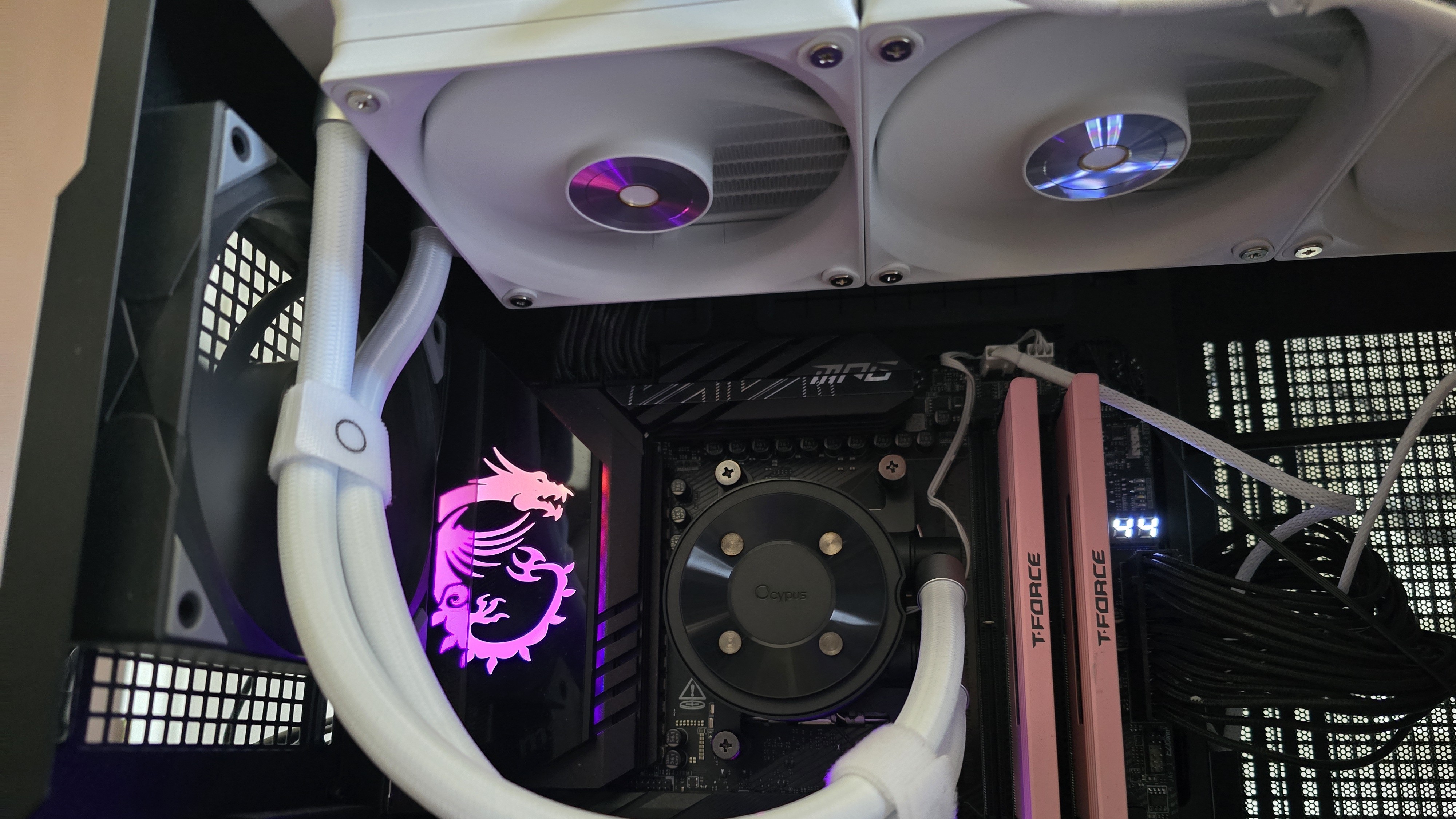
Let's take a look at the specifications and features of this eye-catching AIO, then we’ll go over thermal and noise benchmarks so you can decide if the Ocypus Sigma L36 Pro deserves to make our list of the best CPU coolers.
Cooler specifications
Swipe to scroll horizontally
Cooler |
Ocypus Sigma L36 PRO |
Colors |
Black or White |
MSRP |
$134.99 |
Lighting |
Display block only |
Warranty |
5 years |
Socket Compatibility |
AMD AM5/AM4 |
Radiator dimensions |
397m (L) x 120mm (W) x 27mm (H) |
Maximum TDP with AMD’s Ryzen 9 9950X3D (Our Testing) |
Full speed fans: >265W Noise-normalized: >255W average |
Features of Ocypus Sigma L36 Pro
▶️ Detachable 3.5-inch 640x480 resolution IPS display
It seems like the biggest trend in liquid cooling recently is AIOs with fancy displays on top of the CPU block, and Ocypus rides this trend, including a 3.5-inch IPS screen here that some users might find reminiscent of older PCs due to it’s VGA (640x480) resolution and 4:3 aspect ratio.
Many AIOs have the screen built into the CPU block, like Hyte’s THICC Q60. Other manufacturers offer the display and CPU block as separate components, and that’s how the Ocypus Sigma L36 Pro is designed.
Stay On the Cutting Edge: Get the Tom's Hardware Newsletter
Get Tom's Hardware's best news and in-depth reviews, straight to your inbox.
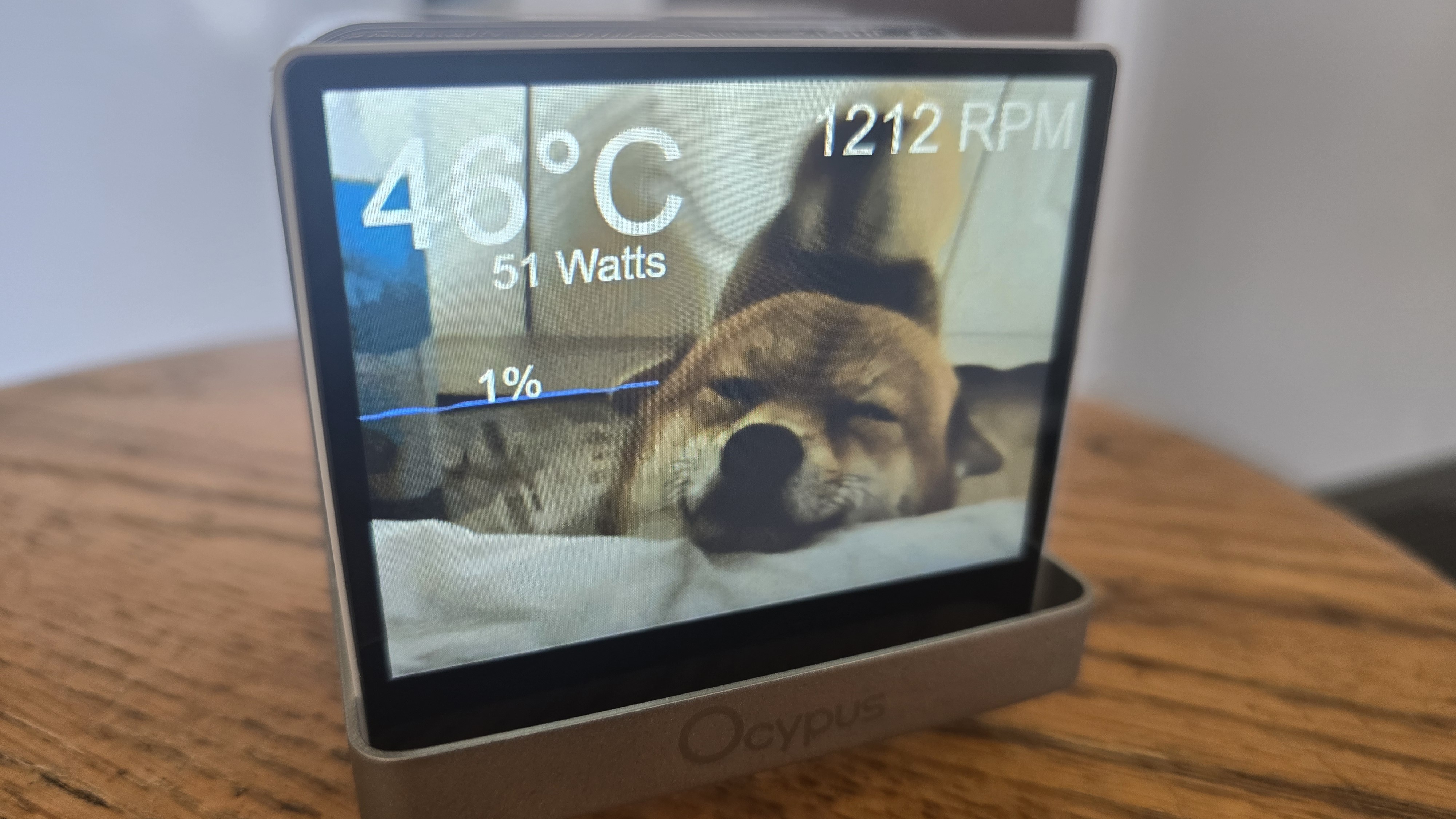
When a display connects to the PC, but isn’t actually built into the CPU block, this opens up customization options that you might not think of normally. As you can see in the photograph above, I’ve got the display set up on a stool next to my computer desk, instead of inside my case. You’ll have to obtain a 9-pin header to USB-A (or C) adapter to use the device externally, but these can usually be found for less than $10.
To control and customize the display, you’ll need to download the simply named Ocypus Display software. It’s a surprisingly small download size of only 184 megabytes, and uses 493 MB when installed – and about the same amount of RAM when active.
Multiple preset themes are available, but only three are installed by default.
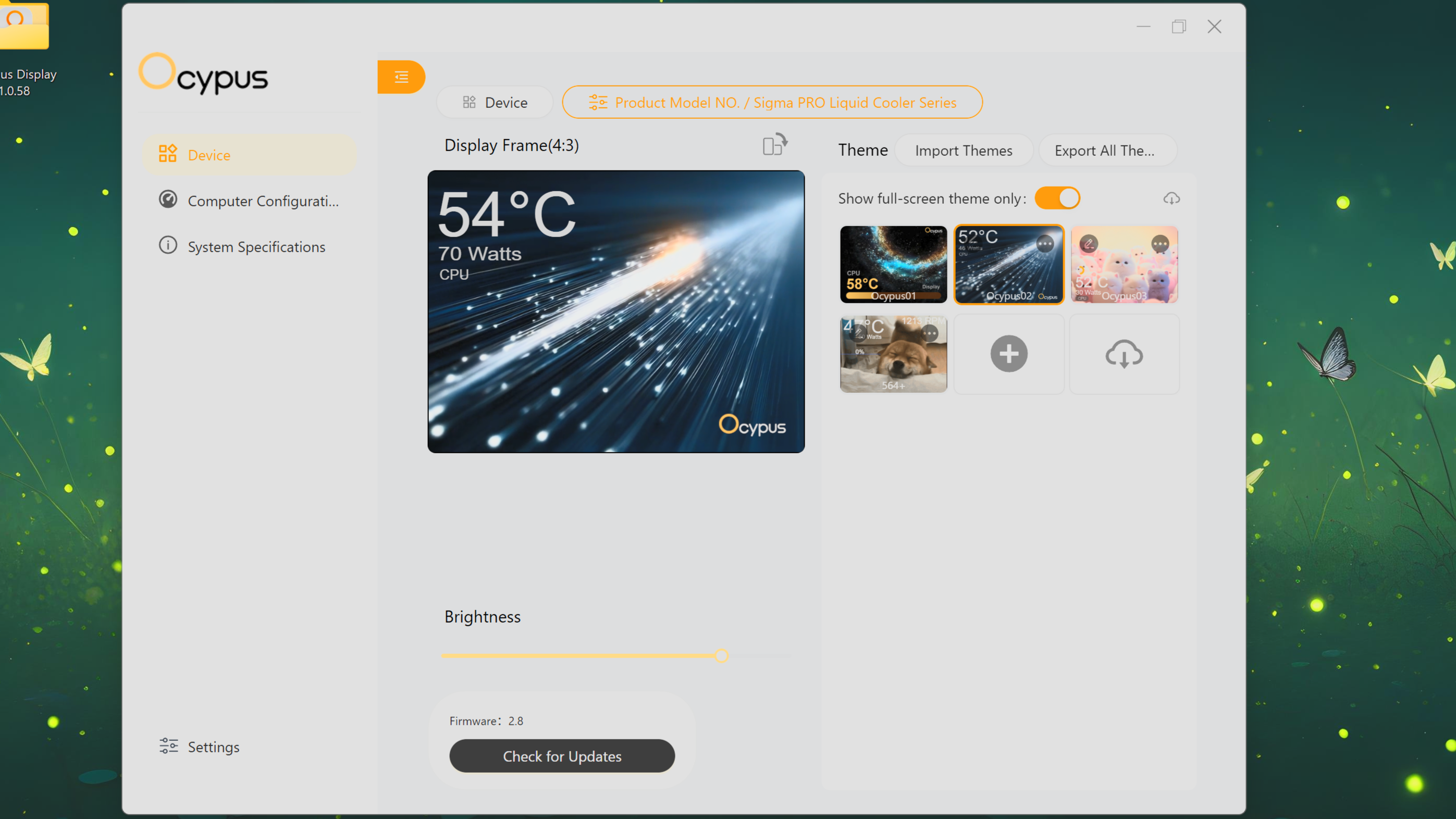
If you click the cloud icon shown in the picture above, a link to Ocypus' “Download Center” is opened in your default browser, which offers more options.
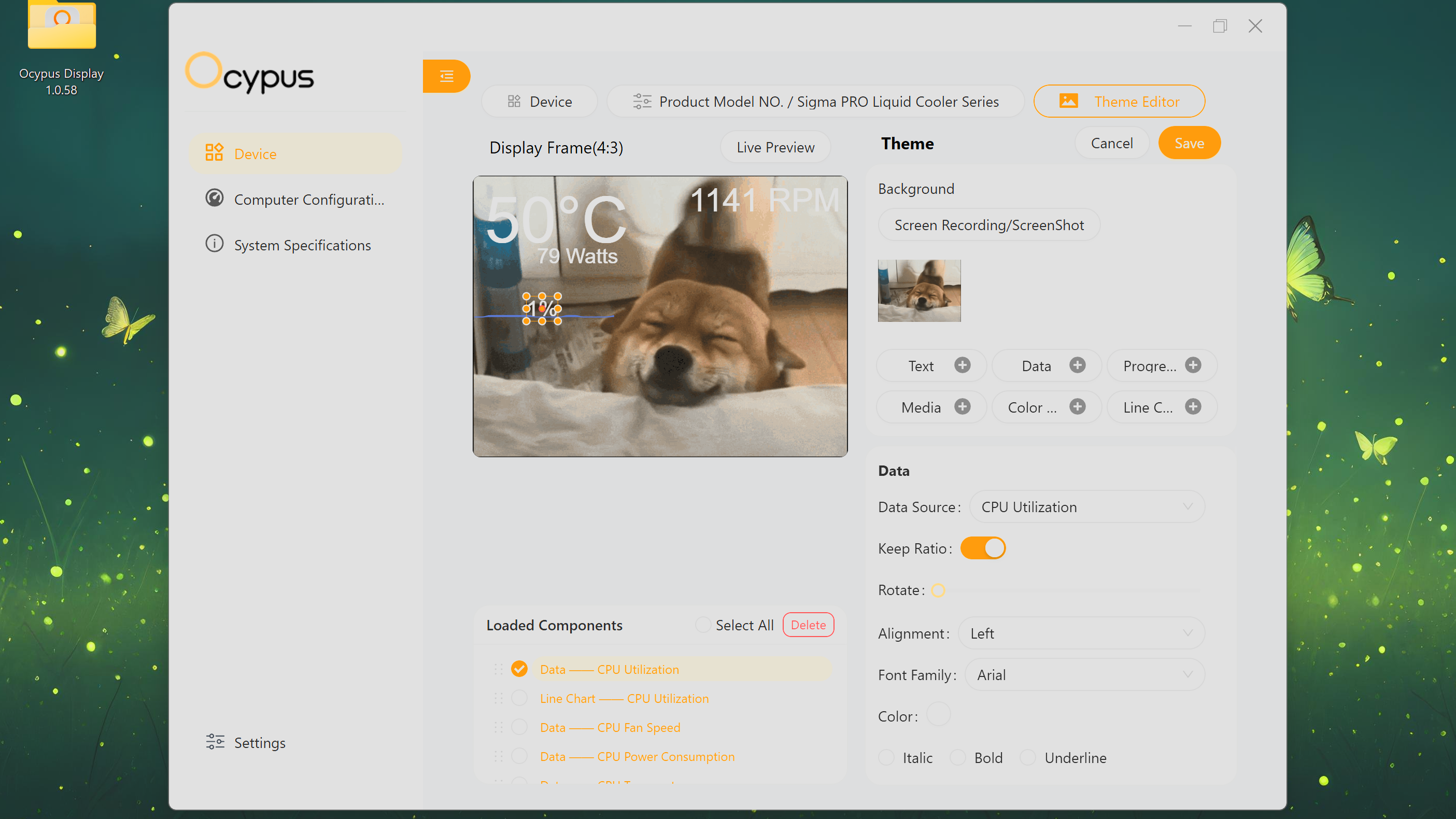
The software is extremely simple to use and easy to create your own customized theme with. In the example above, I uploaded an animated GIF file of a happy puppy and set the display to monitor CPU temperature, power consumption, and fan speeds metrics through text labels. I’ve also set up monitoring of CPU utilization, both with a text label showing the current status and a line graph showing the changes in CPU utilization over time.
▶️ RAM Clearance
As with most liquid coolers, the design of this AIO is such that the CPU block as such that it doesn’t overhang or interfere with the DIMM slots in any manner, ensuring that all sticks of compatible RAM, no matter how tall, will fit with this cooler.
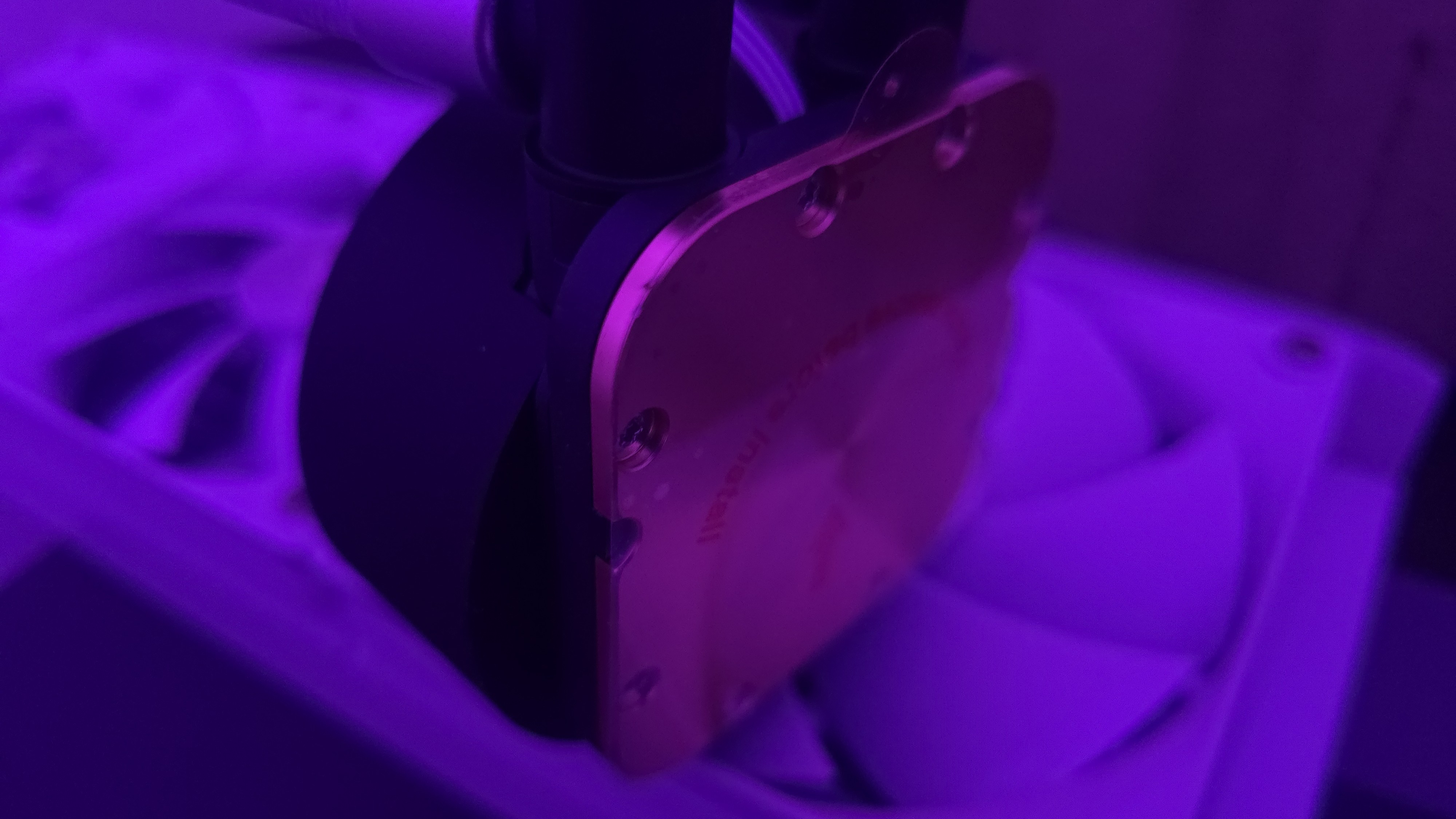
▶️ Thick CPU cold plate
This AIO is designed for normal PC platforms like Intel’s Arrow Lake and LGA1851 socket or AMD’s Ryzen X3D CPUs and the AM5 socket, but you might wonder if it supports server products when you see the size of the coldplate – it has a larger surface area and greater thickness than most liquid coolers designed for consumer PCs.
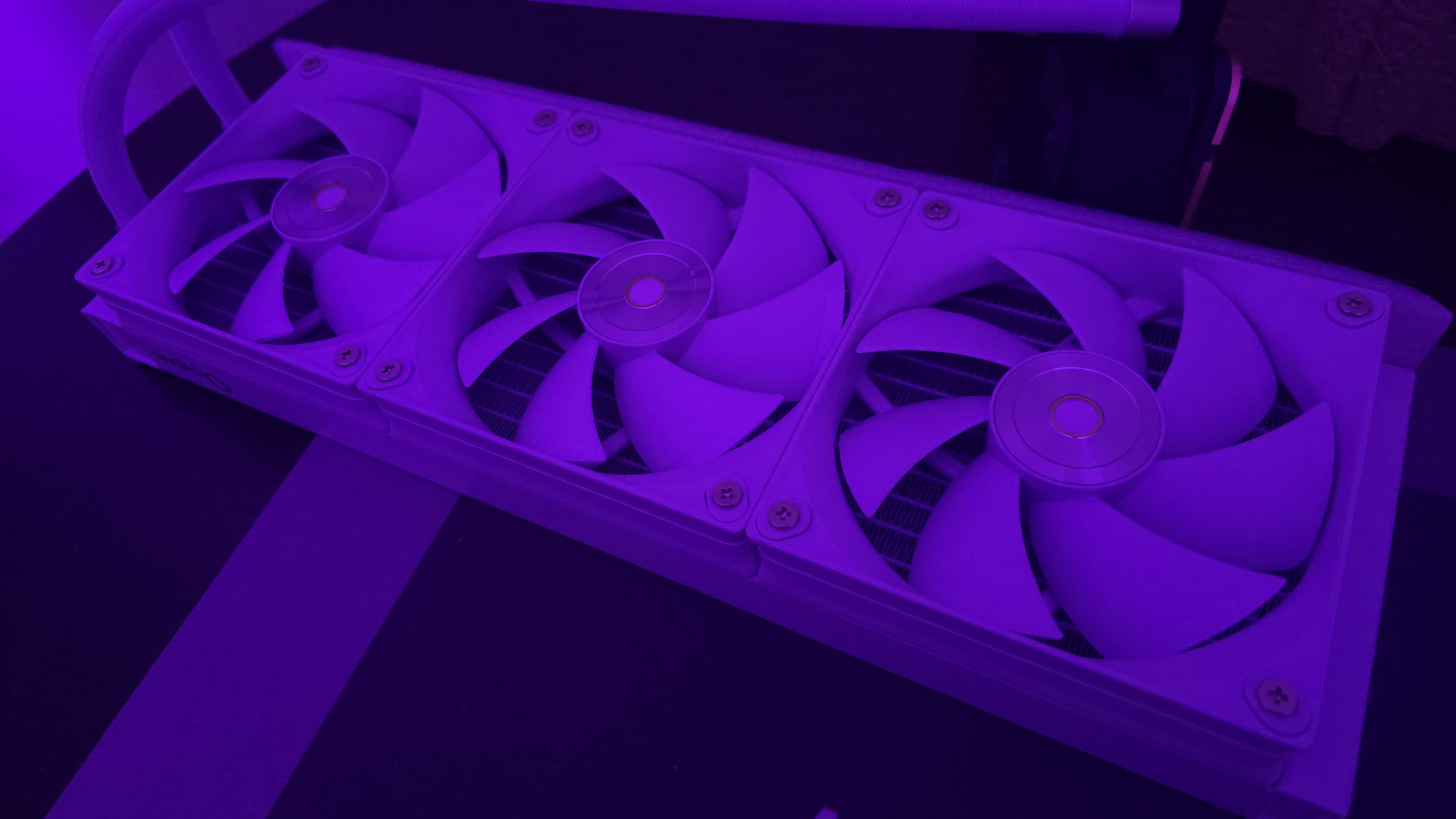
▶️ 120mm fans
There’s more to a cooler than just the radiator and liquid pump. The included fans have a direct impact on aesthetics, noise levels, and overall thermal performance. Conveniently, the fans here arrive pre-installed, saving a few moments of time when you put things together. The fans included in this model are white, but this cooler is also available with black fans.
Swipe to scroll horizontally
Fan Speed |
500-2400 RPM (±10%) |
Airflow |
90 CFM |
Air Pressure |
5.8 MMH20 |
These fans seem to be overbuilt, more powerful than the rest of the AIO can properly take advantage of. They are rated for an unusually high 5.8 MMH20 of static pressure and 90 CFM at full speed.
▶️ Packaging
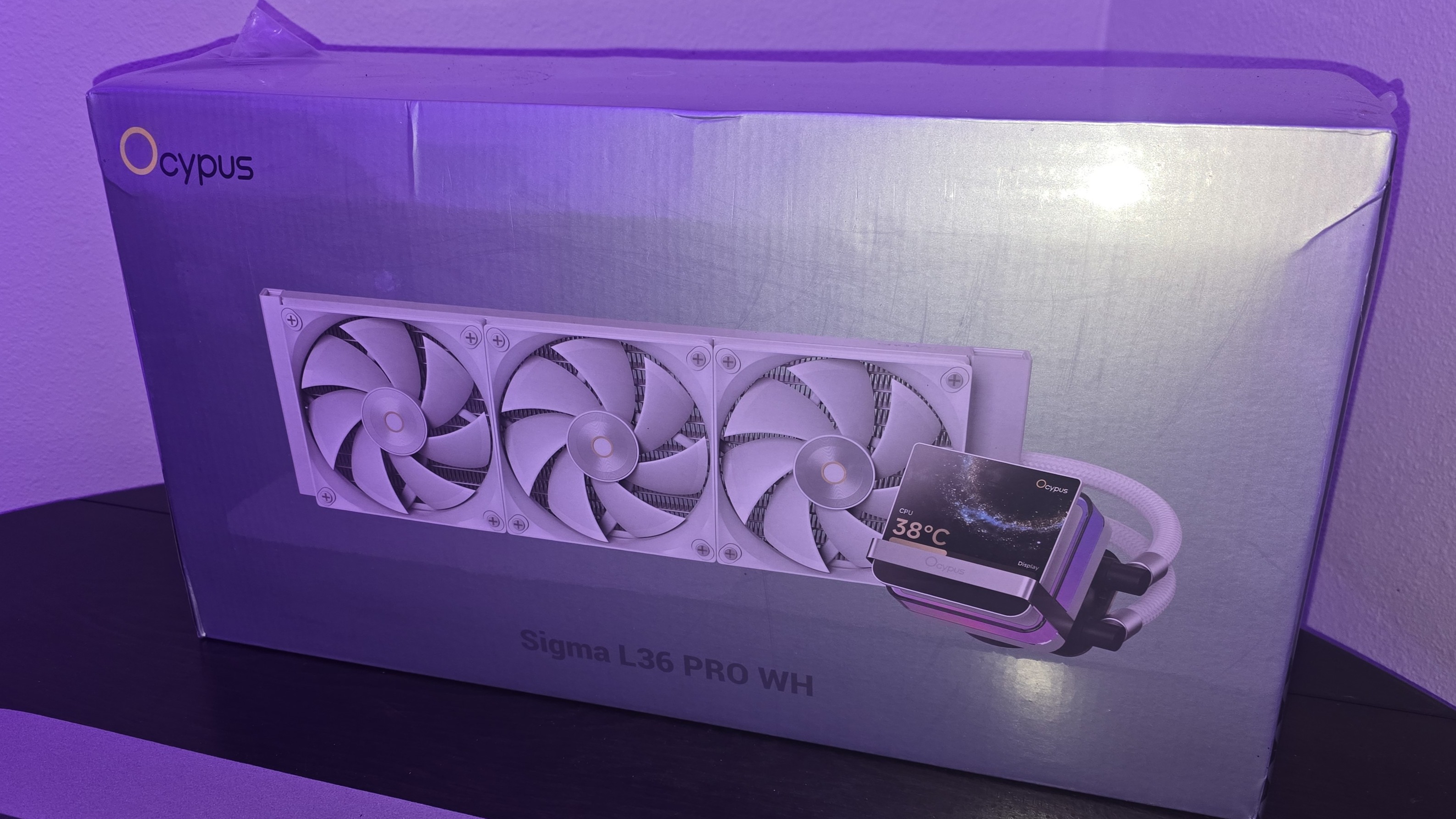
The outer packaging is a bit flashy, at least in comparison to your normal AIO box. It features a rendering of the cooler against a black background with streaks of purple hues – logos on all sides of the box for full marketing impact.
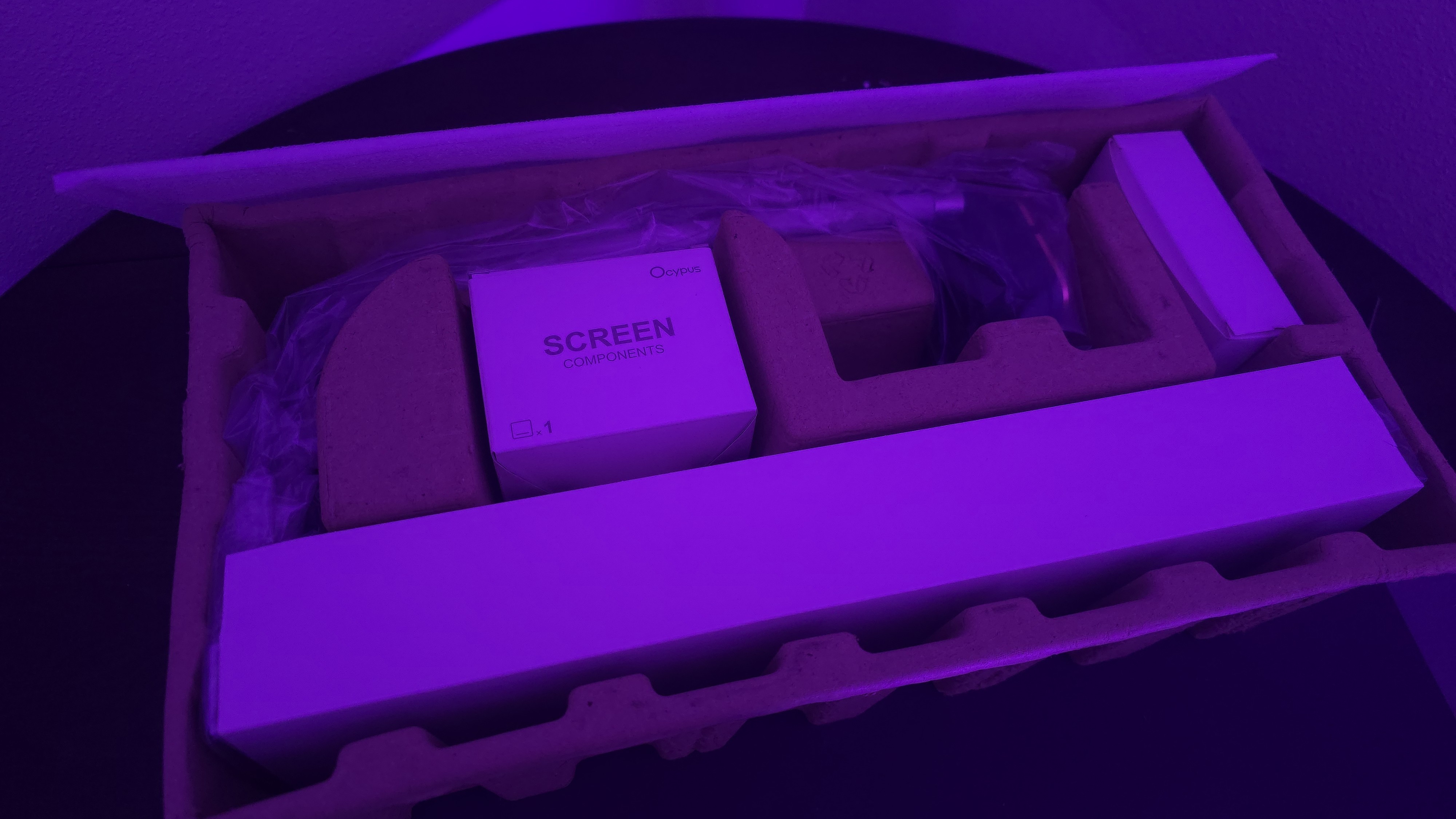
The inner packaging is just as fresh as the outside, with each component of the cooling system well protected from the chaos that shipping can bring by using a combination of soft covers and individual cardboard walls for each component.
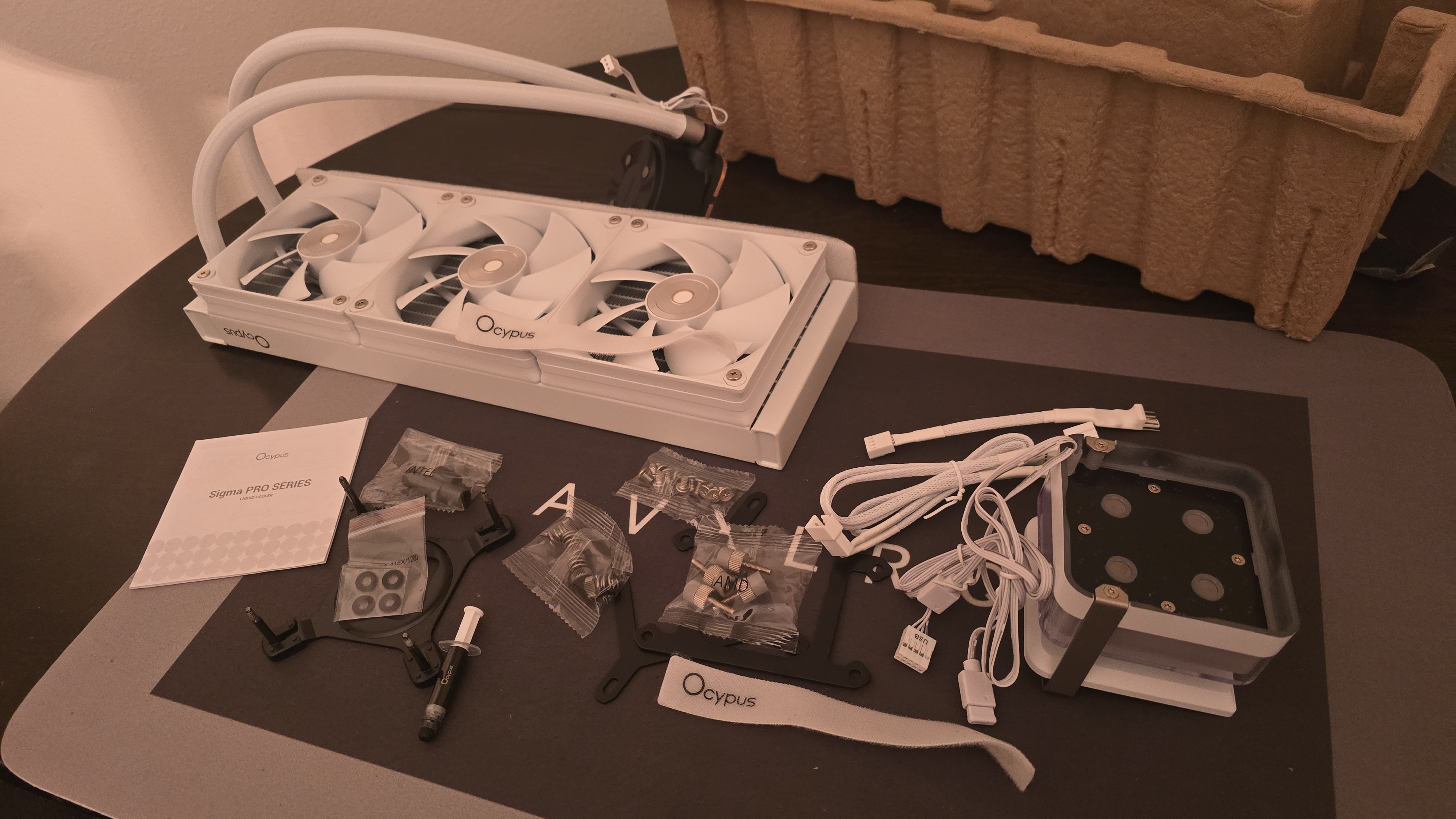
Included with the package are:
- Mounting hardware for AMD and Intel platforms
- Tubing clips
- A small tube of thermal paste
- 360mm radiator and 120mm fans
- 3.5-inch LCD display
AM5 Installation
This section assumes you’ve already mounted the 360mm radiator. Installation of AIOs is typically much easier when you have already secured the radiator to your computer case. To begin putting things together, you’ll first need to remove the default AM4/5 retention hardware.
The next step is to screw in the mounting studs, as shown below.
Now you’ll want to apply the included thermal paste. If you’re not sure how to do that, we have a handy thermal paste application guide that covers the different methods you can use.
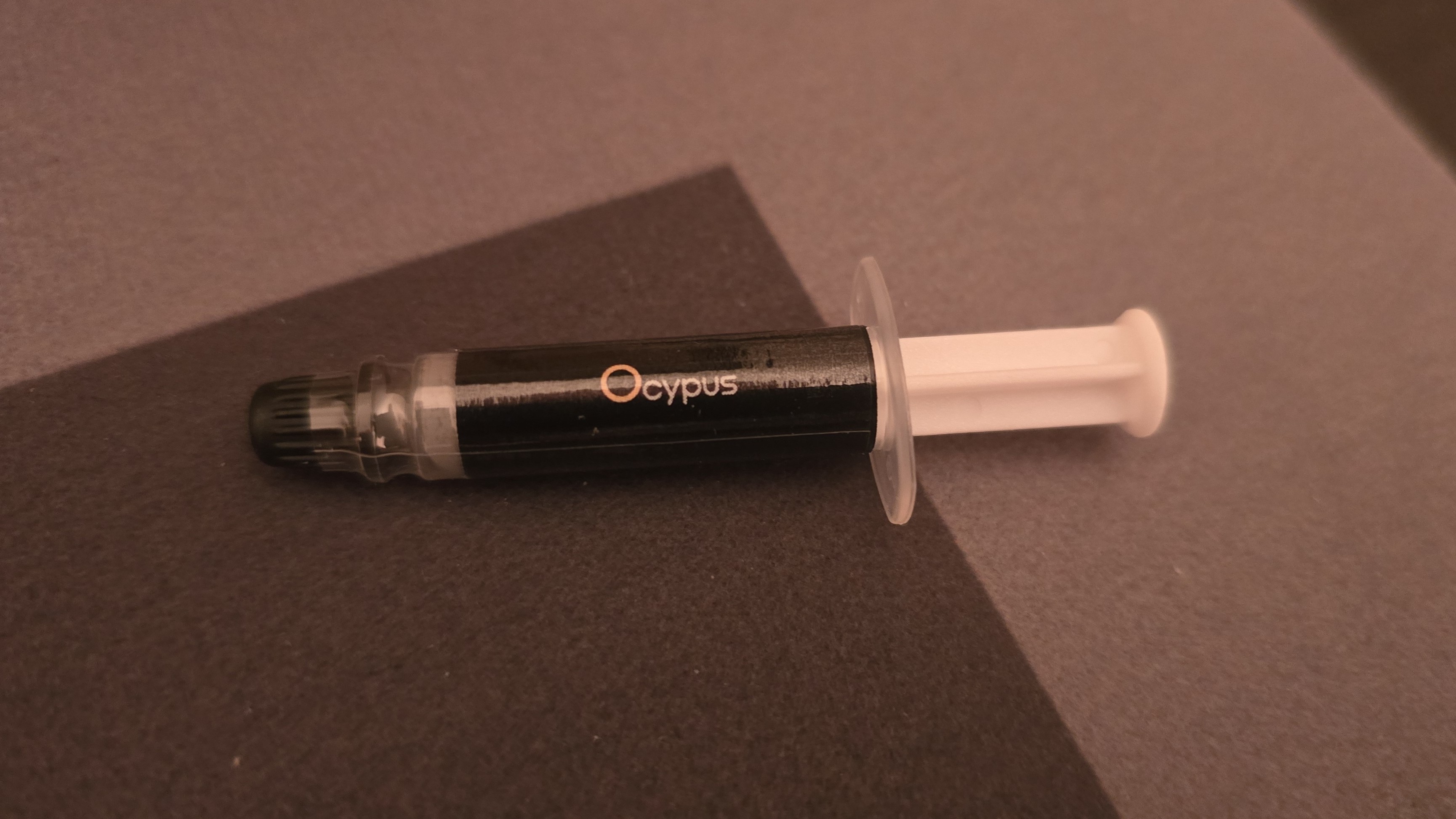
After thermal paste is applied, take the CPU block and press it against the studs, using the included screws and a screwdriver to secure it in place.
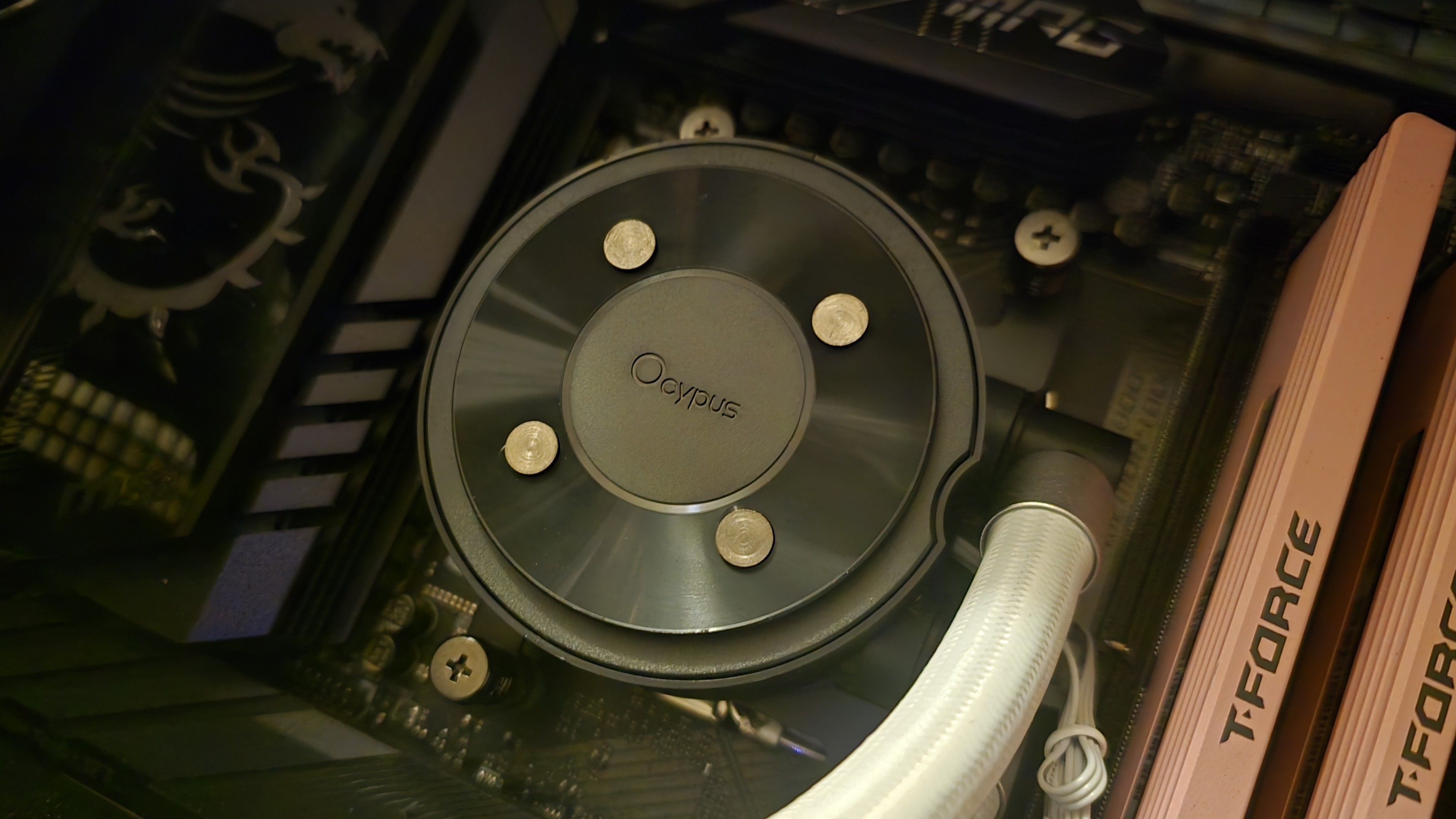
I chose to attach the included 3.5-inch screen externally, but if you want to place it in your case, this is the time to put it on top of your CPU block. The final step, of course, is to connect the cables and turn on your computer when finished.
Real-world testing configuration – AMD AM5 platform
We’ve tested coolers with both the Ryzen 9950X3D and its non-V-Cache sibling, the 9950X. There are some differences in how the 9950X and 9950X3D CPUs are impacted by thermal events. While the heat output of the CCDs of AMD’s 9950X3D is relatively balanced, the 9950X I used has one CCD that runs much hotter than the other, with a difference of over 10 degrees Celsius in some scenarios, shown below.
We’ve since returned to using a 9950X3D for cooler testing, as it has a more balanced heat profile, and is almost certainly a more widely adopted CPU. The benchmark results shared in these reviews may differ from others because I emphasize results that are comparable to real-world use. This means I generally test CPU coolers inside of a closed desktop case, which increases cooling difficulty compared to other testing methods.
Many reviewers test coolers on open test benches, which have a combination of lesser airflow needs and lowered ambient temperatures. This results in making weak coolers appear stronger than they really are. Some publications have also used generic thermal plates to test cooling solutions. I reject both of these methods because they don’t accurately reflect real-world cooler conditions.
Swipe to scroll horizontally
CPU |
AMD Ryzen 9 9950X3D |
GPU |
MSI Ventus 3X RTX 4070Ti Super |
RAM |
TeamGroup Diamond Rose T-Force Xtreem DDR5-7200 |
Motherboard |
MSI X870E Carbon Wifi |
Case |
Tryx FLOVA F50 |
Our latest testing setup uses the FLOVA F50 computer case from Tryx.
This case features a unique “crossflow” fan that pulls air from the side, which the company claims is more effective than traditional intake fans. For air cooling tests, we’ve added a single Noctua NF-A12 G2 intake fan.

Freelancer, CPU Cooling Reviewer
Albert Thomas is a contributor for Tom’s Hardware, primarily covering CPU cooling reviews.
What's Your Reaction?
 Like
0
Like
0
 Dislike
0
Dislike
0
 Love
0
Love
0
 Funny
0
Funny
0
 Wow
0
Wow
0
 Sad
0
Sad
0
 Angry
0
Angry
0







Comments (0)