

A Videographer Built a Free App That Tells You When a Memory Card Is Safe to Wipe
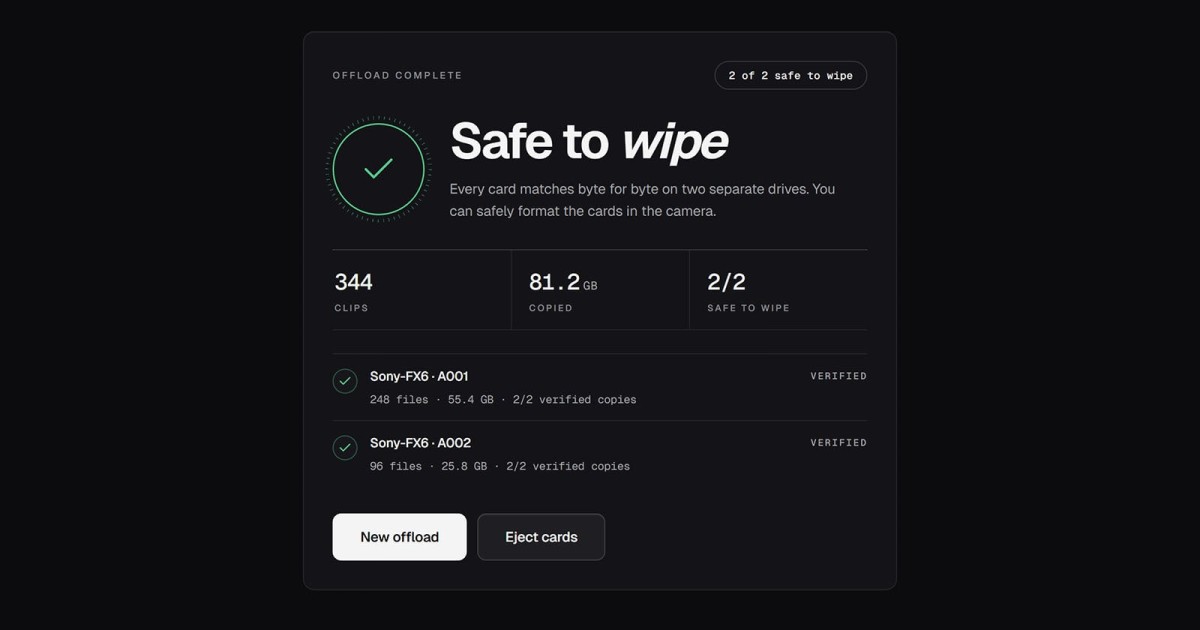
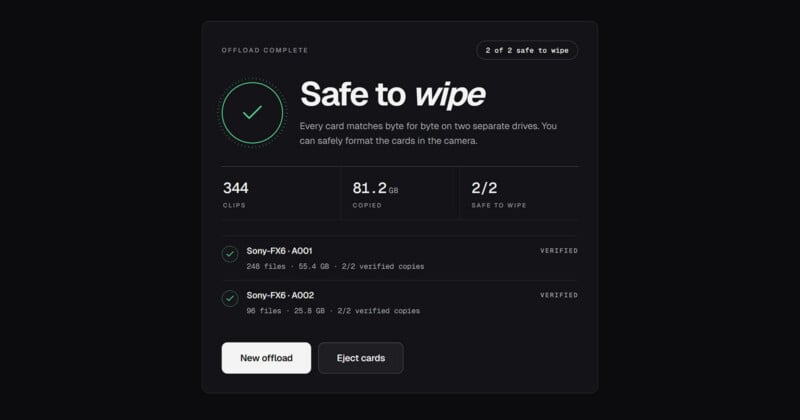
With how expensive memory cards are these days, it makes sense that photographers and videographers want to rely on as few of them as possible without sacrificing data security or performance. A new app, Stow, aims to help creators know when their cards are properly backed up and safe to wipe, getting them ready for the next job.
“I run a video production studio in the UK, and like everyone working on a shoot, we know the question that matters most at the end of the day: have the cards been backed up properly, and is it actually safe to wipe them?” says Luke Lv, who runs a UK-based video production studio, lümira.
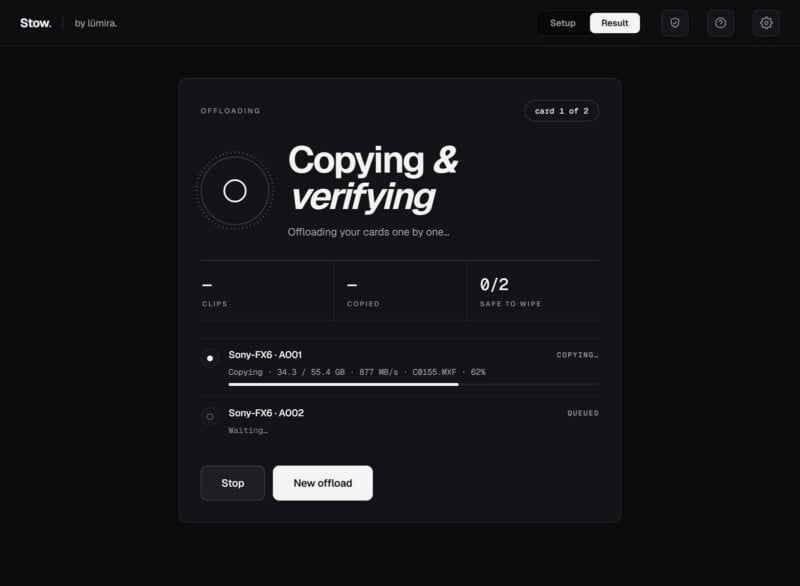
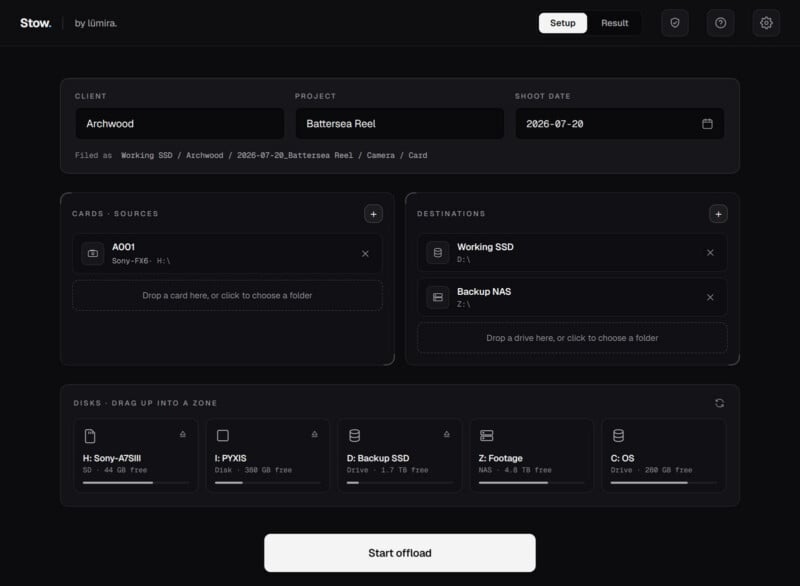
Lv says that he and the rest of his team were tired of paying per user for offload software, so they decided to just make their own app. Stow copies a card to two drives at once and then read every file from the two destination drives to ensure that they have been fully and successfully offloaded to each drive.
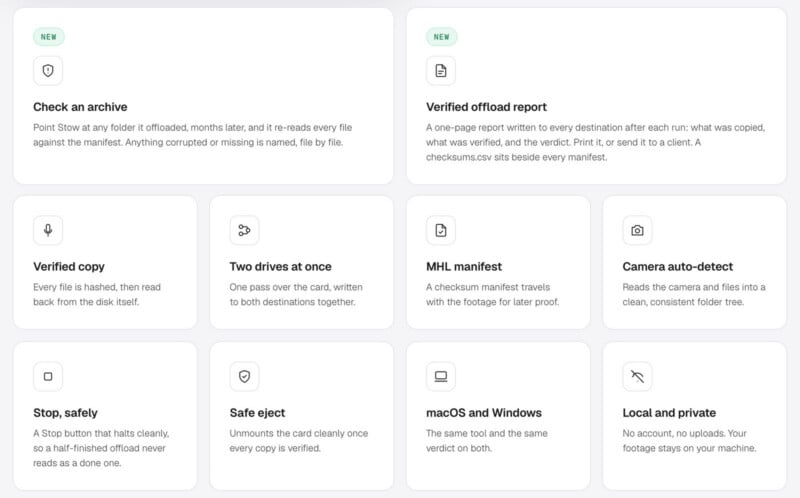
The app then gives the user a clear, simple answer about whether or not the card is safe to clear and put back in the camera. The software verifies every single byte of data on both drives and then compares the data against the memory card without every writing anything to the memory card itself.
As for why it matters that Stow can copy a card’s contents to two drives at once, well, that’s just part of a good 3-2-1 backup strategy. Photographers and videographers should have three copies of their data on two different physical drives and another copy off-site, like in the cloud.
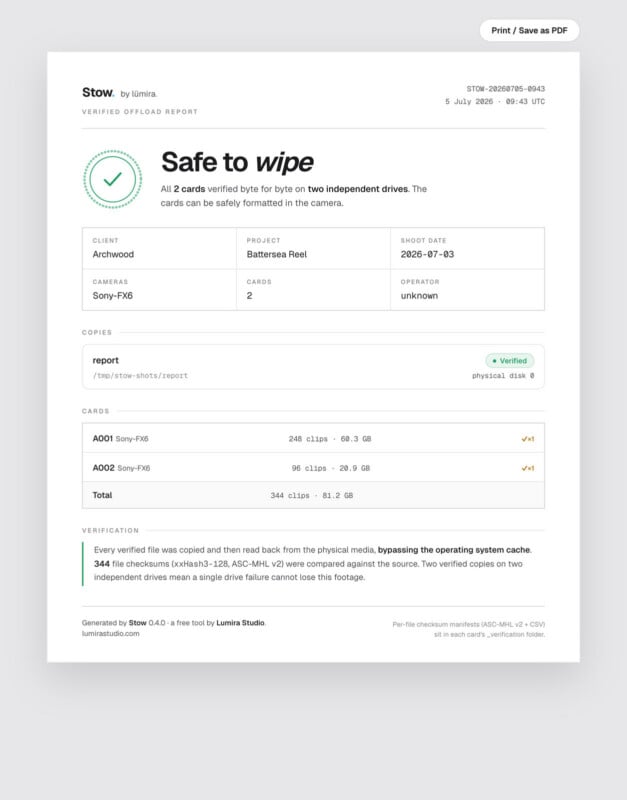
As Lv notes, on macOS and Windows, the native file systems do not actually verify the data that is copied. The files are written, but the operating system does not check to see if the data is the same exact data that is on the memory card. This means that a corrupt file can exist on a computer or attached drive without the photographer realizing the issue until after they have already reformatted their memory card. Sometimes a job isn’t edited or processed for days, weeks, or even months after shooting.
The software is simple to use. Once the card is inserted into the card reader or camera connected to the computer, users select two drives (typically a working drive and a backup) and then the card is dumped to both sources at once. Stow then checks both copies of every file to ensure they are uncorrupted and fully intact. Once that’s done, the app says when the card is safe to wipe. Easy peasy.
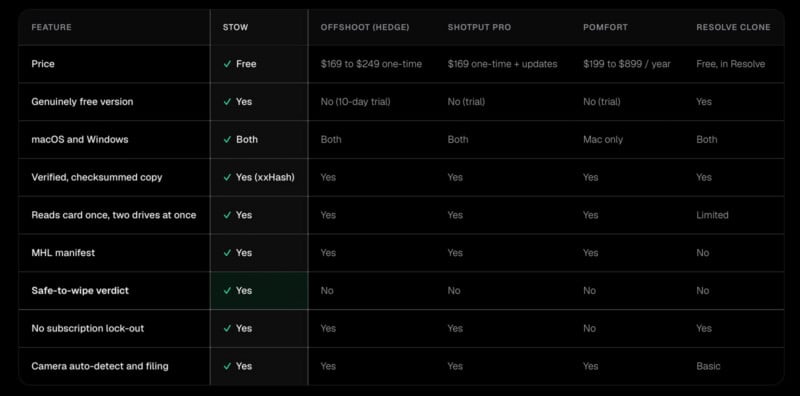
Stow is entirely free to use. No account is required and there are no in-app purchases. Lv does note, though, that Stow is not yet verified by Apple or Microsoft, which means users must jump through a few security hoops to install the app.
“Getting it certified is our next step,” Lv says. “In the meantime, we have put together a simple installation guide for both Mac and Windows.”
Stow is available to download now.
Image creditslümira
What's Your Reaction?
 Like
0
Like
0
 Dislike
0
Dislike
0
 Love
0
Love
0
 Funny
0
Funny
0
 Wow
0
Wow
0
 Sad
0
Sad
0
 Angry
0
Angry
0







Comments (0)