

MSI MAG Z890 Tomahawk Wifi II motherboard review: Loses features from the original, but shaves a few dollars off the price
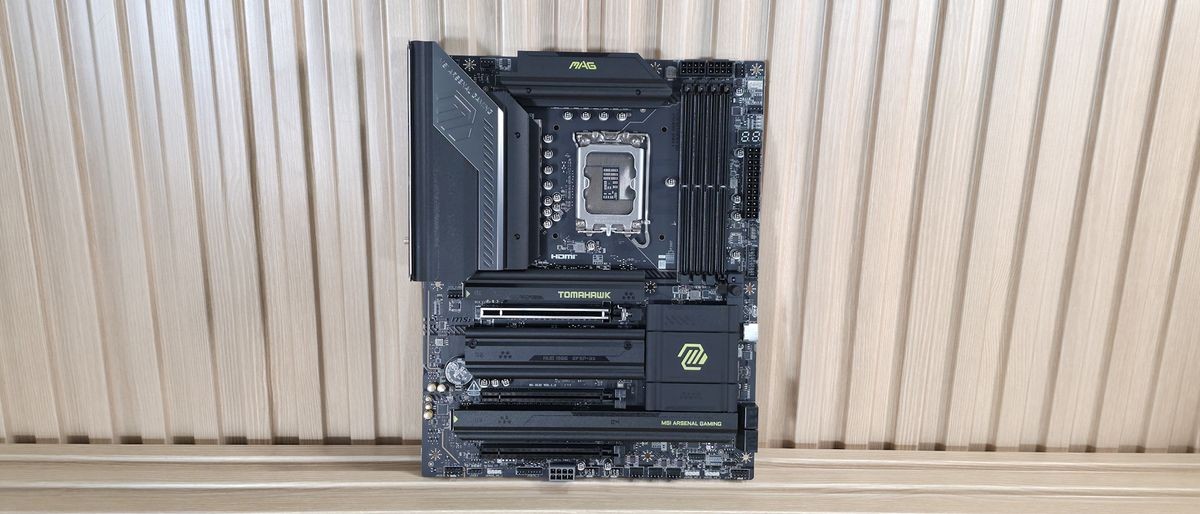
Even though it takes a couple of features away from the original, we like the Tomahawk II overall. The price is right, and it’s a good overall value for a Z890 motherboard.
Pros
- +
Killer 5GbE
- +
EZ DIY/OC features
- +
BCLK generator
- +
Click BIOS X
- +
Native Core Ultra 200S Plus support
Cons
- -
Fewer TB4 ports than original Tomahawk
- -
Reduced Wi-Fi 7 speeds (160 MHz/2.9 Gbps)
Why you can trust Tom's Hardware Our expert reviewers spend hours testing and comparing products and services so you can choose the best for you. Find out more about how we test.
The latest board from the budget side of the Z890 lineup to land on our test bench is the MSI MAG Z890 Tomahawk Wi-Fi II. This updated Intel board is a streamlined revision of the original, optimized for Intel’s Core Ultra 200S Plus processors. It retains the same aesthetic, core power delivery, and DIY-friendly features, but has two connectivity downgrades: a single TB4 port (down from two) and reduced Wi-Fi 7 speeds. It’s a decent budget motherboard; it’s just that the feature-reduction refresh is a bit curious to me.
Currently listed at $229.99, the Tomahawk Wi-Fi II costs roughly the same as the original Z890 Tomahawk. Aside from the two downgrades, it also tweaks some header locations and, minimally, the aesthetics. Hardware-wise, you still get nearly everything from the original, including capable power delivery (19 phases, 90A MOSFETs), two Type-C ports (one TB4/40 Gbps) and seven Type-A USB ports on the rear IO. There's also Wi-Fi 7 and 5 GbE networking, a last-gen audio solution, along with MSI’s EZ DIY and EZ Overclock features.
Performance on the Tomahawk II was good overall with the MSI Performance setting, landing somewhere in the middle among the boards tested. In short, it’s competent across a wide variety of PC activities, including gaming, rendering, encoding, and office-type work. There’s nothing to worry about on the performance front.
Below, we’ll examine the board's performance and other features to determine whether it deserves a spot on our list of the
best motherboards. But before we share test results and discuss details, here are the specifications from MSI.
Latest Videos From

Specifications of the MSI MAG Z890 Tomahawk Wifi II
Swipe to scroll horizontally
Socket | LGA 1851 |
Chipset | Z890 |
Form Factor | ATX |
Voltage Regulator | 19 Phase (16x 90A SPS MOSFETs for Vcore) |
Video Ports | (1) HDMI (v2.1) |
USB Ports | (1) TB4 Type-C (40 Gbps) |
Network Jacks | (1) 5 GbE |
Audio Jacks | (2) Analog + SPDIF |
Legacy Ports/Jacks | ✗ |
Other Ports/Jack | ✗ |
PCIe x16 | (1) v5.0 (x16) |
PCIe x8 | ✗ |
PCIe x4 | ✗ |
PCIe x1 | ✗ |
DIMM Slots | (2) DDR5-9200+ MT/s (OC), 256GB Capacity |
M.2 Sockets | (1) PCIe 5.0 x4 (128 Gbps) / PCIe (up to 80mm) |
SATA Ports | (4) SATA3 6 Gbps |
USB Headers | (1) USB v3.2 Gen 2x2 (20 Gbps) Type-C (USB PD 27W) |
Fan/Pump Headers | (8) 4-Pin (Accepts PWM and DC) |
RGB Headers | (3) 3-pin ARGB headers |
Diagnostics Panel | (1) EZ Debug LED |
Internal Button/Switch | ✗ |
SATA Controllers | ✗ |
Ethernet Controller(s) | (1) Killer E5000 Realtek RTL8125 (2.5 GbE) |
Wi-Fi / Bluetooth | Intel MediaTek Wi-Fi 7 - Up to 2.9 Gbps, 160 MHz, 6 GHz, 5.8 GHz, BT 5.4 |
USB Controllers | Genesys Logic GLG3253 |
HD Audio Codec | Realtek ALC1200P |
DDL/DTS | ✗ / ✗ |
Warranty | 3 Years |
Inside the Box
Inside the box, MSI includes a few accessories to help get your system running, hopefully, without a trip to the store. You get the typical array of guides and EU notices, a 1 to 3 EZ Conn-Cable (V2), Wi-Fi antenna, EZ M.2 clip remover, (2) EZ M.2 Clips II, and two SATA cables. There isn’t much here, but it is similar to other budget boards.
Design and Features of the Tomahawk Wifi II
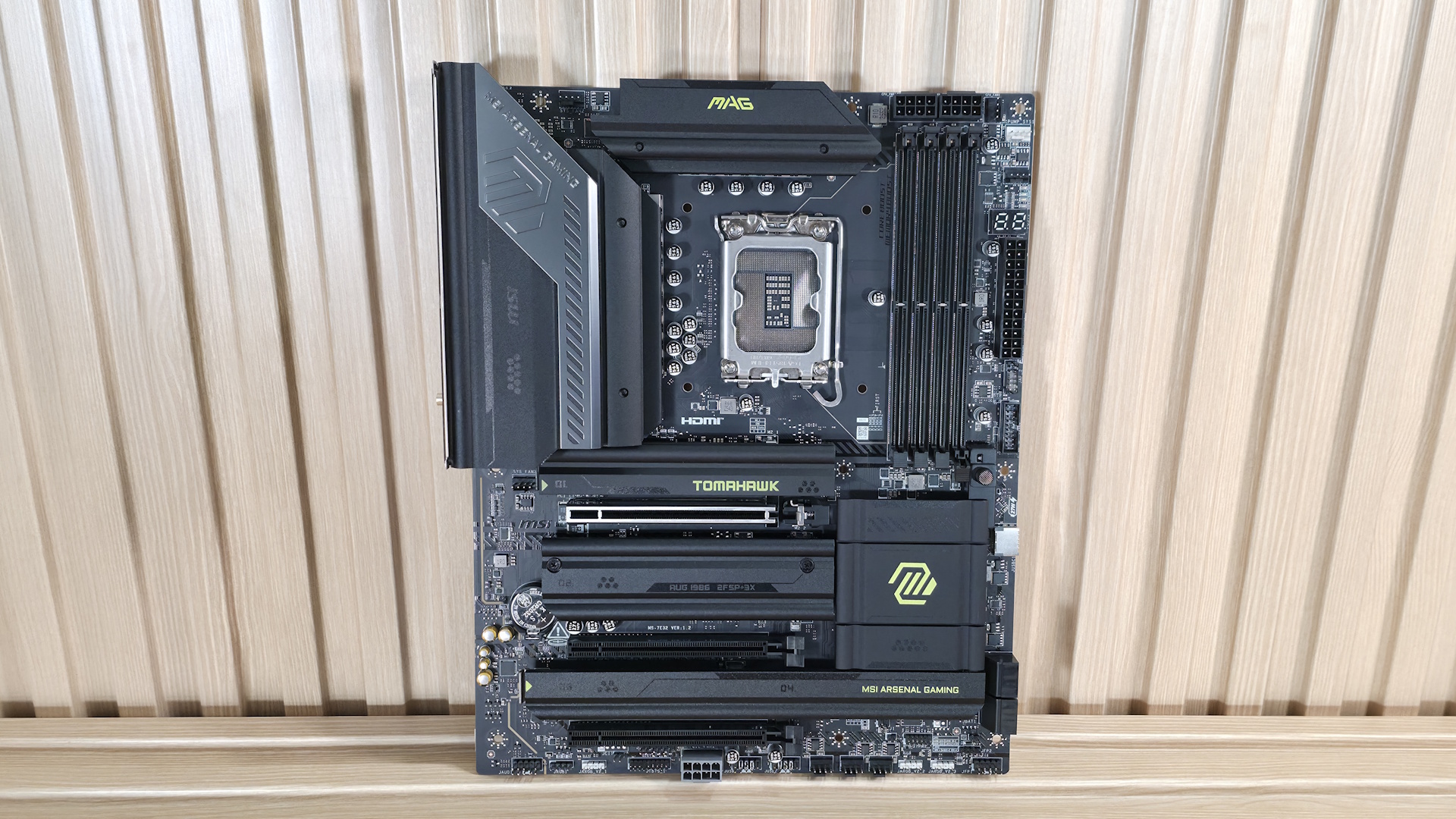
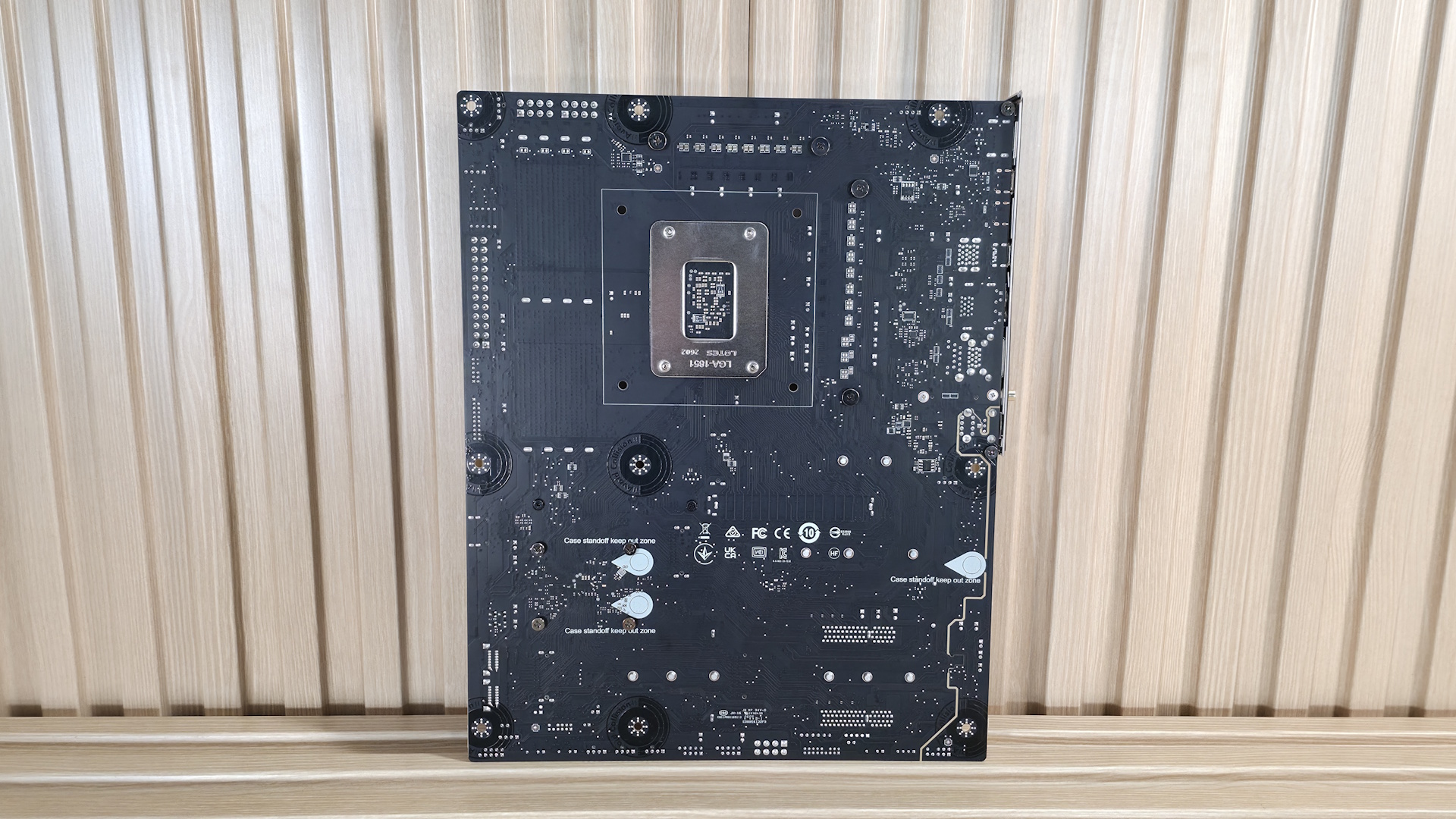
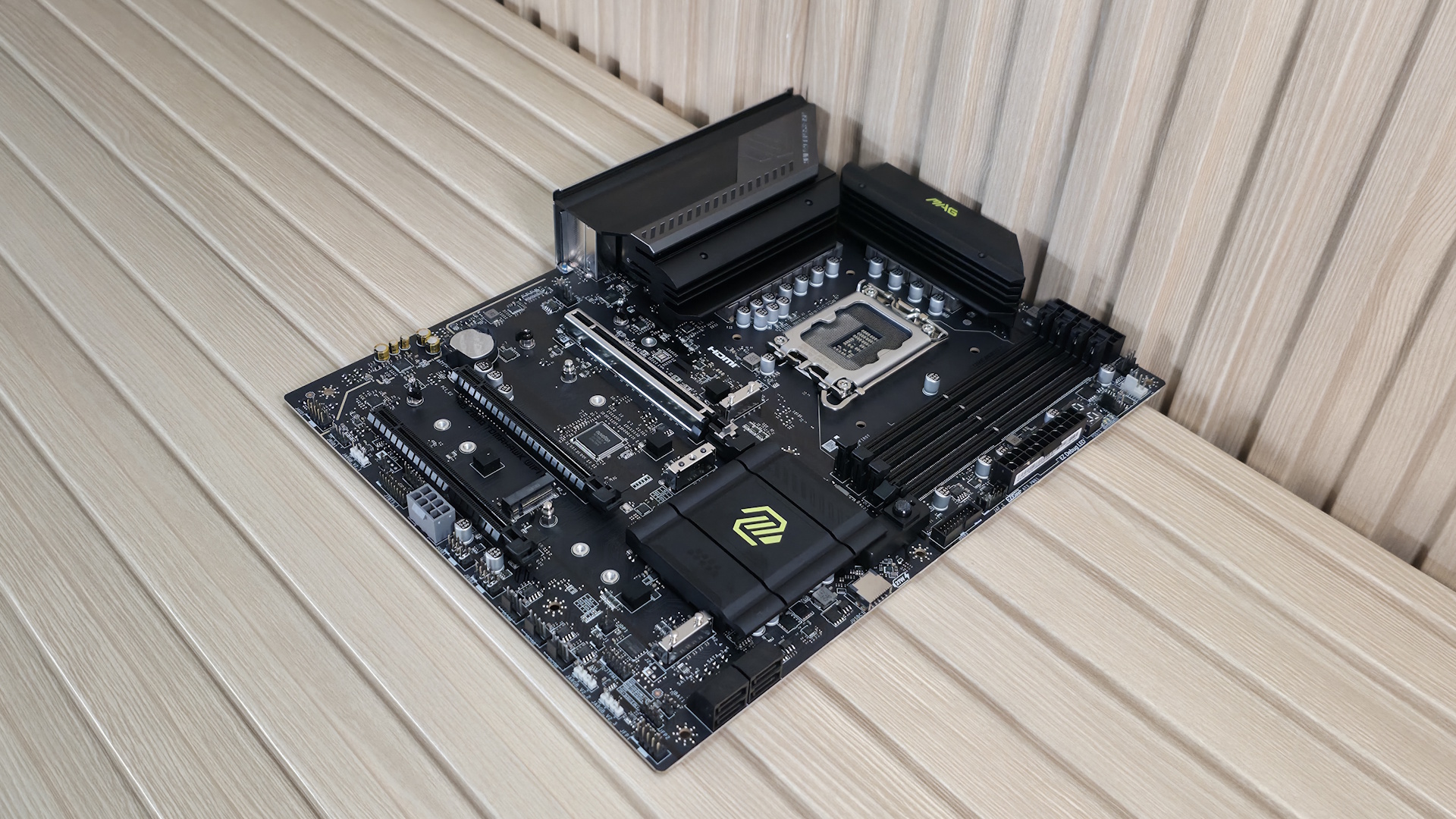
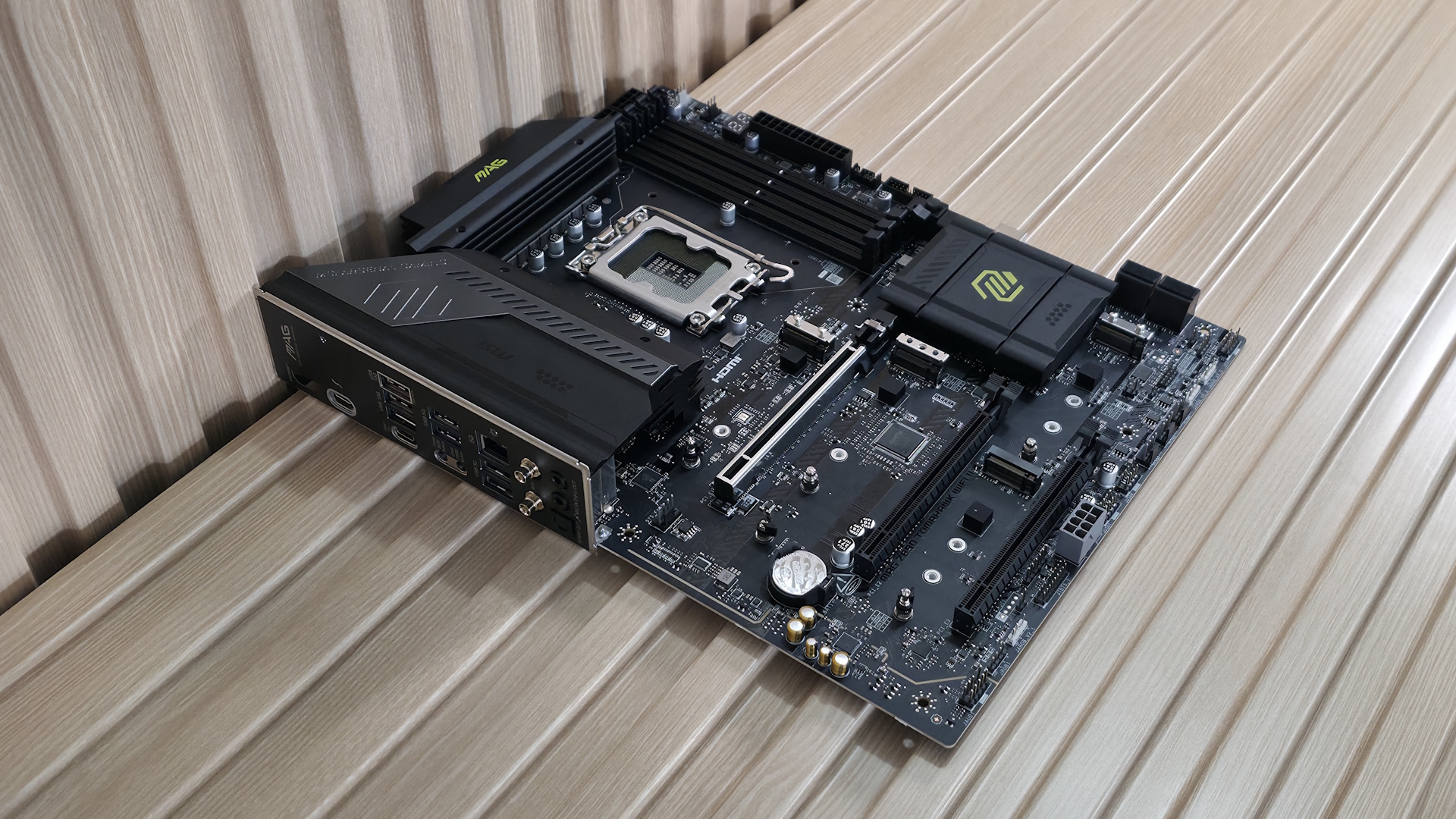
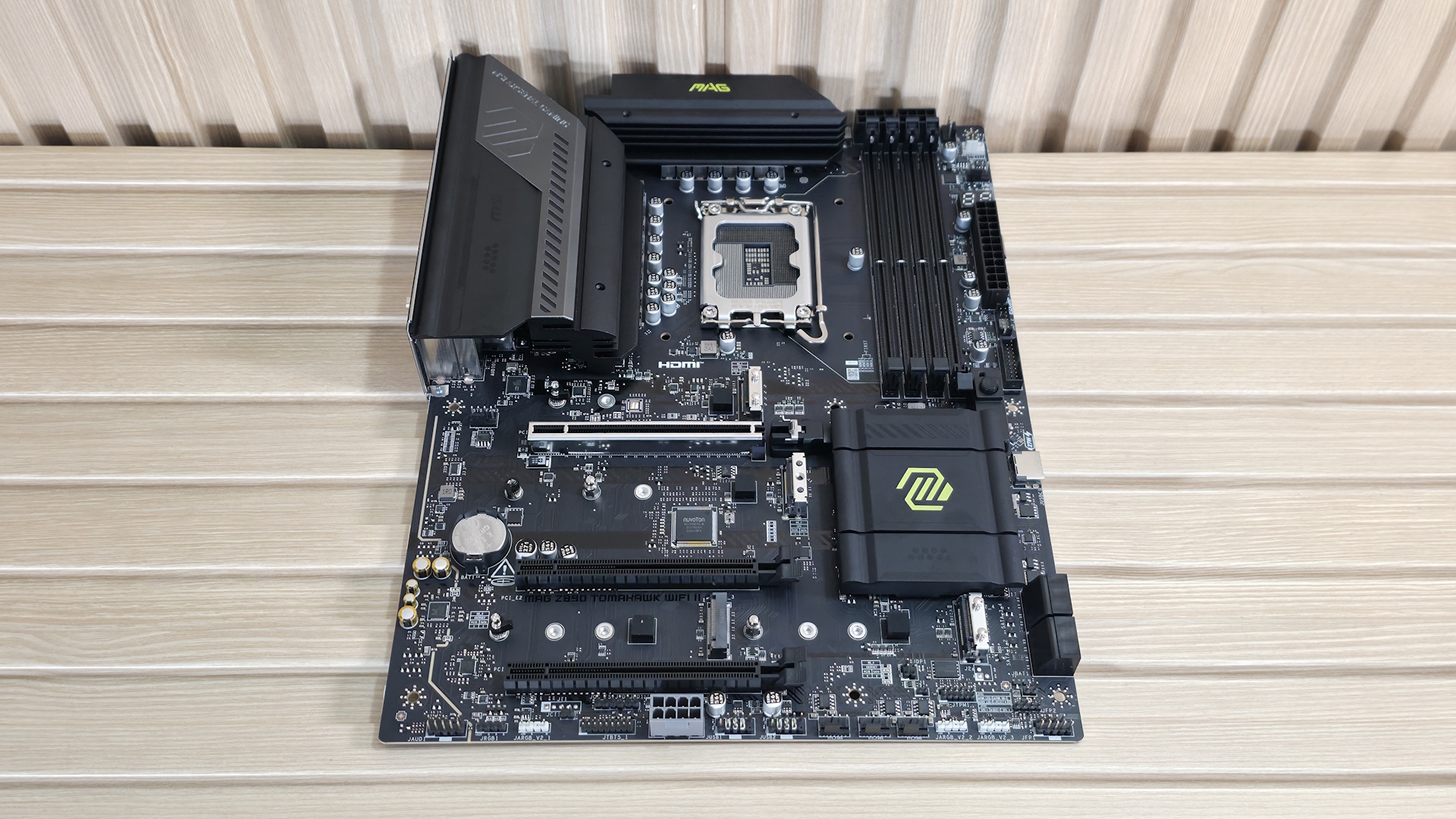
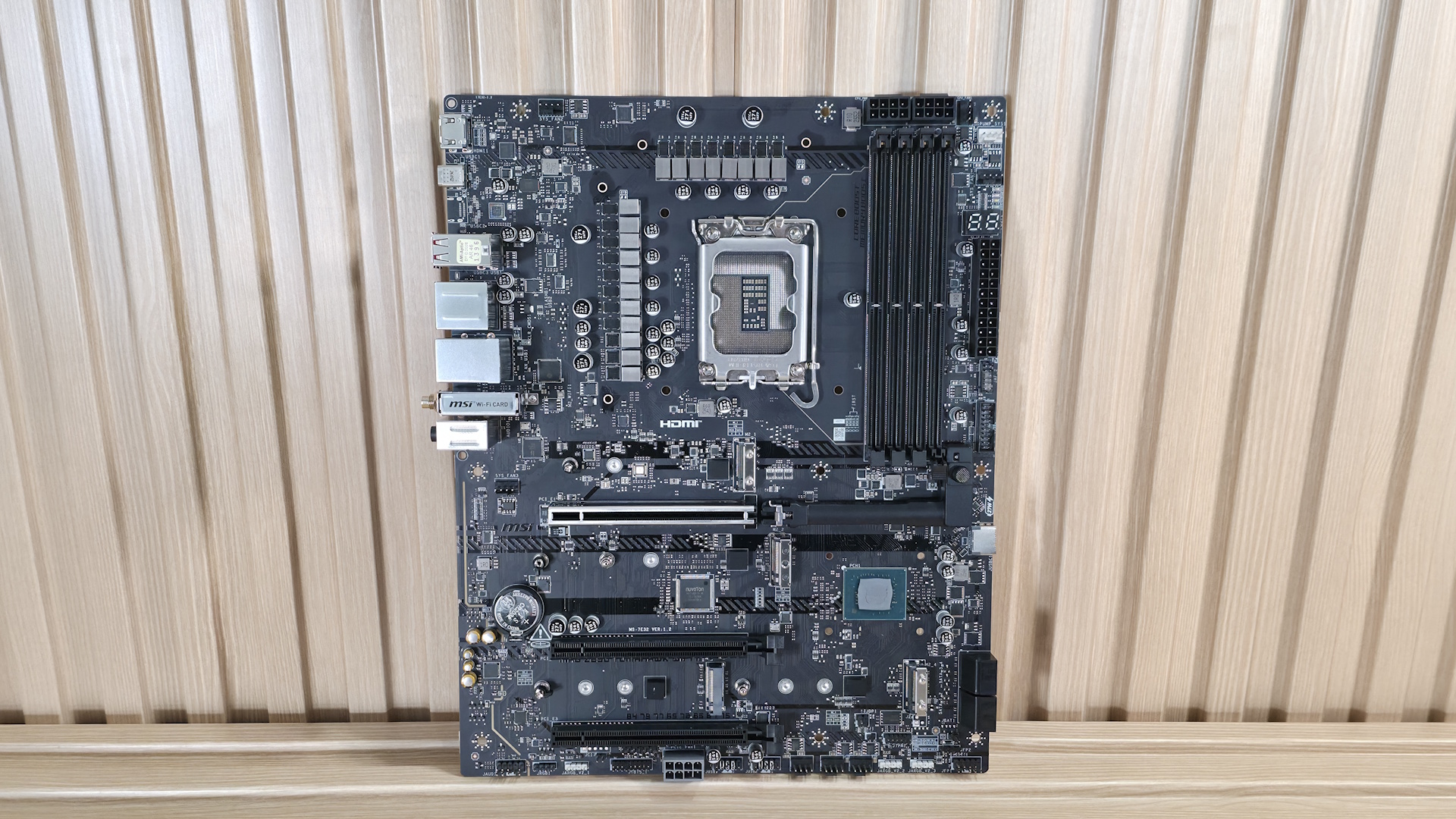
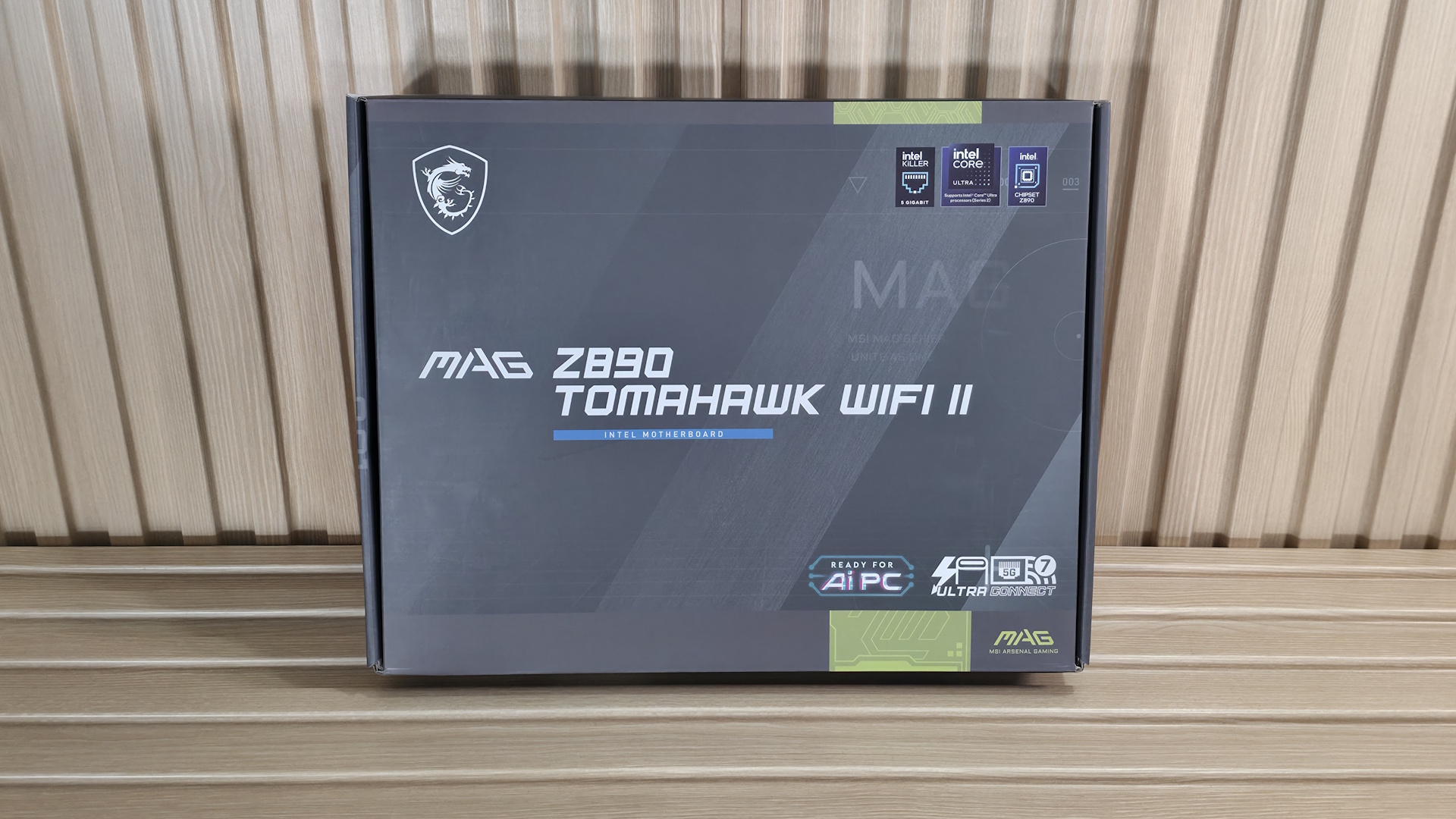
Looking at the Z890 Tomahawk II, it’s tough to discern any aesthetic changes versus the original. It sports an all-black 6-layer, server-grade PCB design with black heatsinks all around. There are bright yellow/green branding accents on the chipset heatsink, the primary M.2 heatsink (for which I wish to see a larger one for the PCIe 5.0 M.2 socket underneath), and the top VRM heatsink. As for RGB lighting, the Tomahawk II, like the original, doesn’t include RGB lighting, though it does have multiple headers to connect your own. It’s not begging to be the showpiece of the build, but it surely looks good with a black build theme.
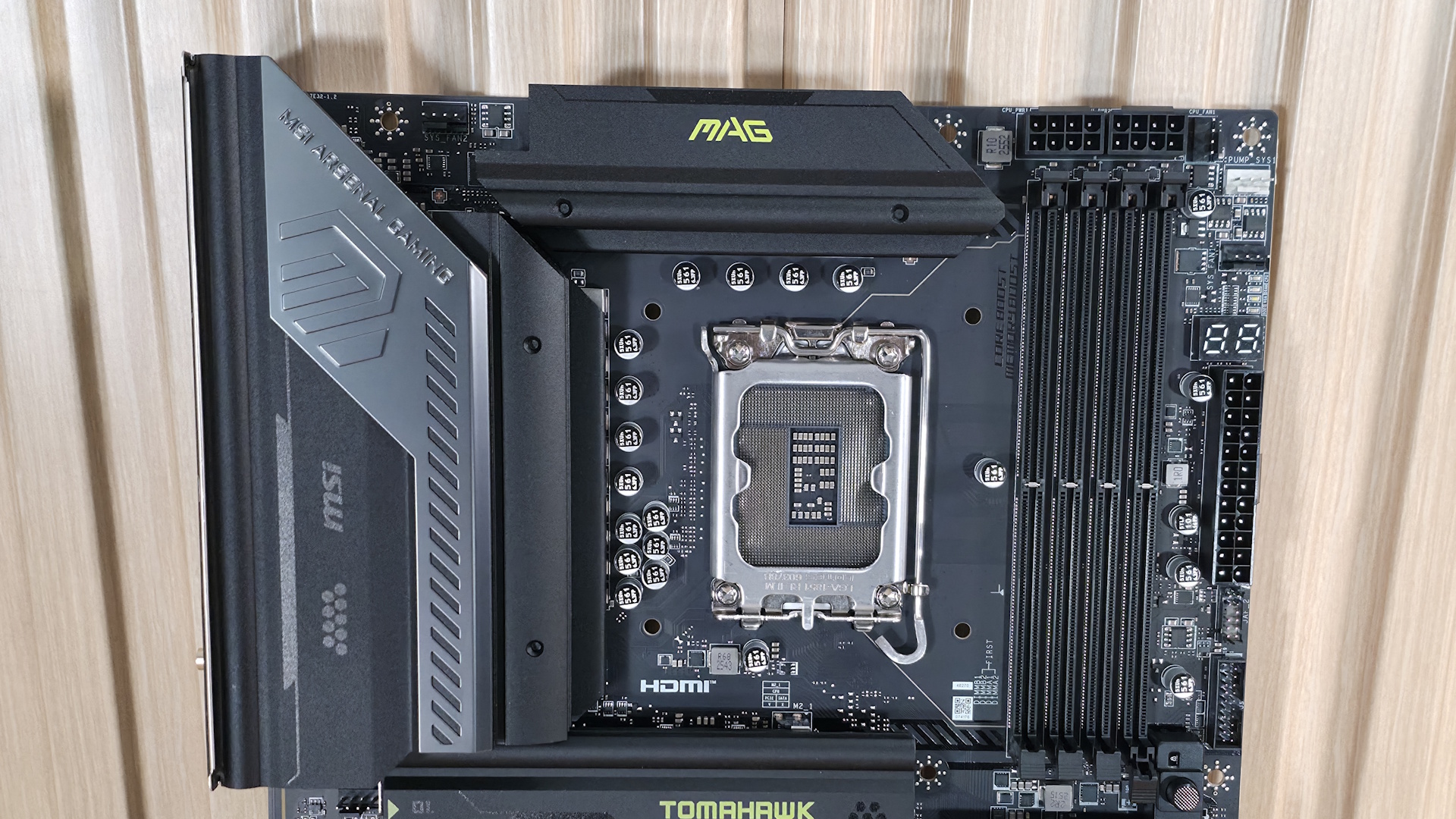
Focusing on the top half of the board, we get a better look at the capable VRM heatsinks and socket area. What is different on this board compared to many others is that the two 8-pin EPS connectors (one required) are above the DRAM slots instead of above and to the left of the VRM heatsinks. In its place is the first (of seven) 4-pin fan headers. Each header supports PWM and DC devices, with current/power ratings ranging from 1A/12W (SYS_FAN1-6) to 2A/24W for the CPU_FAN1 and 3A/36W for the PUMP_SYS1 header. There’s plenty of power to go around. Header control is managed via the BIOS or MSI's Control Center software.
Below the EPS connectors are the four DRAM slots, each with a single locking mechanism at the bottom. With the CPU power leads so close above, it makes sense to have them on the bottom, where there is more room to access them. The board supports up to DDR5-9200 MT/s, which is plenty fast for the platform. Our own testing showed the board worked fine at DDR5-8800 MT/s with a 2x24GB kit, so there’s some headroom left with 2x16GB sticks to reach the listed peak.
In the upper-right corner and along the edge, we spy three more 4-pin fan headers, along with the EZ debug (4 LEDs, basic troubleshooting) and the 2-character EZ Digi-Debug LED, which offers more details on POST issues and doubles as a temperature display once booted.
Below that is the JAF_2 EZ-Conn-header V2, which allows you to connect ARGB LED strips, fans, and USB 2.0 devices (with the included adapter cable), saving space on the motherboard. Last but not least, on the top half is a front-panel USB 3.2 Gen 1 (5 Gbps) connector.
Stay On the Cutting Edge: Get the Tom's Hardware Newsletter
Get Tom's Hardware's best news and in-depth reviews, straight to your inbox.
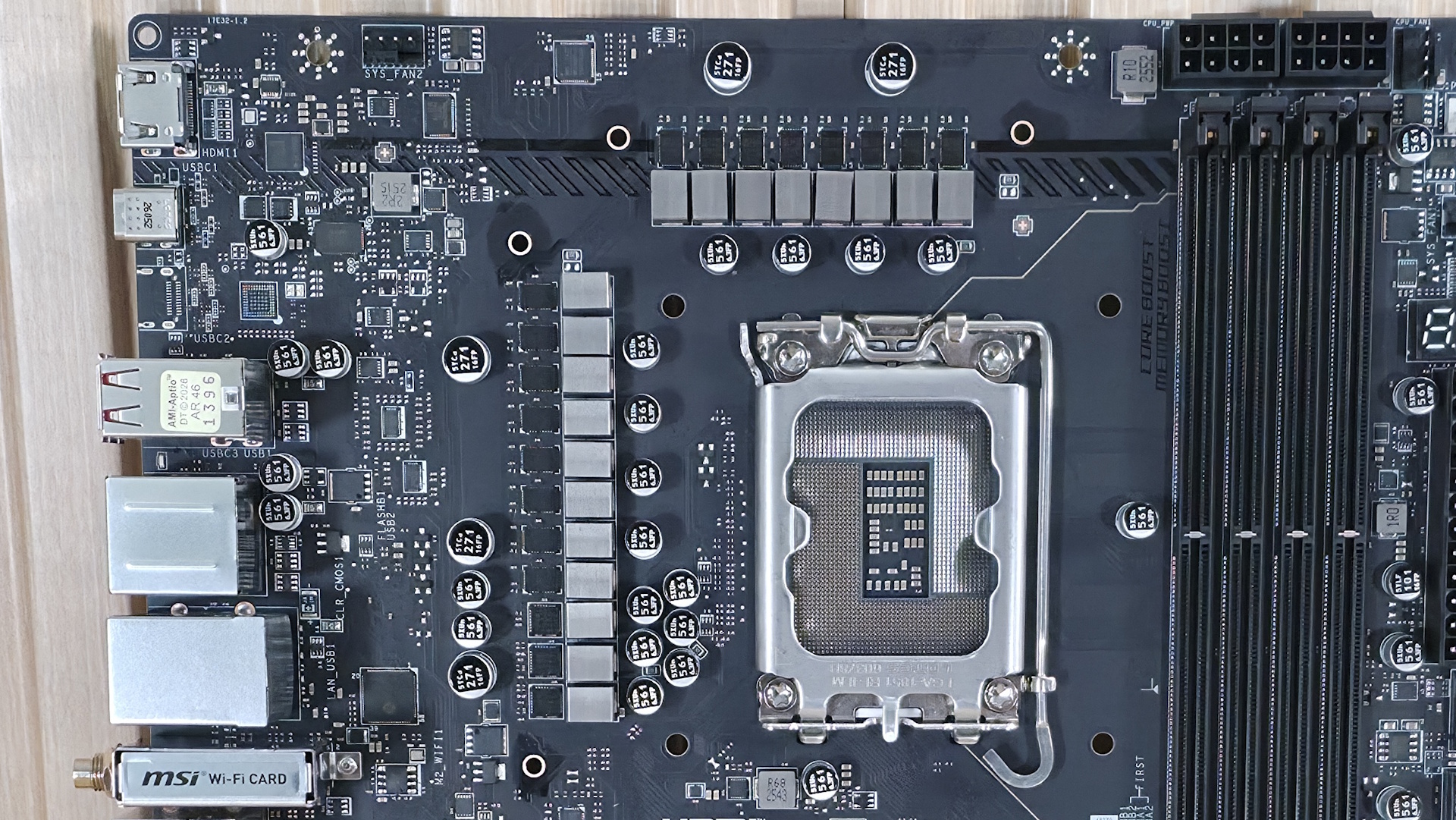
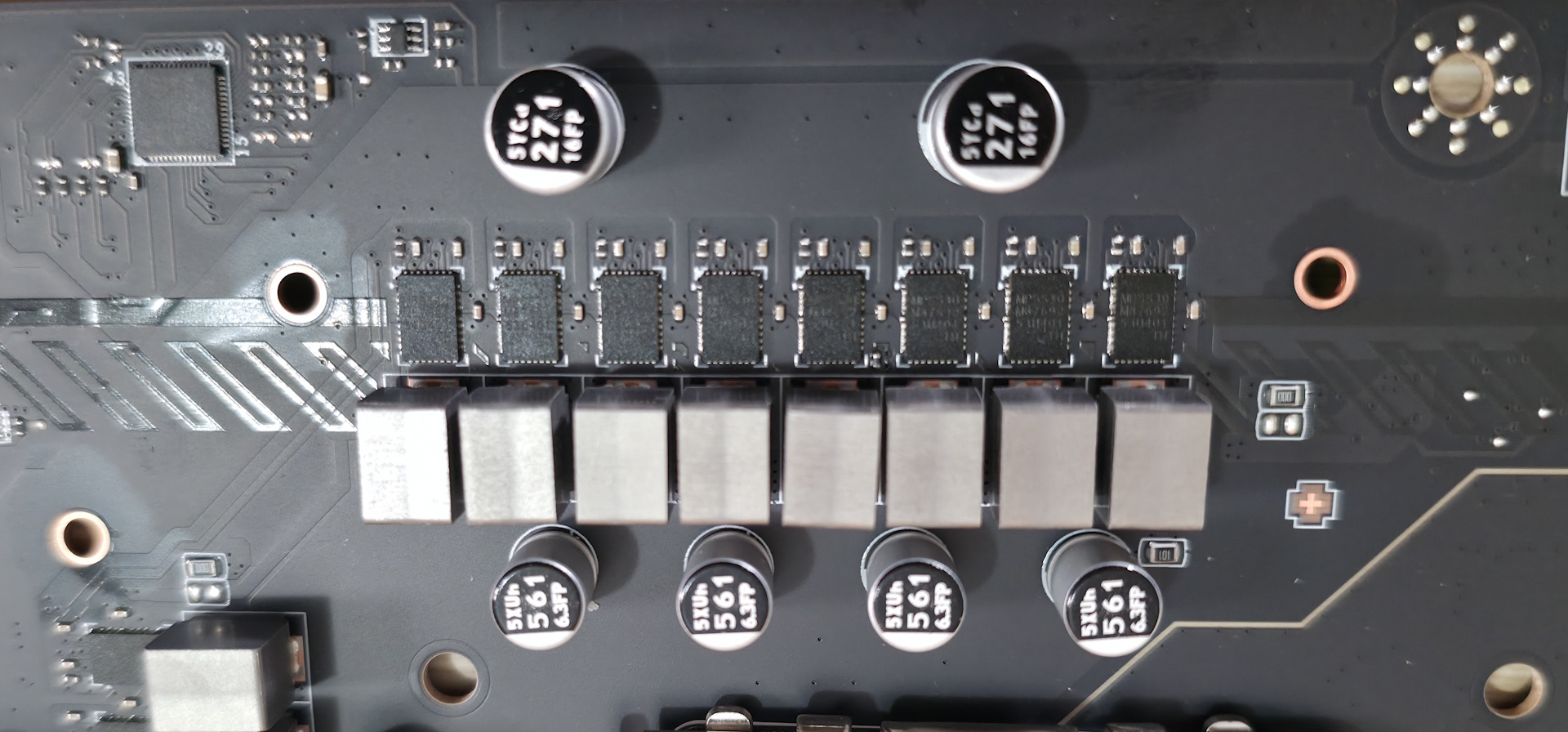
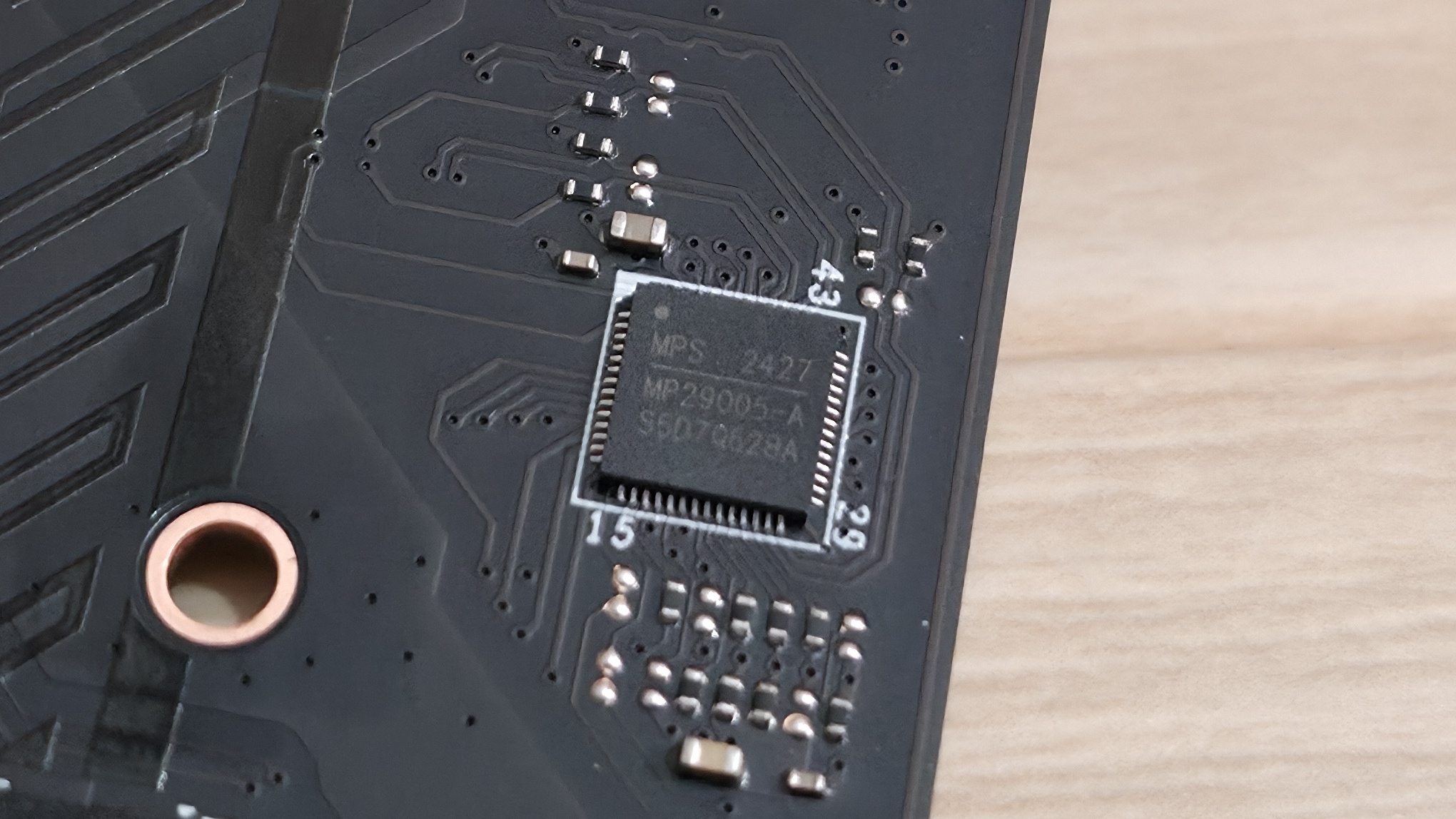
Power delivery on the Tomahawk II is capable and appropriate for this class of motherboard. It has 19 phases, 16 of which are dedicated to Vcore. Power is supplied to the Monolithic Power Systems (MPS) MPS2477 controller. From there, it heads to 16 MPS 90A SPS MOSFETs. The 1,440A available can handle the Core Ultra 7 270K Plus, the Core Ultra 5 250K Plus, and even the Core Ultra 9 285K, even with overclocking. Just be sure to keep air flowing in your chassis, as the components here will get warm with sustained heavy use.
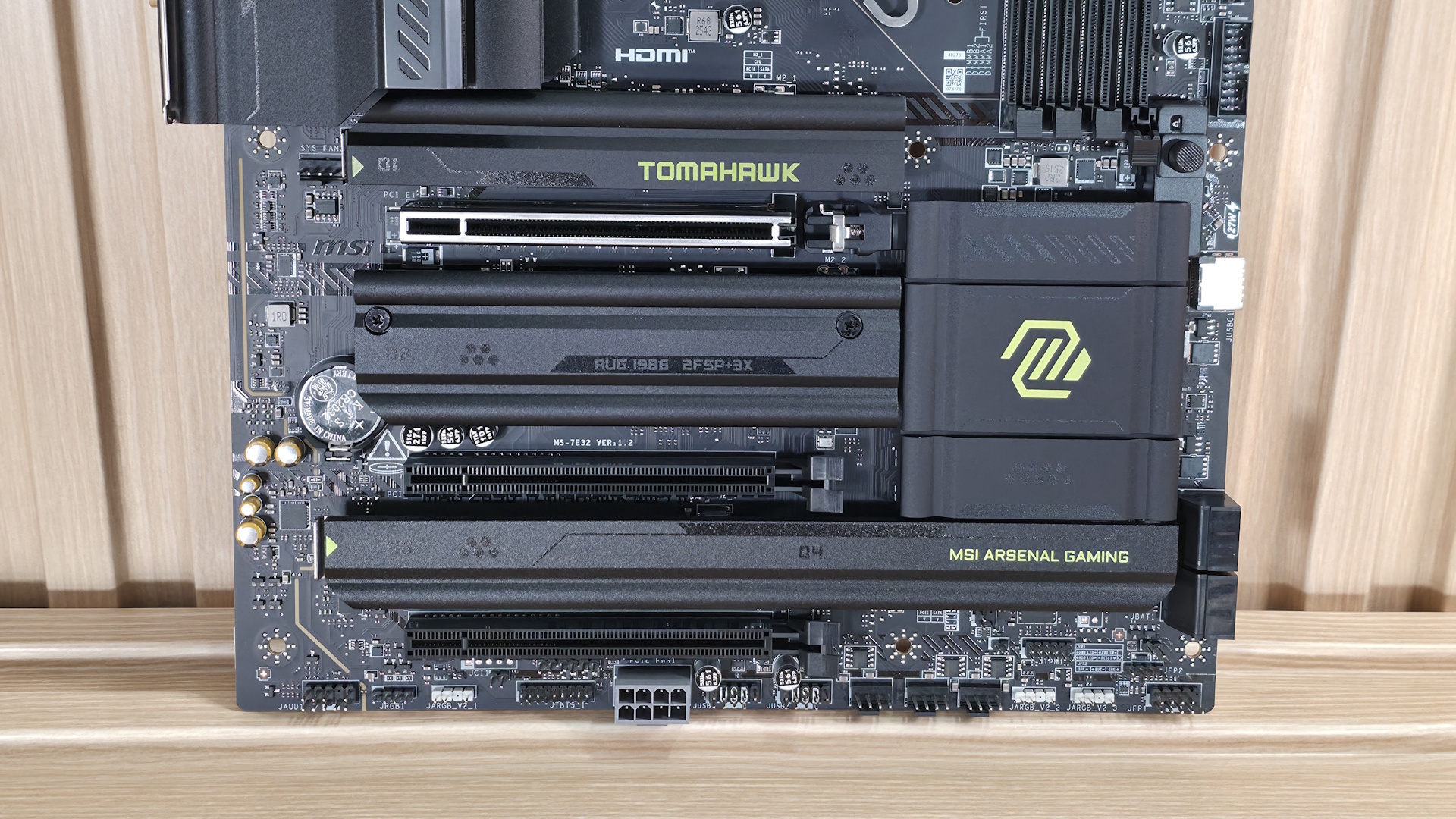
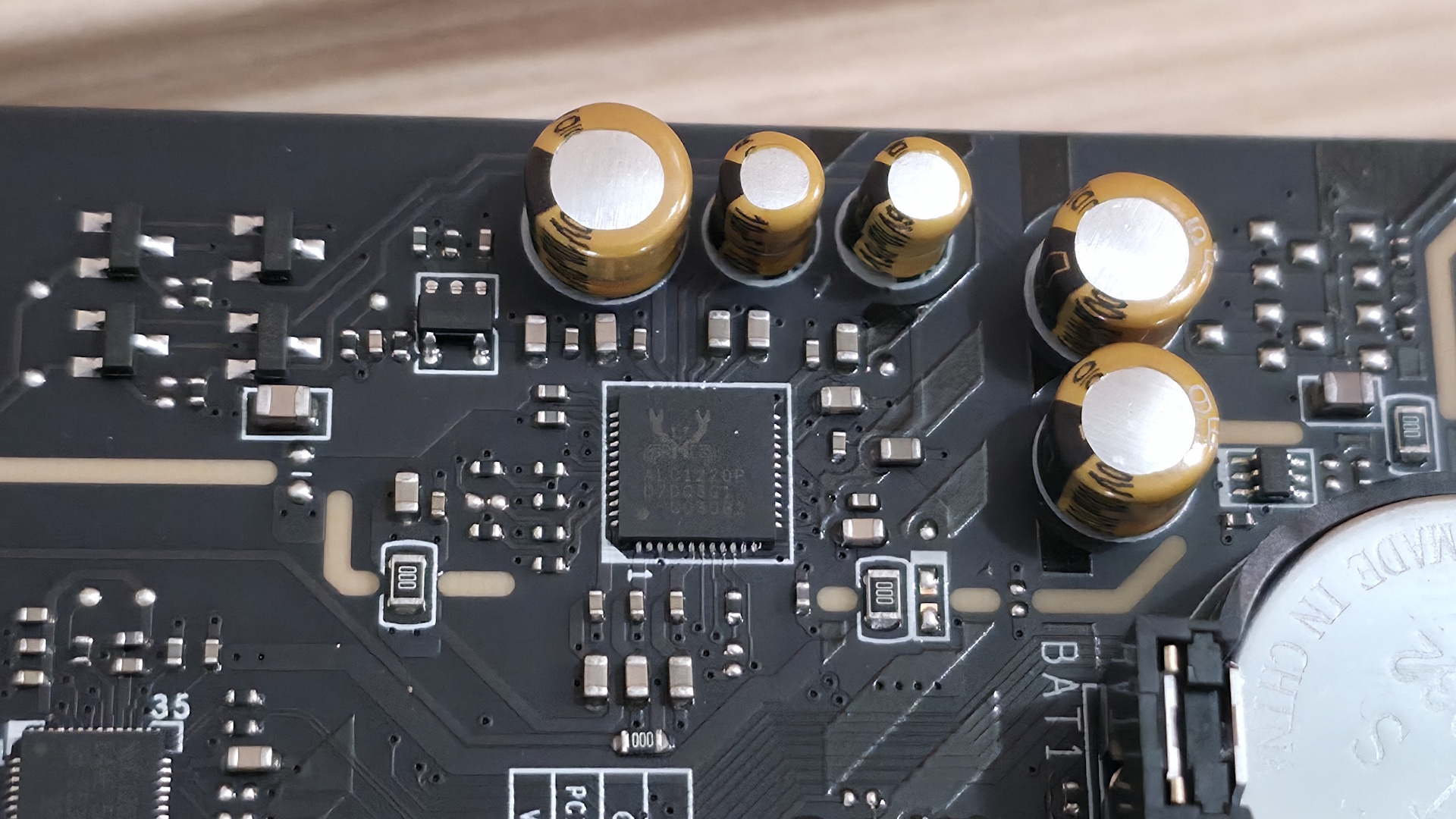
On the bottom half of the board, we’ll start on the left with the audio section. There, we see a couple of dedicated audio capacitors and the last-gen flagship codec, the Realtek ALC1220P. While this isn’t the latest/best audio codec available, it’s a good one and makes sense for most budget-class motherboards. You should still be happy with it, as it’s difficult to tell them apart without seeing the actual specifications anyway.
In the middle of the board are three full-length PCIe slots and four M.2 sockets. Starting with PCIe, the topmost slot has reinforcement, which MSI calls Steel Armor II. It is your sole PCIe 5.0 x16 slot and connects through the CPU. The bottom two slots connect via the chipset and support PCIe 4.0 x4. The top slot does not bifurcate, if you’re wondering.
Among and around the PCIe slots are four M.2 sockets. The top socket, M.2_1 (above the top PCIe slot and under the heatsink that, again, I wish were larger), is your CPU-connected PCIe 5.0 x4 (128 Gbps) socket. The other three M.2s all connect through the chipset and run at PCIe 4.0 x4 (64 Gbps), with M.2_4, the bottom-right socket, also supporting SATA-based M.2 devices. All sockets support up to 80mm modules and can run RAID 0/1/5 modes for redundancy and/or increased speed (RAID is not a backup). Between the PCIe slots, M.2, USB, and SATA ports, there is no lane sharing. You can fill all the slots and sockets and still receive the full bandwidth from each.
Finally, moving past the chipset heatsink to the right edge, are two of the four SATA ports (supporting RAID 0/1/5/10). The other two are mounted vertically along the bottom edge.
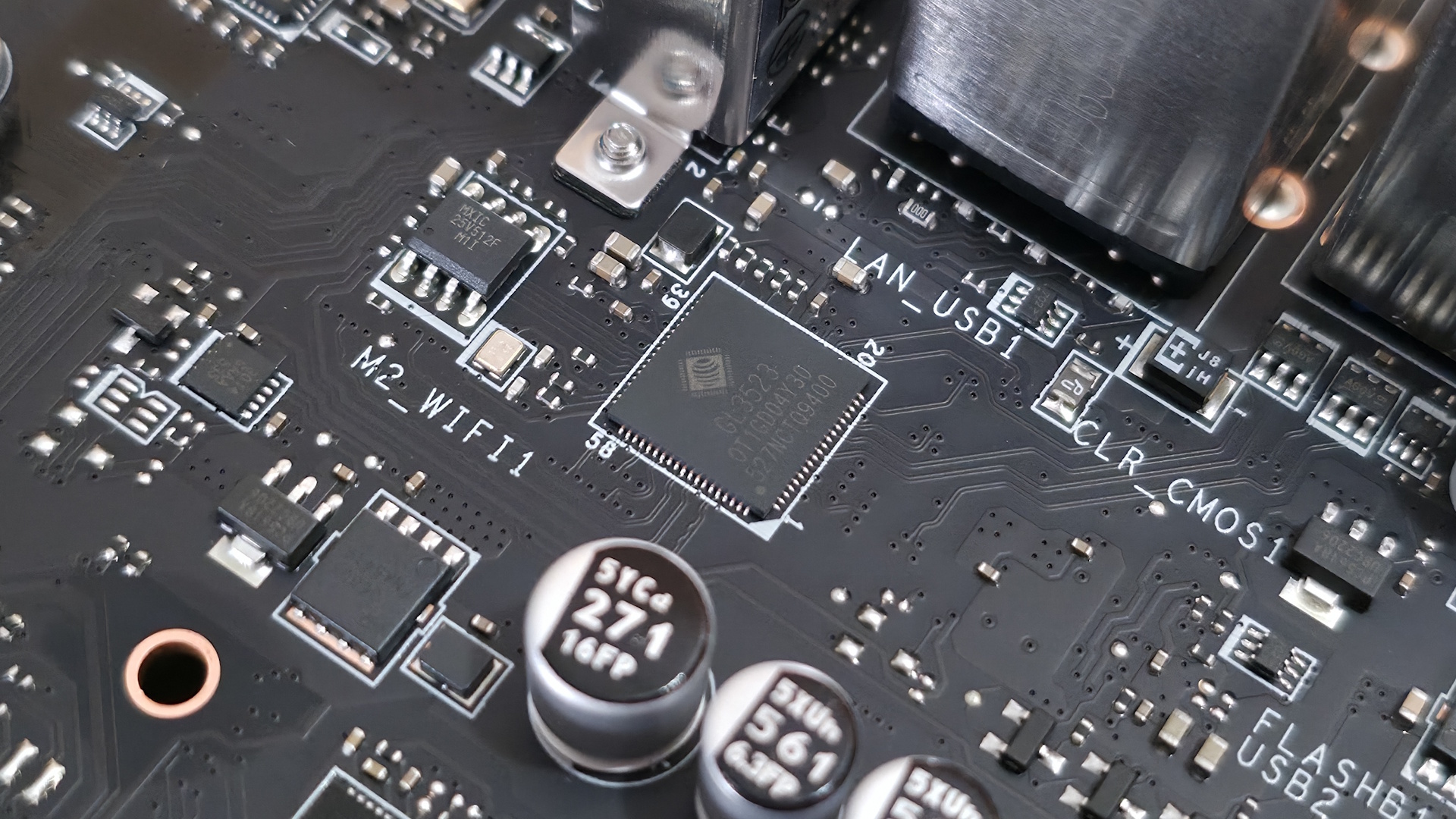
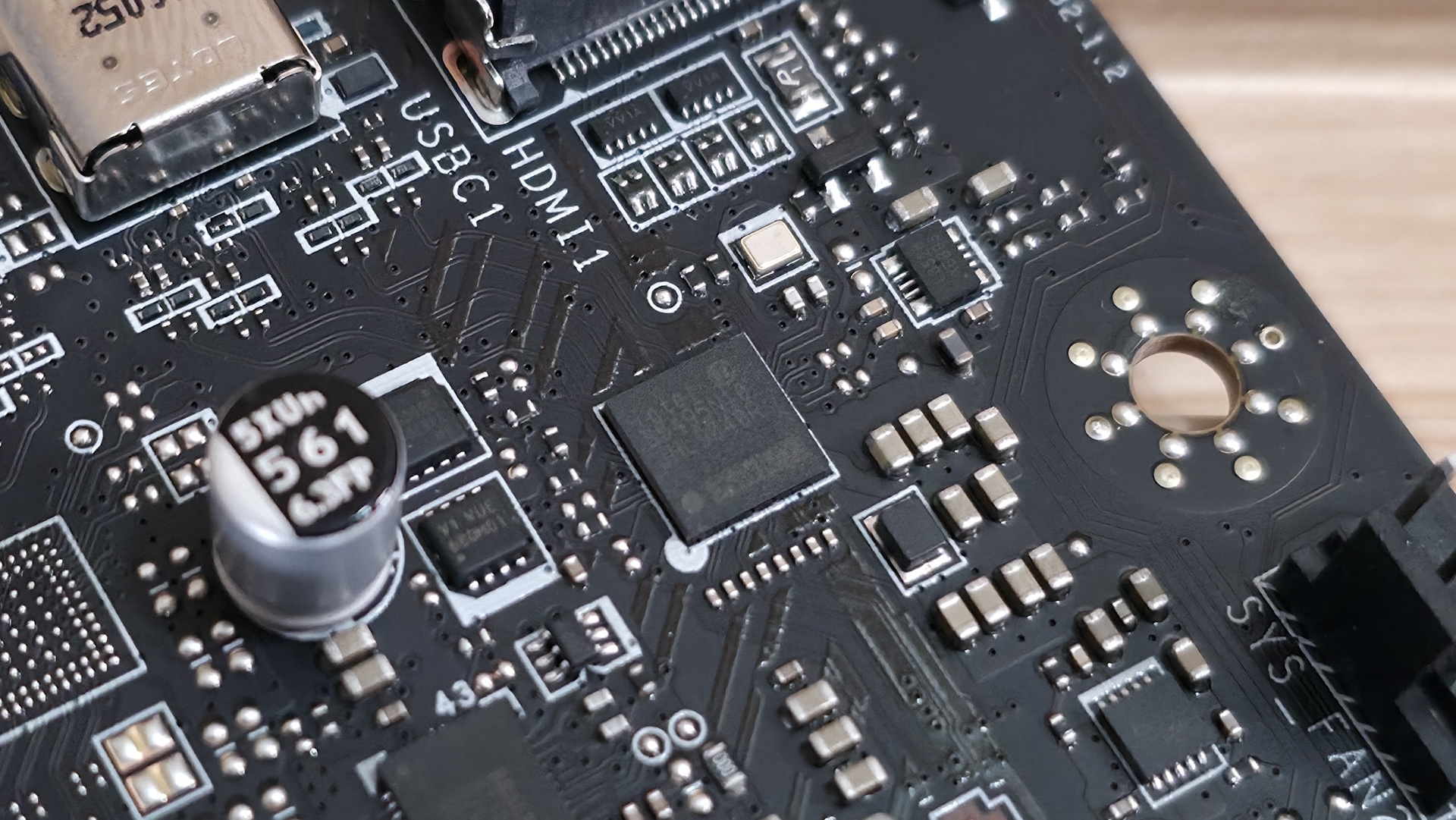
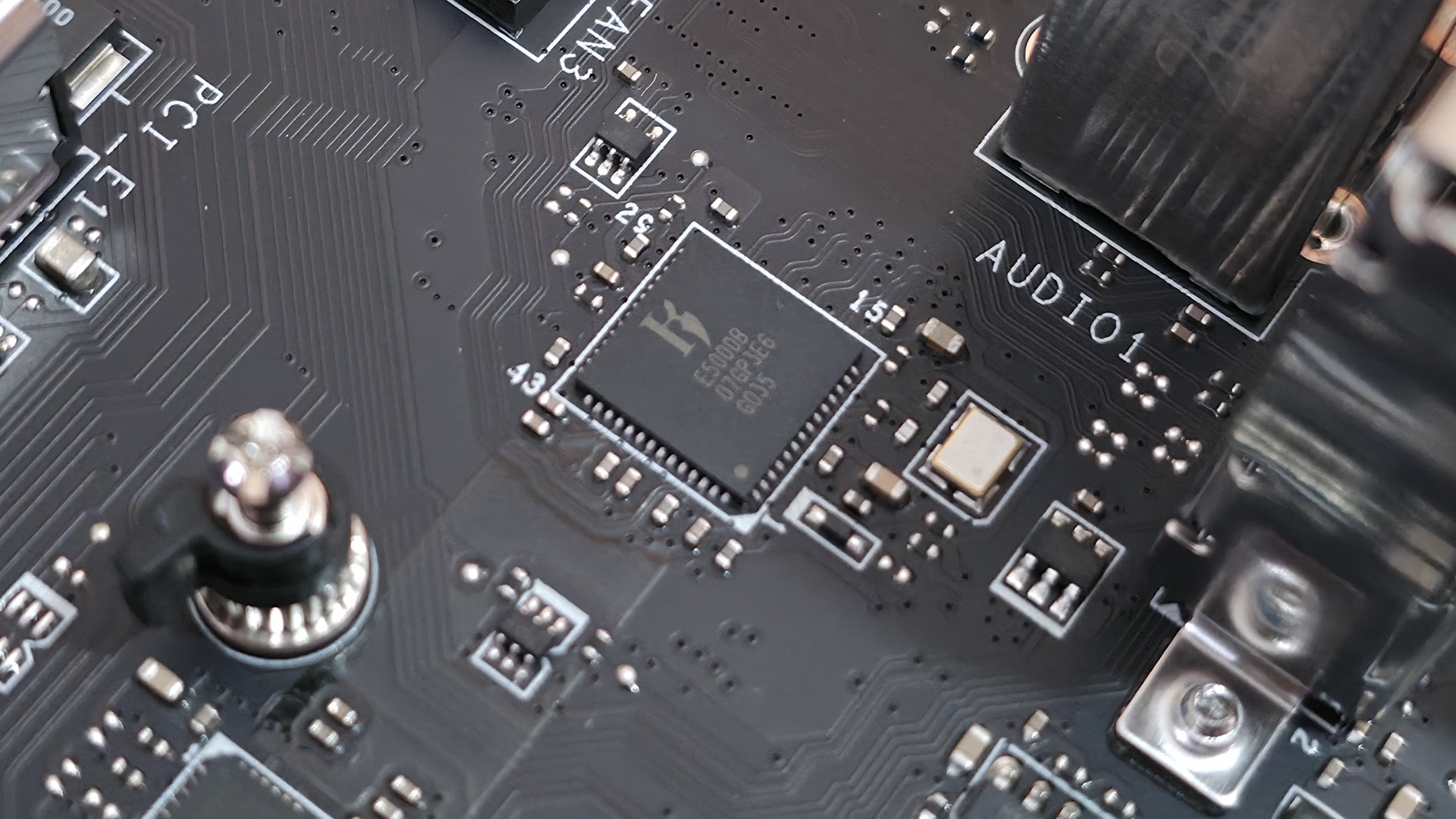
We've also captured several images of the IC's used to make this motherboard work consisting of a mix of Genesys Logic for a USB hub, Killer/Intel Ethernet, Realtek audio, and Monolithic Power Systems MOSFETs.
At the bottom of the board is a slew of headers. It offers your typical set of connectivity in this area, with nothing missing or worth a specific mention. Below we’ve listed all the connections across the bottom of the board.
- Front panel audio
- 4-pin RGB header
- 3-pin ARGB header
- 2-pin chassis intrusion header
- TB5 AIC header
- 8-pin PCIe connector
- (2) USB 2.0 (380 Mbps) headers
- (3) 4-pin system fan headers
- (2) 3-pin ARGB headers
- TPM header
- 2-pin Clear CMOS header
- Front panel headers
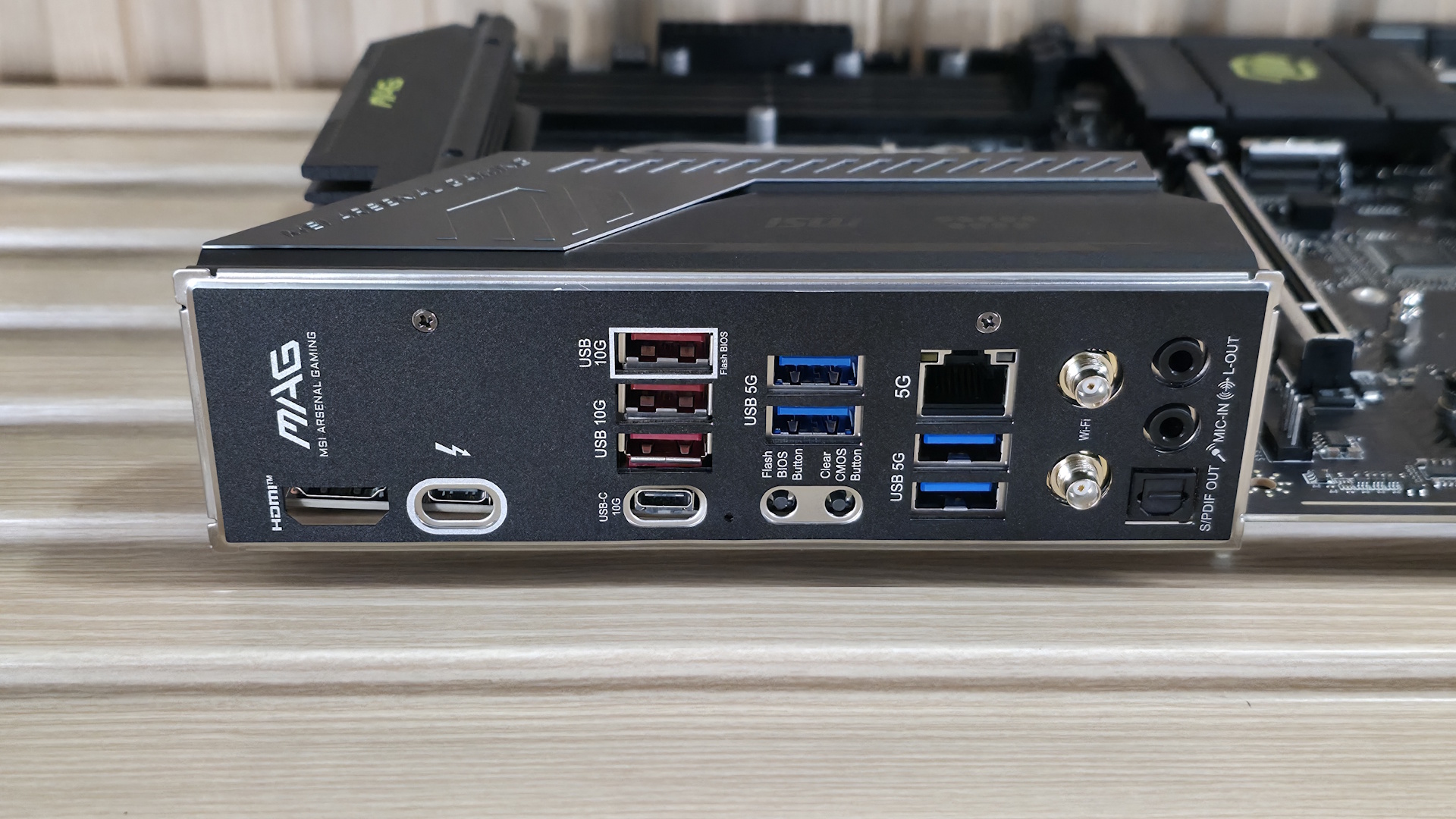
Flipping the board around to the rear IO, the Tomahawk II provides basic connectivity for the platform. You get everything, but compared to the original Tomahawk, you get one less Thunderbolt (40 Gbps) Type-C port. On the left, there's the HDMI (v2.1) output and the TB4/DisplayPort Type-C port, both of which work with integrated video. Next to that is a 10 Gbps Type-C port, while above that are the seven Type-A ports (3x 10 Gbps, 4x 5 Gbps). Below the USB ports are two buttons (BIOS Flashback and Clear CMOS). Next is the Killer 5GbE, the EZ antenna quick-connect for the slower (2.9 Gbps) Wi-Fi 7 connections, and the 3-plug (2x 3.5mm and SPDIF) audio stack. The next stack holds the 40 Gbps Thunderbolt Type-C port and the only USB 3.2 Gen 2 (10 Gbps) port. Next to that are four USB 2.0 ports, and the Realtek-based 2.5 GbE port stacked on top. Rounding out the USB ports back here are two USB 3.2 Gen 1 (5 Gbps) ports.
There’s nothing particularly notable here, just a difference in TB4/40 Gbps port count (now one).

Joe Shields is a staff writer at Tom’s Hardware. He reviews motherboards and PC components.
What's Your Reaction?
 Like
0
Like
0
 Dislike
0
Dislike
0
 Love
0
Love
0
 Funny
0
Funny
0
 Wow
0
Wow
0
 Sad
0
Sad
0
 Angry
0
Angry
0








Comments (0)