

Why the Best Forest Photos of the Day Were Steps From the Truck
You drive out to a waterfall the day after a downpour, expecting a torrent, and find the creek almost dry. A blown plan like that tests how quickly you can switch to a backup spot, and how much you can pull out of an ordinary forest scene later with focus stacking in Photoshop and some careful masking in Lightroom.
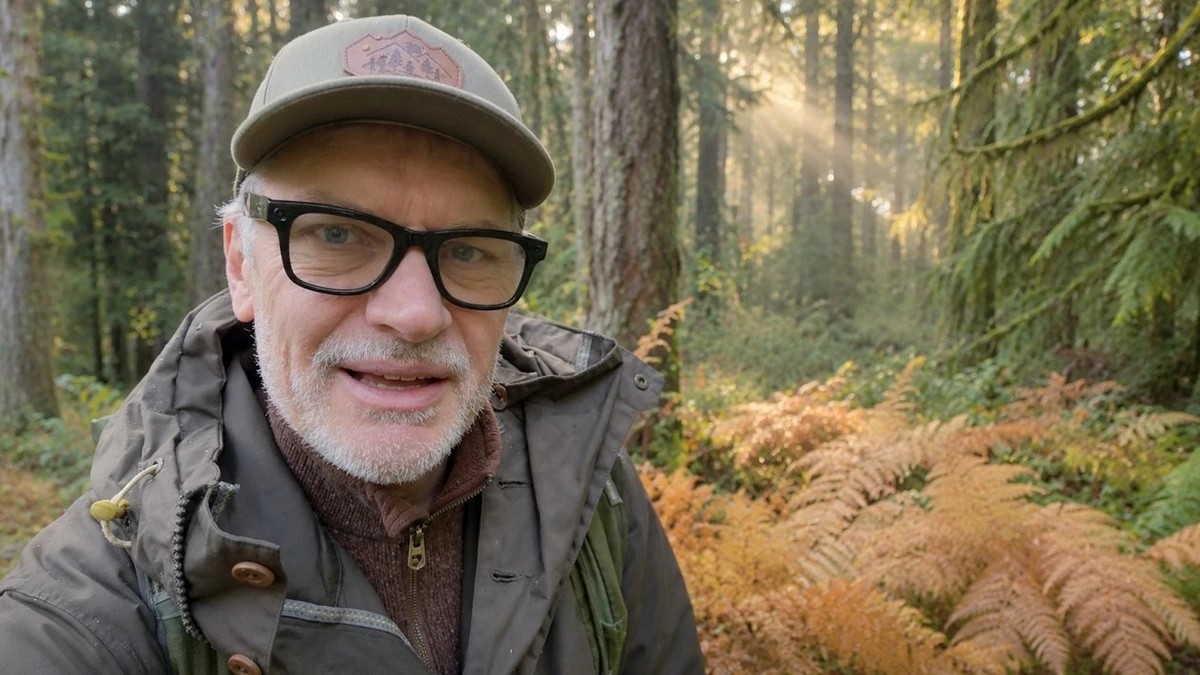
Adam Gibbs planned on Triple Falls, a short hike near his home on Vancouver Island, and found the creek so low that even his favorite mossy ledge had no water spilling over it. The island has been dry for a few years running, and the autumn color is thinner than usual, though a few shrubs along the trail still glow. He drives on toward Englishman River Falls and stops in the campground short of the falls, where damp air and weak sun have filled the woods with mist. The fog burns off fast. After about 45 minutes on the trails, he's ready to quit, and the composition he finally settles on sits roughly 20 meters from his truck. Four dark trunks fill the foreground, salal covers the ground, and a brighter stretch of forest opens up behind them. He shoots the scene horizontally with and without a circular polarizer, then adds a vertical. He ends up preferring the frames without the filter for their cooler, bluer cast, which may surprise you if a polarizer goes on your lens any time the leaves are wet.
Provincial park trails bring their own problem. Crews cut down dead trees for safety, and a fresh saw cut in the frame looks man-made right away, so your options shrink in a forest where finding order is already hard. Second-growth stands like this one also tend to look uniform, with few big trees and not much growing underneath, which makes a patch of salal more valuable than it sounds. Gibbs exposes for the highlights, leaving the raw file dark, and accepts that a few specular highlights will clip. In Lightroom, he lifts the exposure, sets a firm black point while holding the Option key, and uses a pair of radial gradients to brighten the center and pull down the edges so the trees form a tunnel into the frame. He also pushes haze into the middle of the image, the opposite of the usual Dehaze move, to help the mist he saw on location come through in the final file.
Focus stacking once meant a macro rail and dedicated software, and it has drifted into everyday landscape work as cameras took over the tedious part. Nikon calls its version focus shift shooting, Canon and Fujifilm offer focus bracketing, and OM System bodies can merge a stack in camera. Photoshop's Auto-Align Layers and Auto-Blend Layers handle the merge at your desk, and Helicon Focus and Zerene Stacker are there for scenes where an automatic blend struggles with overlapping branches. Forests make good candidates. You often want a trunk a meter or two away and the trees deep in the scene both sharp, and stopping down far enough to cover that range in a single frame softens the whole image through diffraction. Wind is the one variable software can't fully fix, since leaves that move between frames ghost at the seams. On a still morning, shoot your stacks first, before a breeze picks up.
The second photo comes from the same few meters of ground. Bracken ferns along the road made Gibbs pull over in the first place, yet on his first pass he walked too quickly to see much beyond them. Back near the truck, a brief stretch of overcast puts soft light on a Douglas fir with a touch of fall color behind it, framed by ferns that hide most of the campground. The light turns harsh again within minutes. A picnic table sits right at the base of the tree, and he plans to clone it out, while a low shooting position keeps the gravel pad behind the ferns out of sight.
Gibbs checks the merged stack for sharpness from foreground to background at the end of the processing segment in the video.
What's Your Reaction?
 Like
0
 Dislike
0
 Love
0
 Funny
0
 Wow
0
 Sad
0
 Angry
0










Comments (0)