

Grep this: Microsoft grafts (most) Linux commands onto Windows
Steve Ballmer’s darkest fear has come to pass: Linux has worked itself into the deepest innards of Microsoft Windows itself.
At the company’s annual Build developer conference this week, Microsoft released coreutils, a Rust-built multi-call binary file for Windows that serves over 75 Unix commands directly in the Windows CMD and PowerShell command lines – including favorites such as cat, ls, grep, and head. They join Linux favorites curl and sudo which were earlier added to the Microsoft command lines.
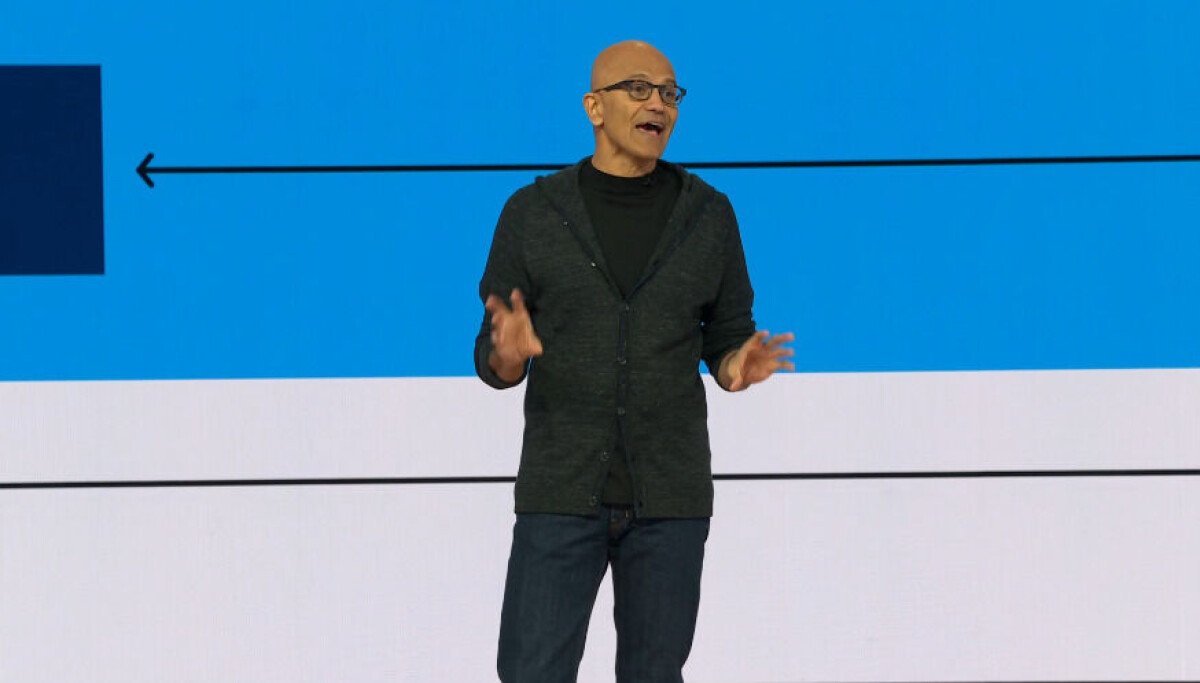
“Grep in full glory is now available for full Windows access,” enthused Microsoft CEO Satya Nadella yesterday during his Build keynote. Grep (Global Regular Expression Print) provides a way to search through all the files in a given space – it’s essential for searching through gargantuan log files for instance. It is one of the many commands memorized by the daily Linux user.

Behold! Grep on Windows CMD
Microsoft’s stated motivation in evoking Linux powers is an effort to standardize user commands across the multiverse of platforms it supports so that developer scripts work the same way across containers, PowerShell, Macs, the Windows Subsystem for Linux (WSL), and the DOS-era CMD command line.
Unix was built on the philosophy of small programs that can be easily piped together to build larger workflows, so that, say, the output of grep can be combined with other material through the cat (concatenate) command. As a result, developers, admins, and now AI agents write scripts that incorporate these commands.
The adoption is also good news for Linux expats who occasionally work in the Windows CMD: They will no longer need to remember the standard “ls” command for listing the contents doesn’t work in Windows, and that they have to type the DOS-era “dir” command instead. Now both work.

No longer will you need to remember that “dir” and not “ls” works on CMD.
That said, the devil is in the details for many of these ported commands. Several long-time Linux commands conflict with existing CMD and PowerShell commands of the same names, such as date and rmdir. In these cases, the user must suss out which identical command takes precedence, which can depend on the shell, the PATH order, or the alias table if you are using PowerShell.
One X poster noted that Coreutils relieves a repeated “frustration of looking up the PowerShell equivalent syntax” for grep. “Useful functionality over ‘not invented here’ is a huge win!” they wrote.
One could run Grep before on Windows through third-party packages such as Cygwin, though Coreutils has the speed of native functionality, thanks to its implementation in Rust.
Microsoft built Coreutils from the uutils open source effort of rewriting Linux core commands in Rust, for the purposes of memory safety and cross-platform portability. No doubt, it also helped Microsoft that this package was written under the permissive MIT open source license, thereby sidestepping the sticky GNU GPL requirements that so spooked Ballmer.
There are some Unix/Linux commands that this project won’t touch, such as dd, the byte-by-byte copying (“Perhaps useful in the future,” the documentation wryly notes). A few other commands – original DOS Sort and Find – were integrated into their Linux equivalents so they would work in both contexts.
And because Windows uses ACLs to assign file ownership, rather than POSIX permission bits, none of the Linux permission-setting commands (chcon, chgrp, chmod, chown, chroot, groups) make any sense to Windows, so any scripts changing file permissions still must be massaged (Linus Torvalds created Linux to adhere to the POSIX standards that define the Unix commands).
You can download and install Coreutils, which is only about 4.6MB, through CMD WinGet (“winget install Microsoft.Coreutils”). The download is worth it for grep alone, which is the undisputed champion rifling through all the files in an overloaded directory.
Bigger fish to fry
When Windows was king at Microsoft, Linux was public enemy number one. But times have changed now that Microsoft has larger competitive threats to worry about than open source – namely the frontier AI labs threatening to disrupt the entire enterprise software market.
Linux has been, for several years now, the most popular operating system on the company’s Azure cloud service. And last month, few graybeards even batted an eye when Microsoft released its own Linux distribution, Azure Linux.
Nadella’s newfound love for grep probably has more to do with its recent popularity as an agent tool for finding the needles in the haystack.
At Build, Microsoft relied heavily on its trusted playbook of commoditizing the competitor, revealing a host of new features and services to help developers integrate AI into their own applications. The message was clear: The developer is still in charge, and they can integrate the best of what commercial LLM suppliers could provide with Microsoft’s enterprise-focused platform.
After all, it’s a long way from impressing Richard Dawkins with displays of artificial intelligence to building something genuinely useful for Frank in accounting that doesn’t upset the security team.
At this show, Microsoft released a version of the popular OpenClaw agent builder that runs in Windows, and hence inherits the ecosystem of permissions and security guardrails that come with the Microsoft enterprise ecosystem. This package relies on the newly-released Microsoft Execution Containers (MXC), a policy layer for describing agent containment requirements that can be enforced by Windows. Earlier this year, Microsoft issued a warning about the security problems of running OpenClaw unfettered on Windows.
In fact, agents may work best within the confines of established software, the ‘Softies argued. At the event, the company revealed the new CoPilot for GitHub, which was expanded from offering only in-line assistance to a full developer environment and orchestrator for multiple agents that can autocomplete the more mundane tasks of pushing code to GitHub.
For Office 365, Microsoft introduced a new set of prefabricated OpenClaw-based agents, called AutoPilots, that inherit the developer’s environment. "These are autonomous, long running agents with full enterprise compliance that run in your tenant." Nadella said.
He introduced the first of these personalized agents, called Scout, which runs in Microsoft Teams, and can dip into the user’s chats, email, calendar, and contacts to run errands.
The company also introduced to the audience a bevy of in-house models that devs can implement directly into their own apps to lessen their reliance on OpenAI or Anthropic API. They cover reasoning (MAI-Thinking-1) coding (MAI-Code-1-Flash), image creation (MAI-Image-2.5), voice transcription (MAI-Transcribe-1.5) and speech generation (MAI-Voice-2)
Perhaps most ambitiously, the company launched Project Solara, a platform for ambient computing, in order to bring AI to portable single-purpose devices. "The next computer is not one device, it is all these devices working together as one system, with agents showing up closer to where and when you need them," Microsoft Technical Fellow Steve Bathiche told the Microsoft Build crowd. This hearkened back to Nadella's kickoff remarks in his keynote, where he reminded developers that "the amount of compute at the edge is actually astounding. Think about every NPU, GPU, CPU, even every PC. If you aggregate that, that's a lot of compute power."
Project Solara follows in the steps of Anthropic, which recently released its own blueprint for building agent-enhanced portable devices, called the Claude Desktop Buddy. ®
What's Your Reaction?
 Like
0
Like
0
 Dislike
0
Dislike
0
 Love
0
Love
0
 Funny
0
Funny
0
 Wow
0
Wow
0
 Sad
0
Sad
0
 Angry
0
Angry
0











Comments (0)