

I've found DLSS 5 can slash frame rates by up to 73% on an RTX 5080 gaming PC in NBA 2K27, and I'm wondering what kind of mega-rig would justify the performance hit
 (Image credit: 2K Games)
DLSS 5 is finally here. Well, its been officially released in one game, anyway, after modders got their hands on it last week and made the actual launch somewhat redundant. Still, I've been testing Nvidia's new AI image-enhancing tech in NBA 2K27, the latest hoop-shooting game in the long-running series, and I have bad news: even on a high-end RTX 5080 rig, it's seriously punishing when it comes to performance.
Which isn't a huge surprise, given that Nvidia itself estimated a 50-60% DLSS 5 performance hit in the briefings last week. Still, my early testing shows it can tank your frame rate considerably harder than that, even on a PC that costs well over $3,000 in 2026.
I threw a pre-release version of NBA 2K27 at one of our benchmarking rigs, an AMD Ryzen 7 9800X3D, RTX 5080-equipped, 32 GB DDR5 behemoth. And while this particular PC can make mincemeat of the game's relatively lightweight hardware needs overall, turning on DLSS 5 can drop the average frame rate by up to 73% in certain scenarios.
It's capable of looking very pretty in this particular game, that's for sure. But my jaw has dropped several times during my testing, and not always for the reasons Nvidia may have hoped for. To the benchmarks, then.
DLSS 5: 1440p NBA 2K27 benchmarks
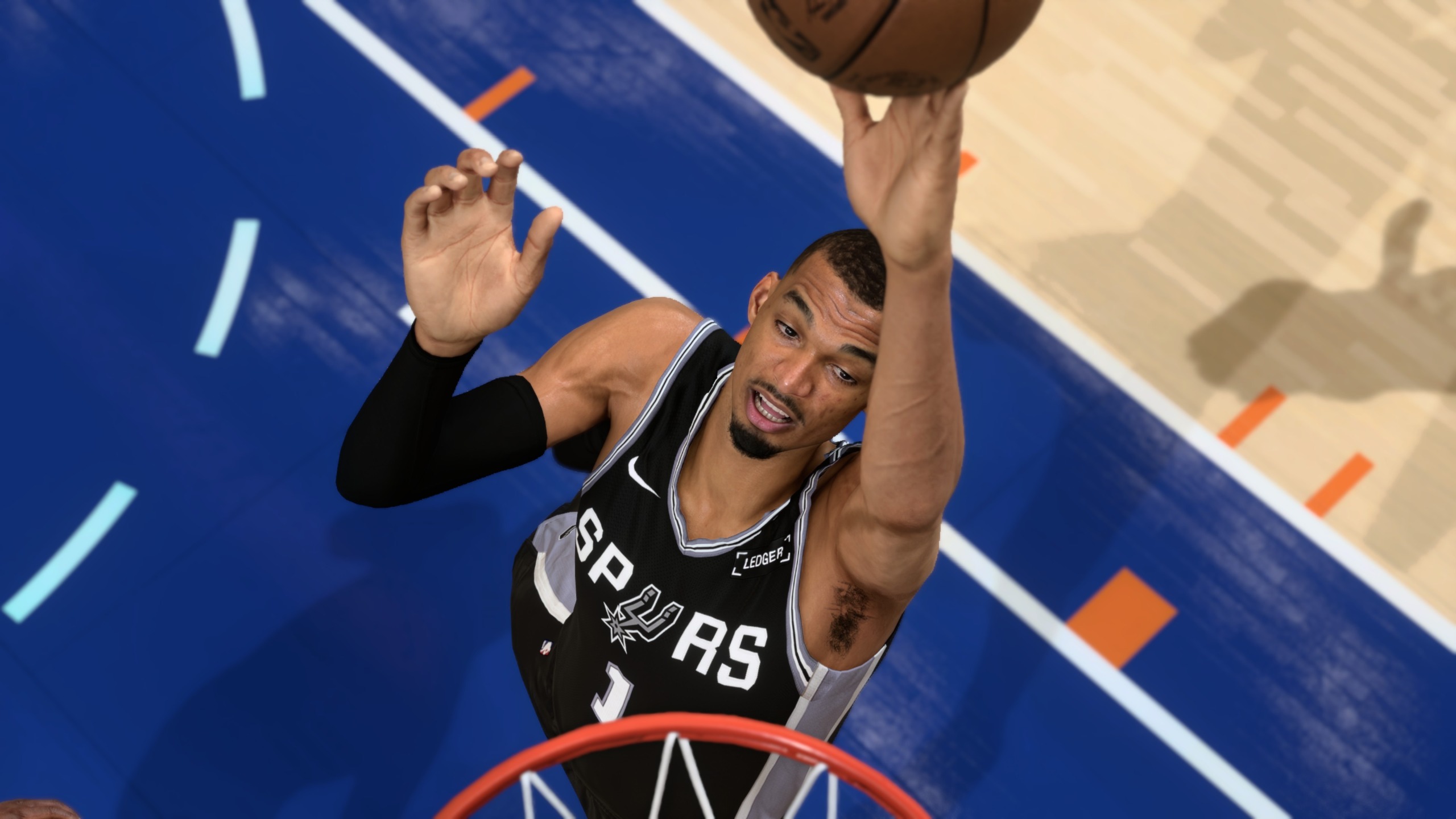
Given the RTX 5080 is Nvidia's second-fastest consumer graphics card, I had no qualms about turning up the settings to Ultra, including enabling ray tracing. I recorded my results during actual gameplay within NBA 2K27's quick match mode, making sure to play for long enough that cutaway shots to the player's celebrations and the crowd triggered several times.
It's worth mentioning, however, that given the lack of repeatability within this mode, these results are potentially more representative of the DLSS 5 average frame rate hit, rather than game performance overall.
DLSS 5 | RTX 5080 | 1440p gaming benchmarks
Results recorded during gameplay in NBA 2K27 at Ultra settings, ray tracing enabled, using an RTX 5080.
NBA 2K27 (Ultra preset)
Quality upscaling + 2x FG
Quality upscaling + 2x FG + DLSS 5
| Native | 230 Avg FPS, 93 1% Low FPS |
| Native + DLSS 5 | 93 Avg FPS, 37 1% Low FPS |
| Quality upscaling + 2x FG | 363 Avg FPS, 153 1% Low FPS |
| Quality upscaling + 2x FG + DLSS 5 | 168 Avg FPS, 75 1% Low FPS |

And my goodness, what a performance hit it is. The difference between the Native 1440p average frame rate and the average rate with DLSS enabled is a whole 137 frames. A 93 fps average still results in very smooth gameplay overall, but the drop to just 37 fps in terms of 1% lows is very troubling.
This is an RTX 5080 running at 1440p, after all. A 4K-capable graphics card that will currently cost you $1,550 thanks to the ongoing memory/component pricing crisis. And that figure is based on the cheapest we can find—I've seen them listed for $2,000+ in the past month or two.
It's often very pretty at these settings, though... so that's something
Of course, Nvidia will tell you that upscaling and frame generation are here to save the day when it comes to smooth performance, and that proves to be the case. Still, watching a 363 fps average result plummet to 168 fps at the push of a DLSS 5 button is pretty jaw dropping.
Nvidia has confirmed that DLSS 5 performance improvements are coming in future, and by the looks of it, it's in desperate need of some. It's often very pretty at these settings, though, as I'll go into below. So... that's something, I guess?
Keep up to date with the most important stories and the best deals, as picked by the PC Gamer team.
DLSS 5: 4K NBA 2K27 benchmarks
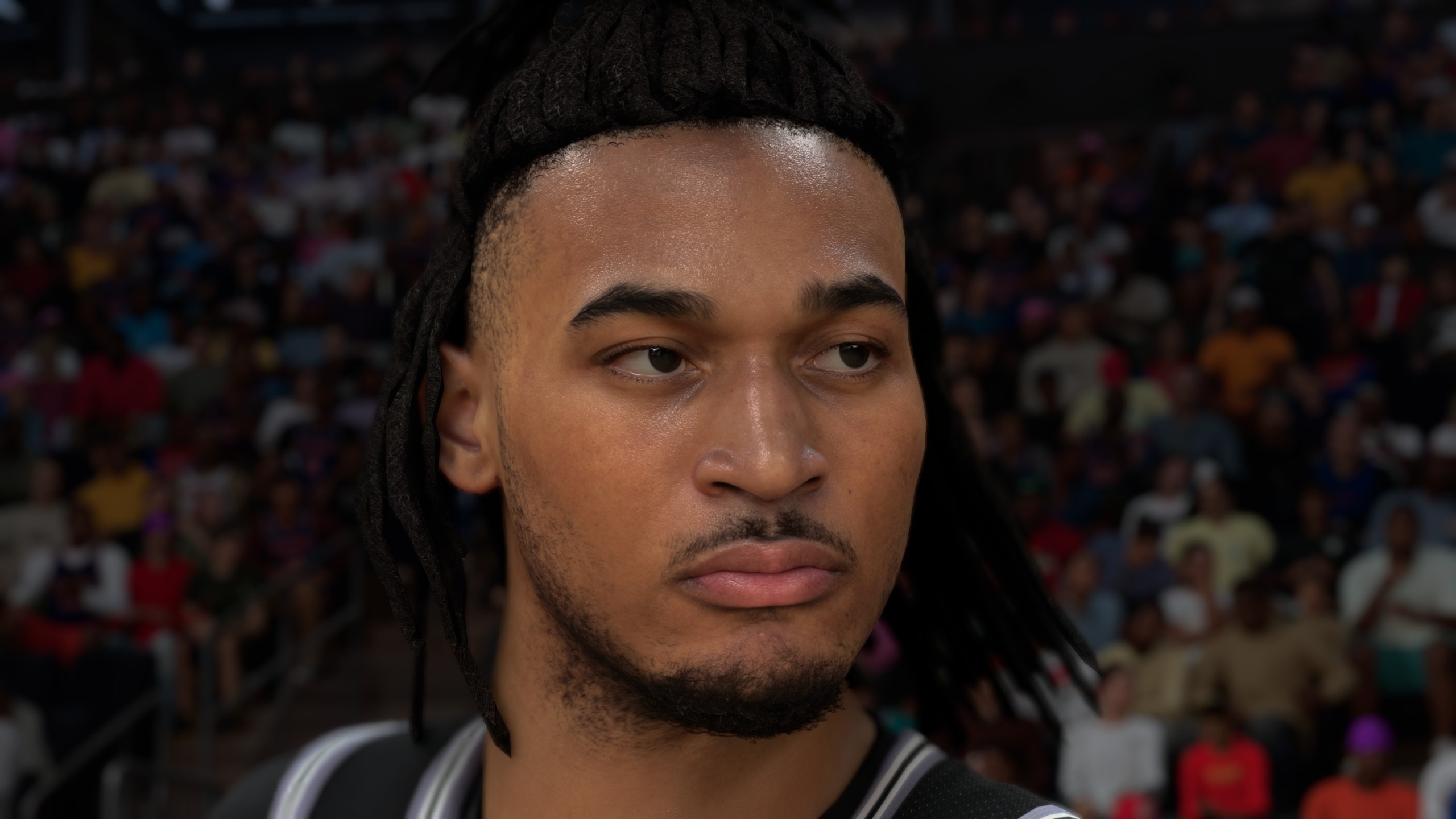
There are no awards for guessing that, at 4K, the effect is even more pronounced. At Native resolution with no upscaling or frame gen assistance, the RTX 5080 spits out an admirable 183 fps average (still at Ultra with ray tracing enabled, no less), which duly plummets to 49 fps as soon as DLSS 5 is enabled.
That represents a staggering 73% decrease in average frames, and an instantly crunchy experience. Sure, 49 fps is perfectly playable, but with the knowledge that NBA 2K27 would be capable of so many more frames with the AI-enhanced pretties turned off, I'm not sure I could grin and bear it.
DLSS 5 | RTX 5080 | 4K gaming benchmarks
Results recorded during gameplay in NBA 2K27 at Ultra settings, ray tracing enabled, using an RTX 5080.
NBA 2K27 (Ultra preset)
Quality upscaling + 2x FG
Quality upscaling + 2x FG + DLSS 5
| Native | 183 Avg FPS, 91 1% Low FPS |
| Native + DLSS 5 | 49 Avg FPS, 31 1% Low FPS |
| Quality upscaling + 2x FG | 255 Avg FPS, 118 1% Low FPS |
| Quality upscaling + 2x FG + DLSS 5 | 92 Avg FPS, 53 1% Low FPS |
What I would do, however, is turn upscaling and frame generation on to compensate. And here, the news is slightly better. A 92 fps average is more like it, with regular old DLSS set to Quality, and 2x frame gen enabled. I feel better already.
That was until I realised that, with DLSS 5 turned off, I'd be getting a 255 fps average at the same settings. That's a 163 fps drop with DLSS 5 enabled, for those counting. Which is a lot of frames to come tumbling out the bottom of your very expensive graphics card.
Given all of Nvidia's benchmarks are with a lower resolution DLSS setting and the full 6x Multi Frame Generation bean, on the one hand I expected DLSS 5 to actually need MFGto achieve smooth frame rates at all, or require Ultra Performance-level upscaling. So, the fact that I can achieve very playable frame rates with just 2x frame gen and upscaling set to Quality is still pretty impressive. But on the other, NBA 2K27 runs so well without DLSS 5 enhancement, the thought of slashing my frame rate by such a huge amount for some prettier, AI-assisted graphics stops me in my tracks. Speaking of which...
DLSS5: Image quality comparison

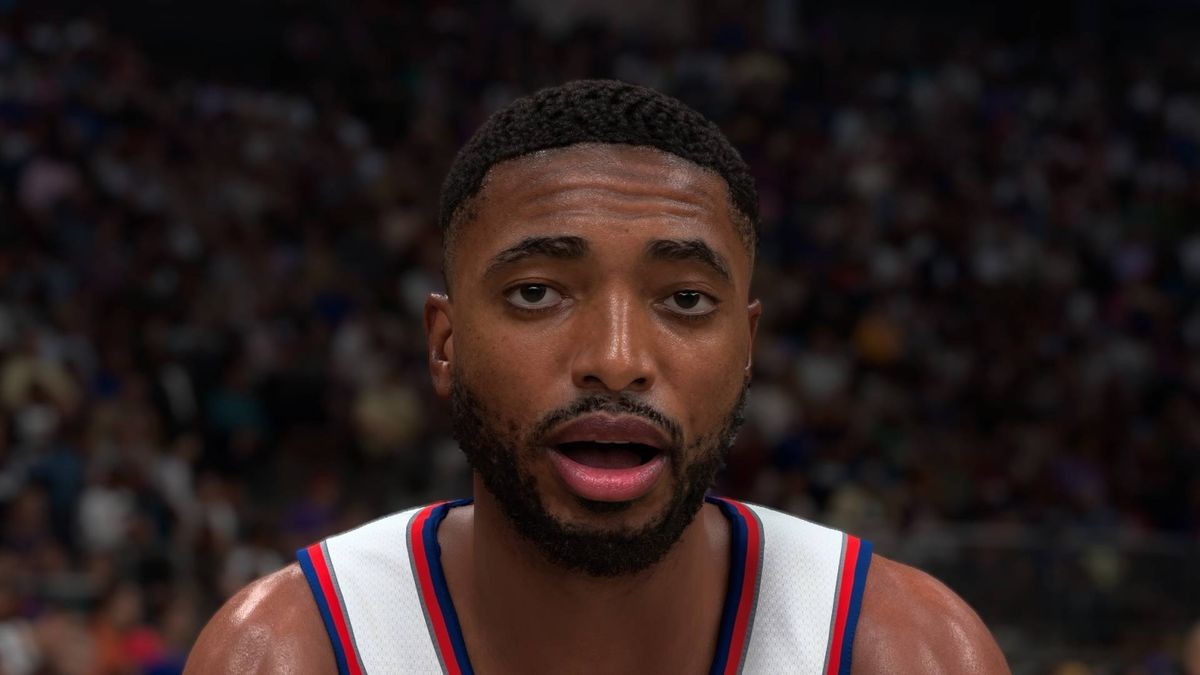
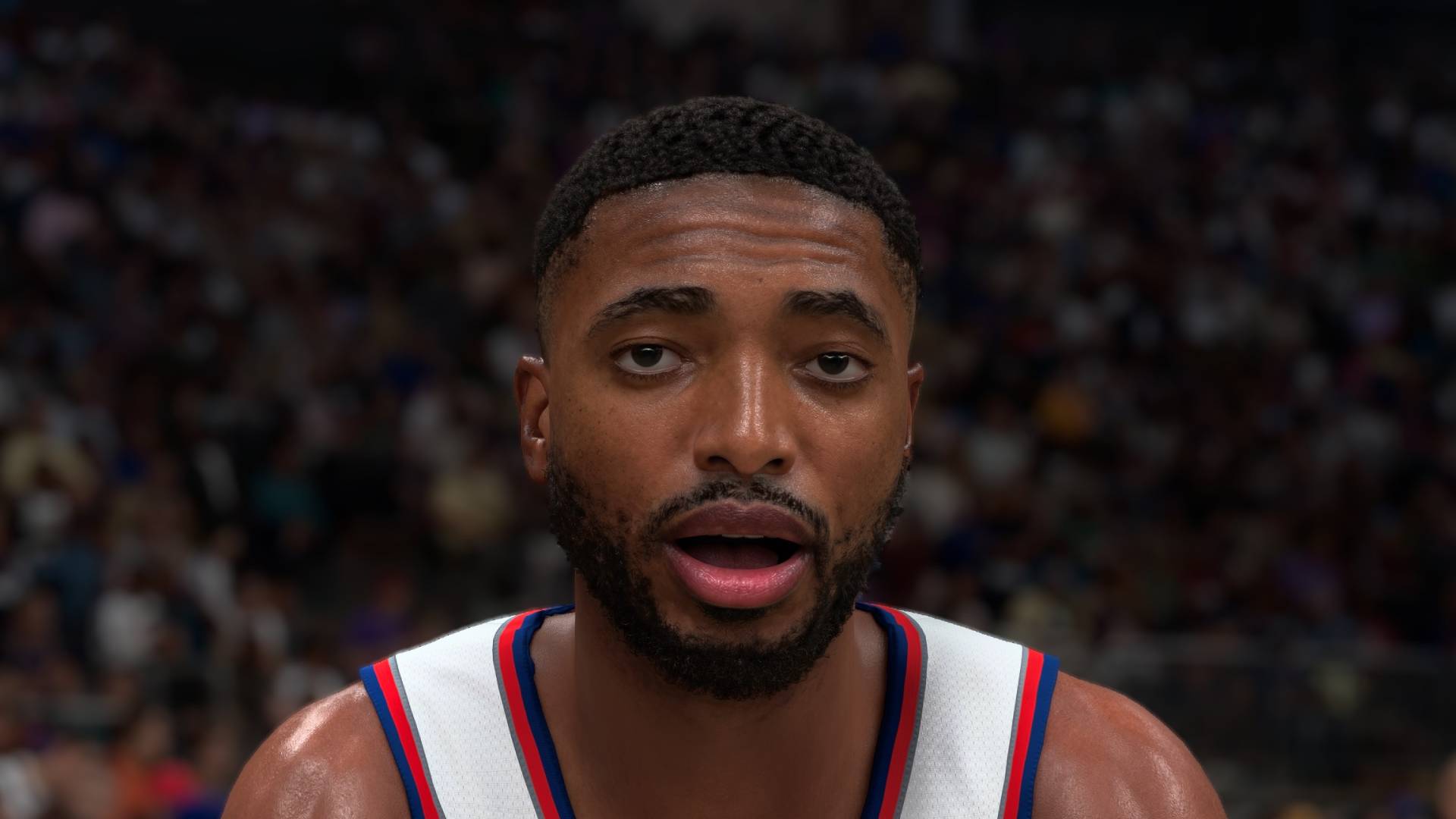
There's one thing I will say for DLSS 5: it looks pretty great in this game. I spent a good hour or two zipping around in the photo mode, marvelling at the visages of my ill-fated basketball team.
The photo mode, however, is where you'll see most of the benefits of Nvidia's new toy. In terms of actual gameplay, you'll spend most of your time in NBA 2K27 in a zoomed out perspective, cursing loudly at the fact you can't time a well-placed three-pointer for toffee.
Sure, there are cuts to player celebrations, slow motion replays, and half-time team talks. But it's when things are paused that you'll see most of the DLSS 5 difference—so that's exactly what I've done for the comparisons below.
NBA 2K27
A comparison of two screenshots in NBA 2K27 photo mode, one with DLSS 5 on, and one with DLSS 5 off.
My early concern about DLSS 5 was that it seemed to produce overblown, AI beauty filter-like imagery, which I personally find very ugly. However, as I pointed out in my DLSS 5 sneak peak, the implementation in this particular game is often much more tasteful.
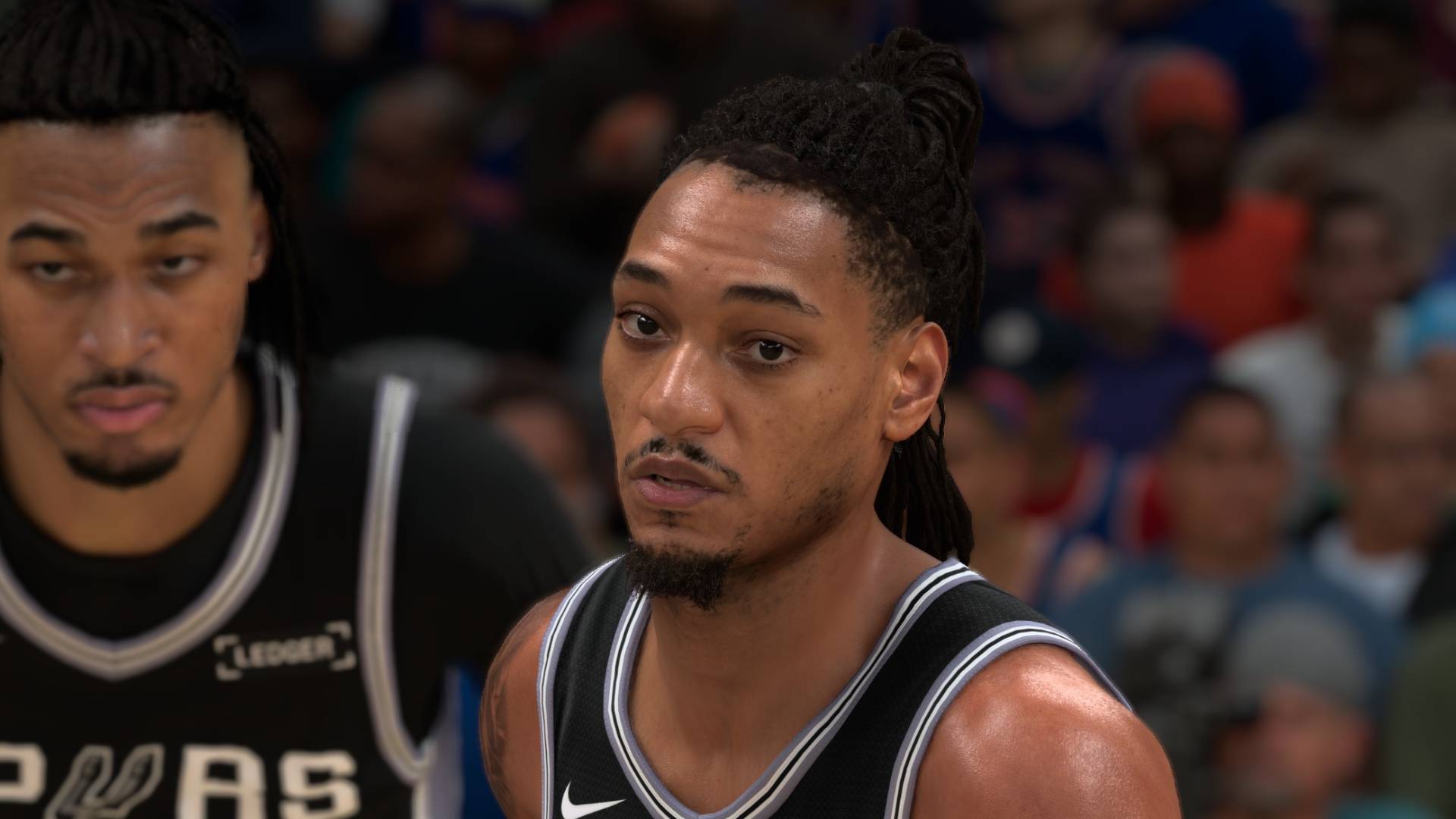
The player above looks more realistic with DLSS 5 turned on. The highlights on the nose and forehead are shinier without looking completely blown out, which, combined with the more realistic shadowing on the facial features overall, creates a very pleasant image.
His beard looks a little more lifelike, as does his hair. And I'd pay special attention to his jersey, which has extra wrinkles in the fabric in the DLSS 5-ified image that give it a more 3D-like effect. Because you'll be paying attention to your team's ironing mishaps in your new basketball game, obviously.
NBA 2K27
A comparison of two screenshots in NBA 2K27, one with DLSS 5 turned on, and one with DLSS 5 turned off.
Switching over to two players together, I think this particular comparison shows off DLSS 5 at its best. Both of their faces look muted and poorly shaded in the non-DLSS 5 version, but swing the slider over and they suddenly come to life.
As your graphics card screams bloody murder, perhaps. But as much of a cynic as I am regarding the idea of AI "enhancement" of any sort, I can't deny that DLSS 5 in close up is capable of producing some lifelike human beings.
Once game developers have tweaked it for themselves, of course, and those settings sliders have been reined in from some of the horrors we saw in the earlier demo footage.
It's far from flawless, though. While some character models look noticeably more realistic, others get some heavy-handed AI treatment that isn't quite so seamless.
Above: NBA 2K27's photo mode, with DLSS 5 turned off to start, and then on and off again in sequence.
Take the footage above, for instance. While I would say there are some definite shading improvements once DLSS 5 is turned on, there's also a kind of overblown, over-contrasted effect to some of the facial features in this particular example that looks slightly off to my eyes.
NBA 2K27
Two screenshots showing the crowd in NBA 2K27, with DLSS 5 turned on and off.
And finally, here's a comparison between the crowds. You're going to need to fullscreen and zoom in on this one, but it's fairly representative of how you'll see the match attendees when you're actually playing the game. Aside from the odd camera cut, they're mostly there for background atmosphere.
And yes, the folks in the cheap seats get a miniature dose of DLSS 5 image enhancement, too. The effect here is very subtle, but it's probably most noticeable on the courtside commentator's face. Which will go past in a flash as you actually play, but hey—check out that ever-so-slightly more chiselled jawline.
So, is DLSS 5 actually worth turning on in this game? Well, I can't help but be impressed by the imagery (for the most part), and this relatively light-touch implementation adds a lot of character to individual members of your team. They're also noticeably sweatier, too, if that's your sort of thing.
But you're going to want plenty of frame rate headroom before you even think of touching the DLSS Neural Rendering checkbox, and that means running a very powerful rig—or cranking up the DLSS upscaling and frame generation to compensate. NBA 2K27 is a very fast-paced game, and the experience suffers quite badly when things get crunchy. You'll want smooth frames for this one, believe me—and if that means turning off DLSS 5, I say go for it.
Still, I can absolutely see why Nvidia picked this game for DLSS 5's first official outing. NBA 2K27 feels well optimised with the AI frippery turned off, and it's not the sort of thing that would otherwise be bothering most modern rigs.
When it tanks the frame rate this heavily, I can't help but feel that it's a technology designed for the next generation of graphics cards
But if my testing is any indication, DLSS 5 can look really good, but still be a massive drain on performance even in a properly optimised game. And I really question who among us will be prepared to make the frame rate trade off, even in a relatively lightweight game like this.
The real test will be in something properly demanding, and it's there where I think the wheels will come off. Better image and lighting quality is all very well, but for this sort of performance cost? I dread to think what it'll do to the already-addled frame rate of something like Borderlands 4, for example.
DLSS 5 is capable of looking much better than I expected, which is something of a relief. But when it tanks the frame rate this heavily, I can't help but feel that it's a technology designed for the next generation of graphics cards, and not the versions we're running today. Even the $1,500+ ones—and how many of us have the spare cash right now for another one of those?

Andy built his first gaming PC at the tender age of 12, when IDE cables were a thing and high resolution wasn't. 26 years later (yes he's getting old), he now spends his days writing about and reviewing graphics cards, CPUs, keyboards, mice, gaming headsets and much, much more. You name it, if it's PC gaming hardware he'll write words about it, with opinions and everything.
What's Your Reaction?
 Like
0
Like
0
 Dislike
0
Dislike
0
 Love
0
Love
0
 Funny
0
Funny
0
 Wow
0
Wow
0
 Sad
0
Sad
0
 Angry
0
Angry
0











Comments (0)