

What is Apple Arcade? Everything you need to know about the gaming service included with your One subscription
 (Image credit: Future / Apple / ustwo games)
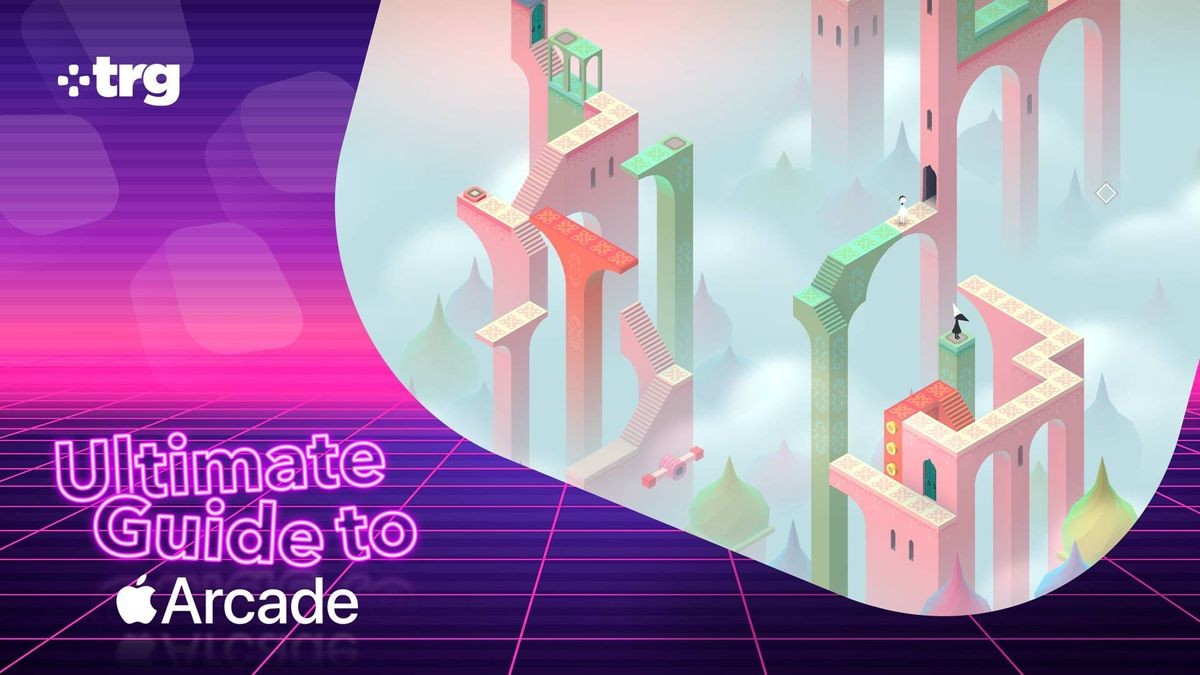
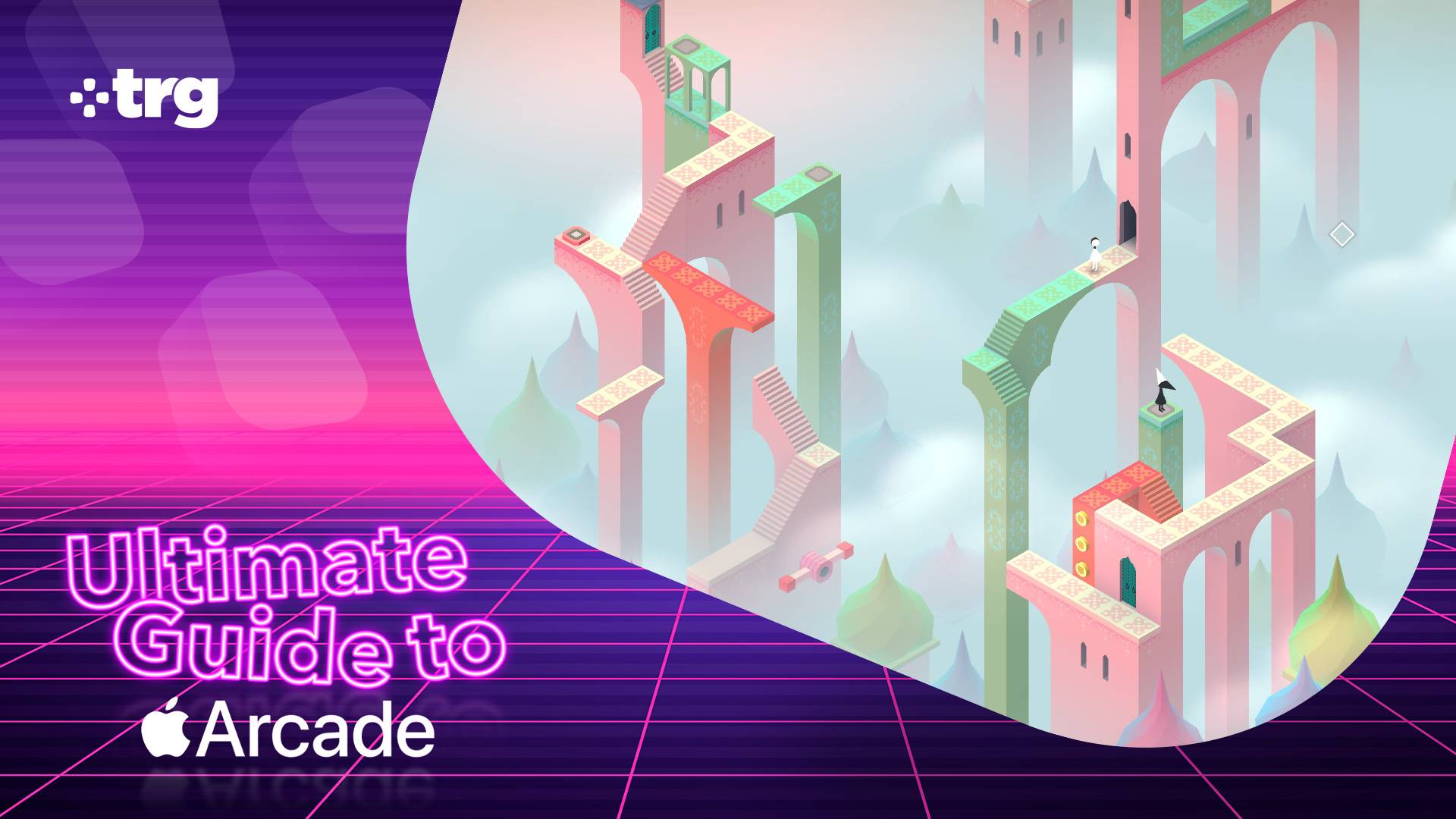
If you're a die-hard iPhone user, then there's a strong chance that you already have access to Apple Arcade and don't take full advantage of it. The gaming service is currently included with all tiers of the Apple One subscription — an all-in-one bundle that also includes the likes of iCloud Plus, Apple TV Plus, and Apple Music in one monthly fee.
Ultimate Guide to Apple Arcade
This article is part of our Ultimate Guide to Apple Arcade: the definitive guide to everything that you need to know about the gaming service. Be sure to browse the full series here.
Even if you don’t pay for Apple One, a free three-month trial of Apple Arcade comes bundled with every new iPhone, iPad, Mac, or Apple TV, plus, the service is available as a standalone subscription if you don’t want it bundled with anything else. Sounds great, right? But what actually is Apple Arcade, how much does it cost, and is it really worth the price?
I’ve spent this week getting to grips with all things Apple Arcade, from diving into some of its biggest exclusive games to comparing it to other competing services, in order to bring you this comprehensive breakdown of everything you need to know about it. Read on and become an Apple Arcade expert.
What actually is Apple Arcade?
Apple Arcade is a gaming subscription service by Apple designed for its iPhone, iPad, Mac, Apple TV and even Apple Vision Pro devices. It launched in September 2019 and gives you access to a huge library of more than 200 premium games that you can download and play offline.
Unlike many titles that you might download from the App Store, Apple Arcade games are wholly devoid of both ads and in-app purchases. They are complete experiences that you can dive into without the risk of annoying interruptions or being asked to shell-out real world cash for in-game items or downloadable content (DLC).
What kind of games are included?
Wherever you are, Apple Arcade is open | Parking Lot | Apple Arcade - YouTube

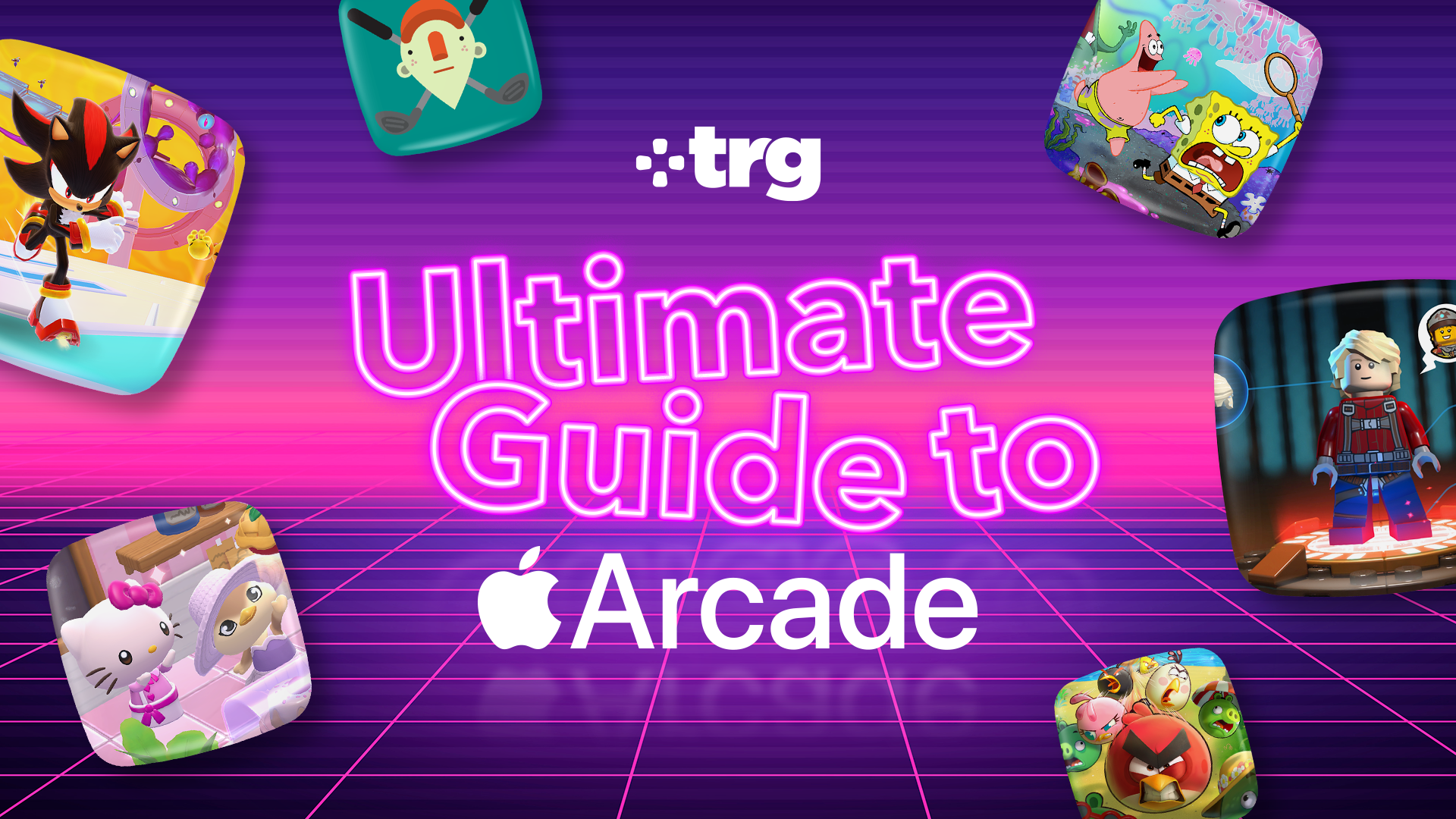
There are more than 200 games available on Apple Arcade, with options across a wide variety of genres. This includes a selection of high-quality original games such as fast-pace platformer Sonic Dream Team, cozy life simulator Hello Kitty Island Adventure, and beautiful role-playing game Fantasian.
There are also some ports of console and PC games, such as hit strategy game Sid Meier's Civilization 7 Arcade Edition, Disney life sim Disney Dreamlight Valley Arcade Edition, and indie roguelike Cult of the Lamb.
Sign up for breaking news, reviews, opinion, top tech deals, and more.
You will also find loads of premium versions of existing mobile titles with no ads or microtransactions in the likes of Doodle Jump 2+, Fruit Ninja Classic+, Bloons TD 6+, and much more.
You can use our quiz below for some hand-picked recommendations.
How much does Apple Arcade cost?
The Apple Arcade standard plan costs $6.99 / £6.99 / AU$9.99 a month.
You can save some cash by opting for an annual plan instead, which is $49.99 / £49.99 / AU$79.99 — a saving of $33.89 / £33.89 / AU$39.89 compared to 12 months of monthly payments.
No matter which of these two options you choose, you can share your Apple Arcade subscription with up to six family members at no extra cost.
Apple Arcade is also available as part of all Apple One tiers (Individual, Family, and Premier). Unlike Apple Arcade, Apple One is not available in an annual subscription format, so you can only pay for it on a monthly basis. You can view and compare all of the options below.
Swipe to scroll horizontally
Plan |
Price |
Included services |
Sharing limit |
Apple Arcade |
$6.99 / £6.99 / AU$9.99 per month $49.99 / £49.99 / AU$79.99 yearly |
Apple Arcade |
Up to six users |
Apple One Individual |
$19.95 / £18.95 / AU$24.95 per month |
Apple Arcade, Apple Music, Apple TV Plus, 50GB iCloud Plus |
One user |
Apple One Family |
$27.95 / £24.95 / AU$34.95 per month |
Apple Arcade, Apple Music, Apple TV Plus, 200GB iCloud Plus |
Up to six users |
Apple One Premier |
$39.95 / £36.95 / AU$52.95 per month |
Apple Arcade, Apple Music, Apple TV Plus, Apple News Plus, Apple Fitness Plus, 2TB iCloud Plus |
Up to six users |
How to claim your Apple Arcade free trial
In most regions a new iPhone, iPad, Mac, or Apple TV now comes with a three-month free subscription to Apple Arcade. The offer is only valid for 93 days (that's roughly three months), so if you have an eligible device you should consider claiming it quickly if you're interested.
To do so, simply follow these four simple steps
- Open the App Store on the eligible device
- Tap the Apple Arcade tab at the bottom of the screen
- The offer should appear automatically
- Follow the on-screen instructions to redeem it
If you're not eligible for a complimentary three-month subscription, there's no need to worry — because new subscribers can still claim a one-month trial via the App Store.
Whether you claim three months or one month, bear in mind that a valid payment method will be required in order to get set up. This will be billed at the standard subscription price when your promotional period is over, so remember to cancel your subscription if you want to avoid any charges.
You can find out how to do this on the official Apple Support page.
Do you need a controller to play Apple Arcade games?

You don't actually need a controller to play the majority of Apple Arcade games. On iPhone and iPad, almost every title supports full touch screen controls and can be enjoyed without any extra hardware.
If you're playing on Mac, many titles support keyboard and mouse controls.
On Apple TV, you're most likely to need a dedicated gamepad as there are only a few titles that work well with the included remote.
Of course, lots of games still allow you to use a controller on any device even if it's not strictly required and I'd recommend it if you're after an even more console-like gaming experience.
You can see some models that I've personally tested and would recommend for Apple Arcade below.
What about the competition?
If you're strictly looking for a gaming subscription service for your iPhone, then Apple Arcade doesn't really have much direct competition.
The biggest alternatives on that platform are cloud gaming services such as Amazon Luna, which you can access through your iPhone's web browser. These stream games to your phone directly from a cloud server, which means that they require a constant internet connection and cannot be accessed offline.
They also don't work too well with on-screen controls, which means a controller like the dedicated Luna Wireless Controller is required for anything but the most casual titles.
That said, cloud gaming does have some big advantages. You can access full console or PC games, including massive titles such as Fortnite, Fallout 4, or Shadow of the Tomb Raider. As they do not rely on your local hardware, they can also offer high-end graphics features such as maximum in-game settings and ray tracing — though slow or choppy internet can negate this by introducing visual artifacts.
If you have access to an Android Phone, Google Play Pass is a potential alternative. It's cheaper than Apple Arcade but similarly grants access to loads of mobile games with zero ads or microtransactions. It also includes some productivity apps, meaning that it's a little more versatile than the strictly gaming-focused Apple Arcade.
That said, its software library feels much more chaotic and less curated. It also lacks the compelling exclusive releases that I think really bring a lot of value to Apple Arcade.
Apple Arcade FAQs
Do Apple Arcade games work offline?
Yes, all Apple Arcade games work offline. This means that you can play them on your iPhone or iPad when you're out of the house and don't have a steady internet connection.
Is it worth getting Apple Arcade?
Apple Arcade can be worth getting if you frequently play mobile and want a more curated, premium experience. The lack of in-game ads and microtransactions means that you don't have to worry about annoying distractions or impulse spending, while many of the exclusive games are high-quality experiences that are worth playing.
Do I lose my games if I cancel Apple Arcade?
You will lose access to Apple Arcade games if you cancel your subscription. You don't need to worry about losing any progress, however, as your save data is stored by Apple via iCloud. This means you can pick up exactly where you left off if you resubscribe at a later date.
Can games leave Apple Arcade?
Although it is uncommon, games can leave Apple Arcade. When this happens you can keep playing the game for a short grace period, before it becomes unavailable on your device.

Follow TechRadar on Google News and add us as a preferred source to get our expert news, reviews, and opinion in your feeds. Make sure to click the Follow button!
Dash is an experienced tech journalist who specializes in video games, electronic entertainment products, and the wider industry that surrounds them. He currently serves as the Gaming Editor at TechRadar, leading our review, preview, feature, and news coverage of the latest and greatest releases.
Before joining the team, he was Contributing Writer at PLAY (formerly Official PlayStation Magazine UK) and has written articles for many of the UK's other biggest gaming magazines including the likes of Edge, PC Gamer, and SFX.
Now, when he's not getting his greasy little mitts on the newest hardware or gaming gadget, he can be found listening to J-pop or feverishly devouring the latest Nintendo Switch otome.
What's Your Reaction?
 Like
0
Like
0
 Dislike
0
Dislike
0
 Love
0
Love
0
 Funny
0
Funny
0
 Wow
0
Wow
0
 Sad
0
Sad
0
 Angry
0
Angry
0









Comments (0)