

Adobe Brings ACR’s Powerful Non-Destructive Exposure Tools Into Photoshop Itself
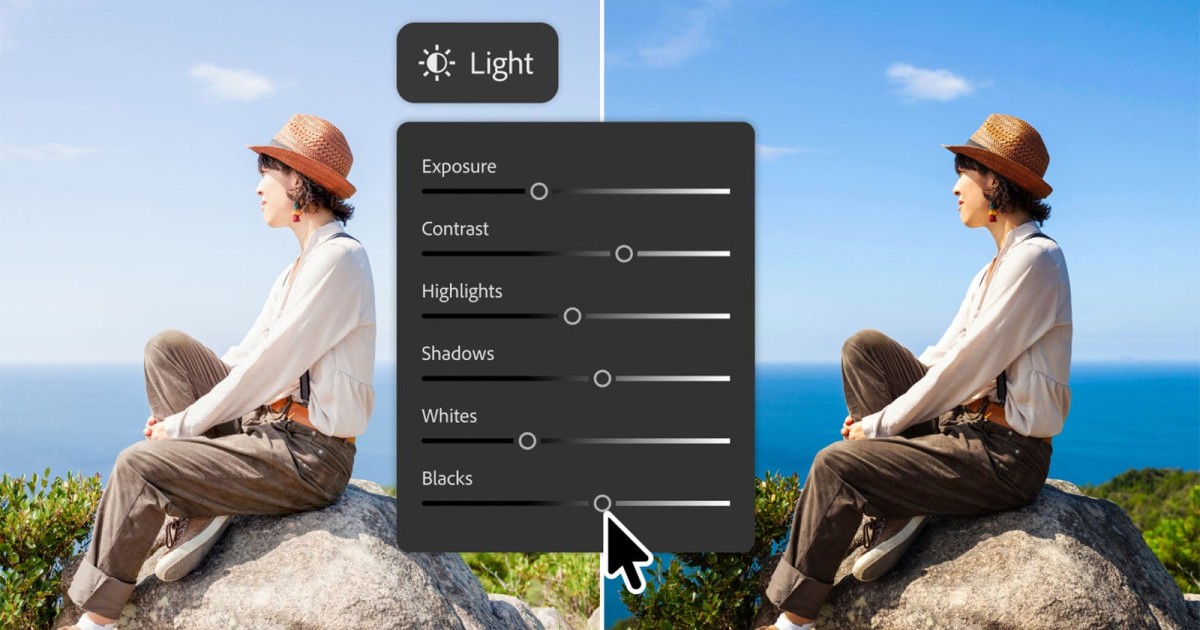
Adobe says that the best creative software lets users focus more on their creative ideas and less on the actual tools required to bring them to life. The company believes Photoshop’s latest update builds upon this vision and gives photographers more flexibility and choice in how they create.
These latest Photoshop innovations promise more efficiency and precision in how they edit images inside of Photoshop. Photoshop is getting a Light Adjustment Layer, a Firefly-powered masking and editing tools, and markup tools. The longtime image editing app is also getting a full-fledged AI Assisted Editor, albeit just in beta at first.
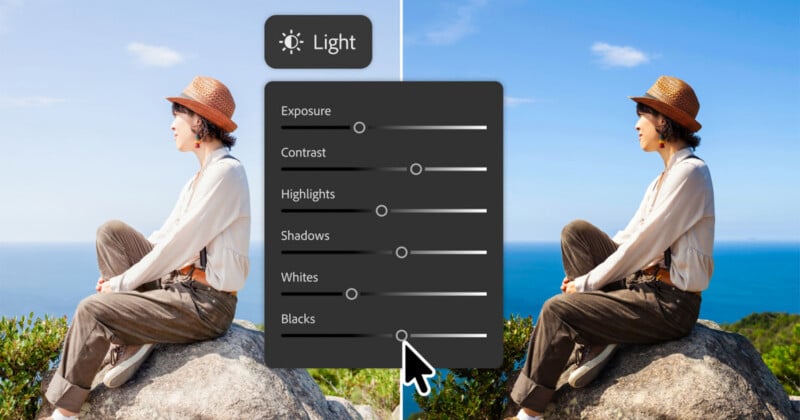
The new Light Adjustment Layer promises professional-grade lighting controls, including over Exposure, Contrast, Highlights, Shadows, Whites, and Blacks. This non-destructive adjustment layer takes some of Adobe Camera Raw’s most powerful photo editing tools and puts them directly inside Photoshop. The more that photographers can do directly inside Photoshop, the better.
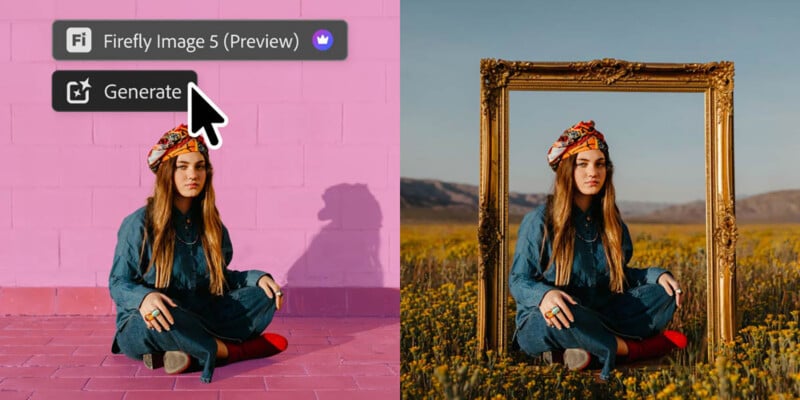
Powered by Firefly Image 5, the new Instruct Edit with Masks function promises to understand the entire context of a photograph. Users essentially describe what they want to change in the image, such as opening a person’s closed eyes or changing a model’s clothing, and Instruct Edit with Masks will automatically mask and change the relevant area, leaving the rest of the photo untouched.
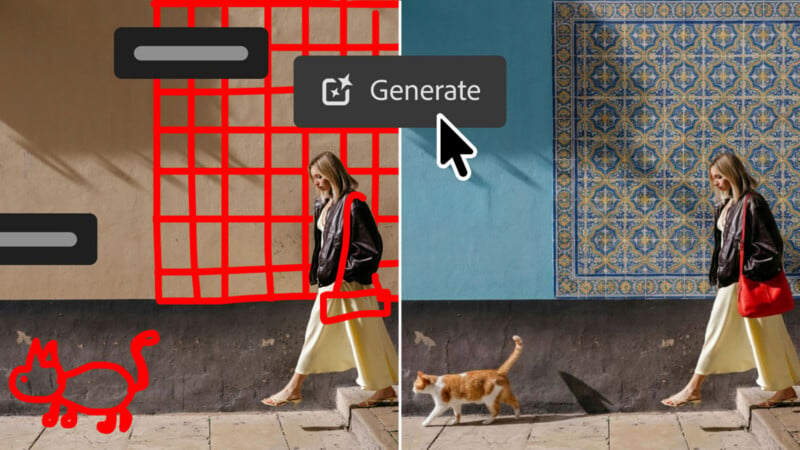
Many photographers who work with clients or editors use Photoshop. Dedicated AI Markup tools are now available in Photoshop, letting photographers (or clients) communicate desired edits directly on the photo. Users can select areas to recolor, sketch arrows to indicate where to make changes, or draw rough sketches to suggest more significant changes to an image. Firefly then does its best to show what the markup refers to.
Although not quite as exciting for photographers as the new Light Adjustment Layer, Photoshop’s Dynamic Text can now work alongside any custom shape or path. There’s also improved Adobe Stock Panel Integration that brings more than 900 million Adobe Stock assets into Photoshop on a dockable panel, so users no longer need to leave Photoshop to discover, preview, or use Adobe Stock assets in their work.

Arriving in Photoshop today as a beta, the new AI Assisted Editor introduces a dedicated interface with a natural language bar that lets people make edits through simple prompts. Depending on the prompt, Photoshop will leverage its wide array of tools to try and achieve the desired results.
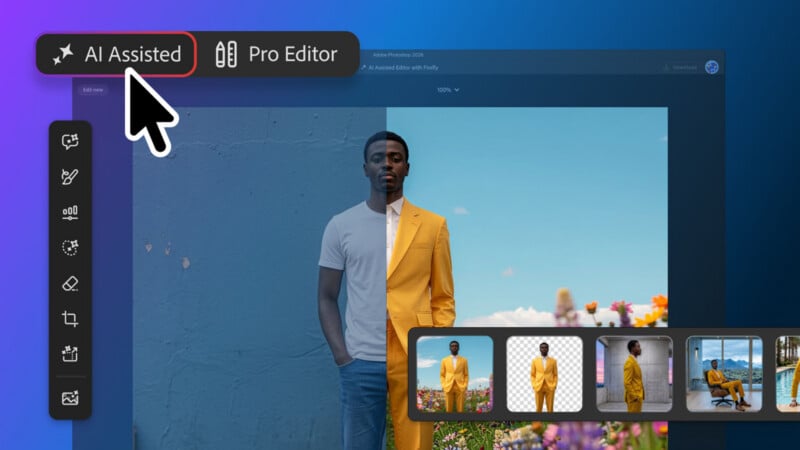
The AI Assisted Editor can work alongside AI-powered features like Remove Background, Generative Expand, Generative Fill, and Generative Upscale without requiring the user to actually do anything more than type out a few words.
“Whether you prefer prompts, precision tools, or a combination of both, Photoshop offers the flexibility to support the way you create,” Adobe says.
The new Adobe Photoshop updates are available now.
Image creditsAdobe
What's Your Reaction?
 Like
0
Like
0
 Dislike
0
Dislike
0
 Love
0
Love
0
 Funny
0
Funny
0
 Wow
0
Wow
0
 Sad
0
Sad
0
 Angry
0
Angry
0












Comments (0)