

GTA 6 could take more than a day to download according to Wi-Fi experts

 (Image credit: Rockstar Games)
- Grand Theft Auto 6 could take more than a day to download for those with slow Wi-Fi speeds
- This is according to experts at comparison website Uswitch, who estimate that the game could be around 120GB
- Pre-loading will begin on November 12 for those who pre-order the game
With Grand Theft Auto 6 pre-orders officially available, many are already making plans for the November 19, 2026, launch date. Developer Rockstar Games has confirmed that those who pre-order the game will be able to begin pre-loading it on November 12, and it seems making good use of that time will be incredibly important for those eager to dive in on day one.
This is because new research by the broadband experts at comparison website Uswitch suggests that the game could take over a day to download for those with slower Wi-Fi connections.
They predict that the GTA 6 file size could be 120GB, only a little more than GTA 5. This means a download time of more than one day if you're stuck on old copper ADSL connections (which offer speeds of roughly 10Mbps), while those with the UK average 170.2Mbps download speed will have to wait an hour and 34 minutes for the game to be ready to play.
Things are much better over in the US, where the average download speed is roughly 300 Mbps, with just a 53-minute and 20-second wait according to Uswitch's download time calculator.
Swipe to scroll horizontally
Download Speed | Estimated Download Time (120GB) |
10Mbps | 1d 2h 40min |
30Mbps | 8h 53min 20sec |
50Mbps | 5h 20min |
100Mbps | 2h 40min |
170.2Mbps [National Average] | 1h 34min |
250Mbps | 1h 4min |
500Mbps | 32min |
1.0 Gbps (1000Mbps) | 16min |
1.5 Gbps (1500Mbps) | 10min 40sec |
You can use the table above to work out how long GTA 6 might take to download for you based on that 120GB estimate, though Uswitch notes that actual download times can vary based on real-world conditions like server demand and peak-time congestion.
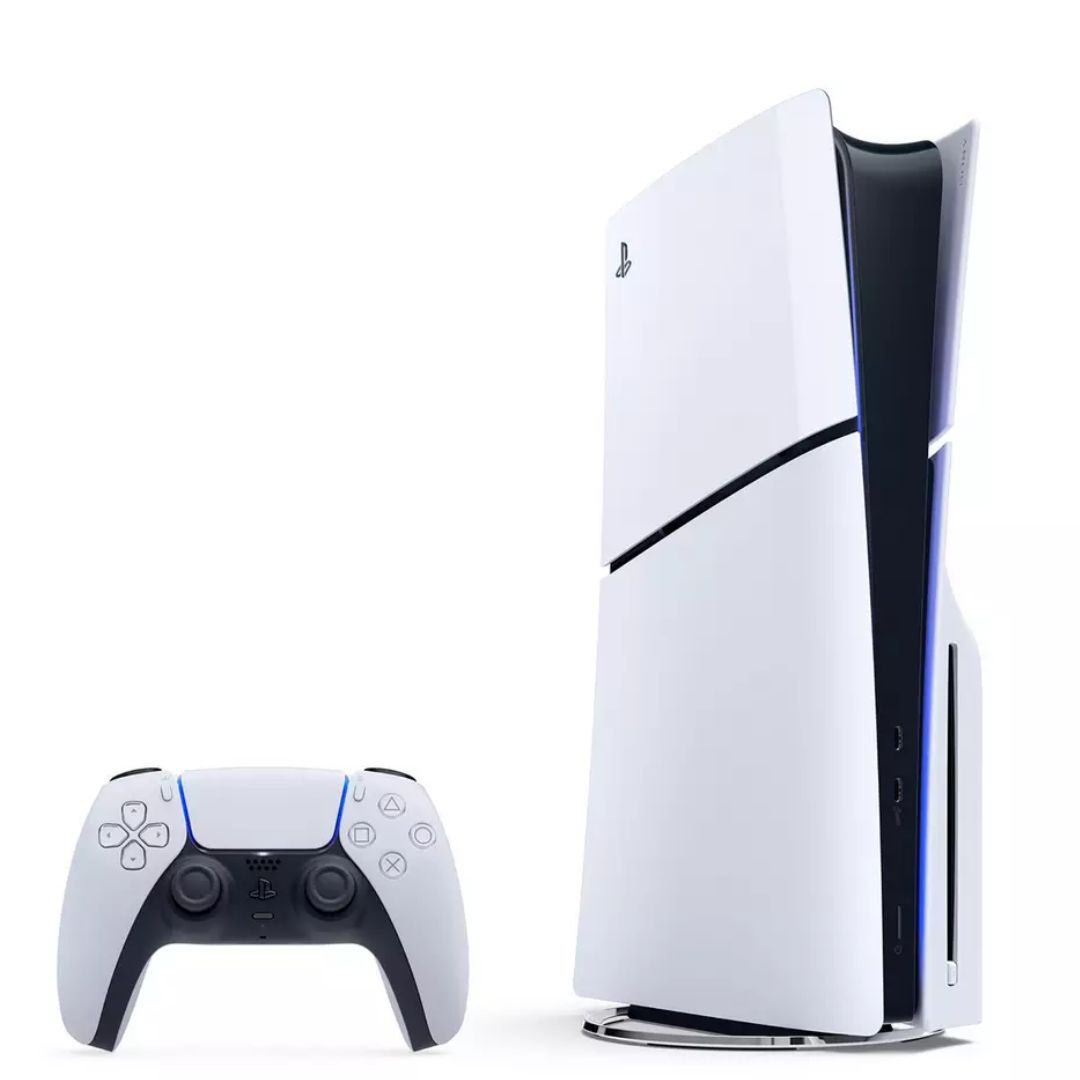
Their in-house broadband expert, Max Beckett, says you can also make sure you're getting the best possible speeds with some "simple moves" like using an Ethernet cable to connect your router directly to your PlayStation 5 or Xbox Series X or Series S in order to keep speeds consistent.
He also says "positioning your Wi-Fi router in a central, open area of your home can help maximise speeds" and recommends Wi-Fi extenders to ensure coverage in larger homes.
Sign up for breaking news, reviews, opinion, top tech deals, and more.
If you're still suffering from slow speeds, then he suggests shopping around for other plans: "You may find that you can get a much faster speed for very similar prices these days."

Follow TechRadar on Google News and add us as a preferred source to get our expert news, reviews, and opinion in your feeds. Make sure to click the Follow button!
Dash is an experienced tech journalist who specializes in video games, electronic entertainment products, and the wider industry that surrounds them. He currently serves as the Gaming Editor at TechRadar, leading our review, preview, feature, and news coverage of the latest and greatest releases.
Before joining the team, he was Contributing Writer at PLAY (formerly Official PlayStation Magazine UK) and has written articles for many of the UK's other biggest gaming magazines including the likes of Edge, PC Gamer, and SFX.
Now, when he's not getting his greasy little mitts on the newest hardware or gaming gadget, he can be found listening to J-pop or feverishly devouring the latest Nintendo Switch otome.
What's Your Reaction?
 Like
0
Like
0
 Dislike
0
Dislike
0
 Love
0
Love
0
 Funny
0
Funny
0
 Wow
0
Wow
0
 Sad
0
Sad
0
 Angry
0
Angry
0









Comments (0)